

If you're making content for TikTok, there's one number that matters more than almost any other: 9:16. That's the magic aspect ratio, the vertical format built from the ground up to fill a smartphone screen. Forget widescreen movies—think "tallscreen" for how we actually use our phones.
What Is the TikTok Aspect Ratio?
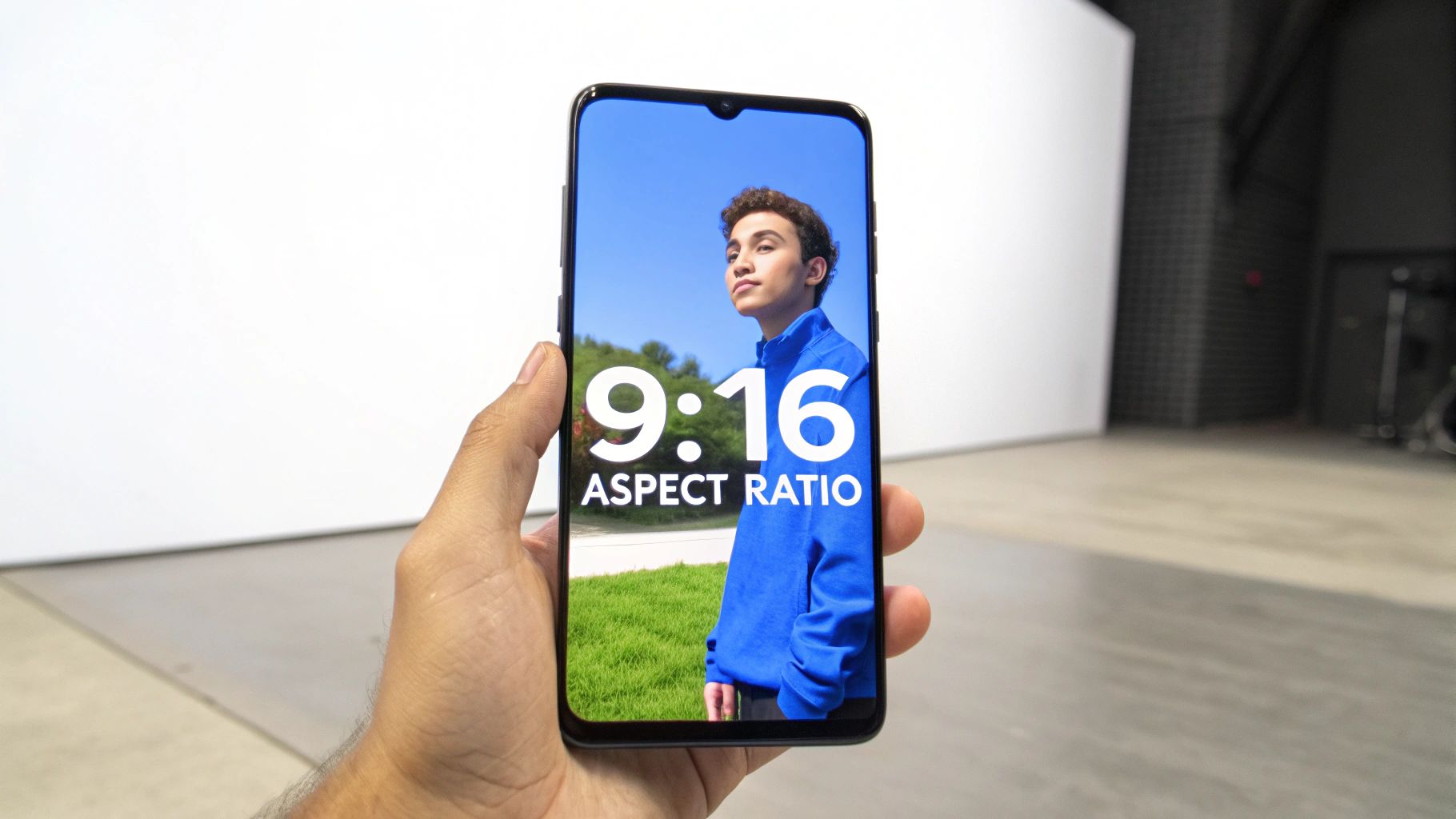
Simply put, aspect ratio is just the relationship between a video's width and its height. A 9:16 ratio means that for every 9 units of width, your video has 16 units of height. This creates that classic tall, rectangular shape that perfectly matches the way we all hold our phones.
Nailing this format is probably the single most important technical detail for any TikTok creator. Why? Because it lets your video dominate the screen, grabbing a viewer's full attention as they scroll through an endless feed. If you ignore it, you’ll end up with those clunky black bars on the top and bottom, which just screams "unprofessional" and makes people scroll right past.
The Technical Details
For a clean, crisp video that looks amazing on any phone, you'll want to aim for a resolution of 1080×1920 pixels. This is the high-definition standard for the 9:16 format.
Here’s a quick rundown of the essential technical specs for a perfect TikTok video.
TikTok 9:16 Video Quick Specs
| Specification | Recommendation |
|---|---|
| Aspect Ratio | 9:16 (Vertical) |
| Dimensions | 1080px by 1920px |
| Orientation | Portrait (Vertical) |
| File Format | MP4 or MOV |
| File Size | Under 500MB (for mobile) |
These specs ensure your content looks exactly as you intended it.
This vertical-first approach has completely defined the world of short-form video. It makes sense, especially when you consider that 80% of TikTok users are between 16 and 34—an audience that lives on their phones. Ever since TikTok merged with Musical.ly back in 2018, it has doubled down on 9:16 as its signature format.
If you want to dive deeper into how different platforms use different shapes, check out our guide to the best aspect ratios for TikTok, YouTube, and Instagram.
Why 9:16 Is the Key to TikTok Engagement
That 9:16 aspect ratio isn't just a random technical setting—it’s the entire foundation of the TikTok experience. Think about it: when you're scrolling your "For You" page, each video hijacks your entire phone screen. This full-screen takeover is intentional, creating an immersive bubble that shuts out all other distractions.
On a platform where attention is the only currency that matters, holding someone's focus for even a couple of extra seconds is a massive win. The vertical format just feels right on a phone. Nobody has to turn their device sideways or squint at a tiny horizontal video, which removes just enough friction to keep them watching longer.
The Psychology of Vertical Video
Vertical video works because it mirrors how we naturally hold our phones. This makes the content feel more immediate, personal, and authentic. It also completely democratizes content creation, since anyone with a smartphone can shoot and upload a perfectly formatted video. You don't need a clunky horizontal camera rig or fancy editing software to reframe your shots.
This dead-simple accessibility is a huge part of why the platform exploded in the first place and why so much content gets uploaded every single day.
The vertical format isn’t just a preference; it’s a strategic advantage. It forces creators to frame their stories in a way that’s direct, focused, and perfect for a quick scroll, which is exactly what fuels viral content.
And this strategy pays off in a big way. The data is clear: vertical videos absolutely dominate on the platform. The sweet spot seems to be clips between 9 and 15 seconds in the 9:16 ratio, which consistently pull in higher views no matter the account size. The format just works better in mobile feeds, where 80% of users aged 16-34 are spending their time. If you want to dive deeper into the numbers, you can explore the latest 2024 TikTok video data.
How TikTok Handles Other Video Formats
While 9:16 is TikTok's native language, the app is surprisingly forgiving. You can upload square (1:1) or even traditional widescreen (16:9) videos, but it comes with a pretty big trade-off.
Instead of filling the screen, these other formats get boxed in. A horizontal 16:9 video will be letterboxed with black bars on the top and bottom. A square 1:1 video gets pillarboxed with bars on the sides. It instantly shrinks your content, breaking that immersive, full-screen vibe that makes TikTok so addictive.
When Other Ratios Make Sense
So, is there ever a good reason to ditch 9:16? Sometimes, yes.
A 1:1 ratio can be a lifesaver if you're quickly repurposing an old Instagram post and don't have time to re-edit. And a cinematic 16:9 video might be the only way to do justice to a movie trailer or a sweeping landscape shot where the wider view is the whole point.
TikTok wasn't always this flexible. Initially, it was a vertical-only world. This evolution shows that while the platform has a clear favorite, it's opened the door for more creative freedom.
Below is a table comparing how different ratios look and perform on the platform.
TikTok Aspect Ratio Comparison
| Aspect Ratio | Best Use Case | How It Appears | Performance Impact |
|---|---|---|---|
| 9:16 | Native TikToks, Shorts, and Reels | Fills the entire mobile screen | Highest potential for engagement and reach |
| 1:1 | Repurposing Instagram posts or simple graphics | Centered on the screen with black bars on sides | Reduced immersion; can feel out of place and hurt watch time |
| 16:9 | Movie trailers or wide landscape shots | Centered with large black bars on top and bottom | Significantly breaks the user experience; often skipped by viewers |
Ultimately, while you can use other formats, sticking to 9:16 is the best way to play the game TikTok wants you to play.
This concept map really drives home how the native 9:16 ratio fuels the entire TikTok experience.
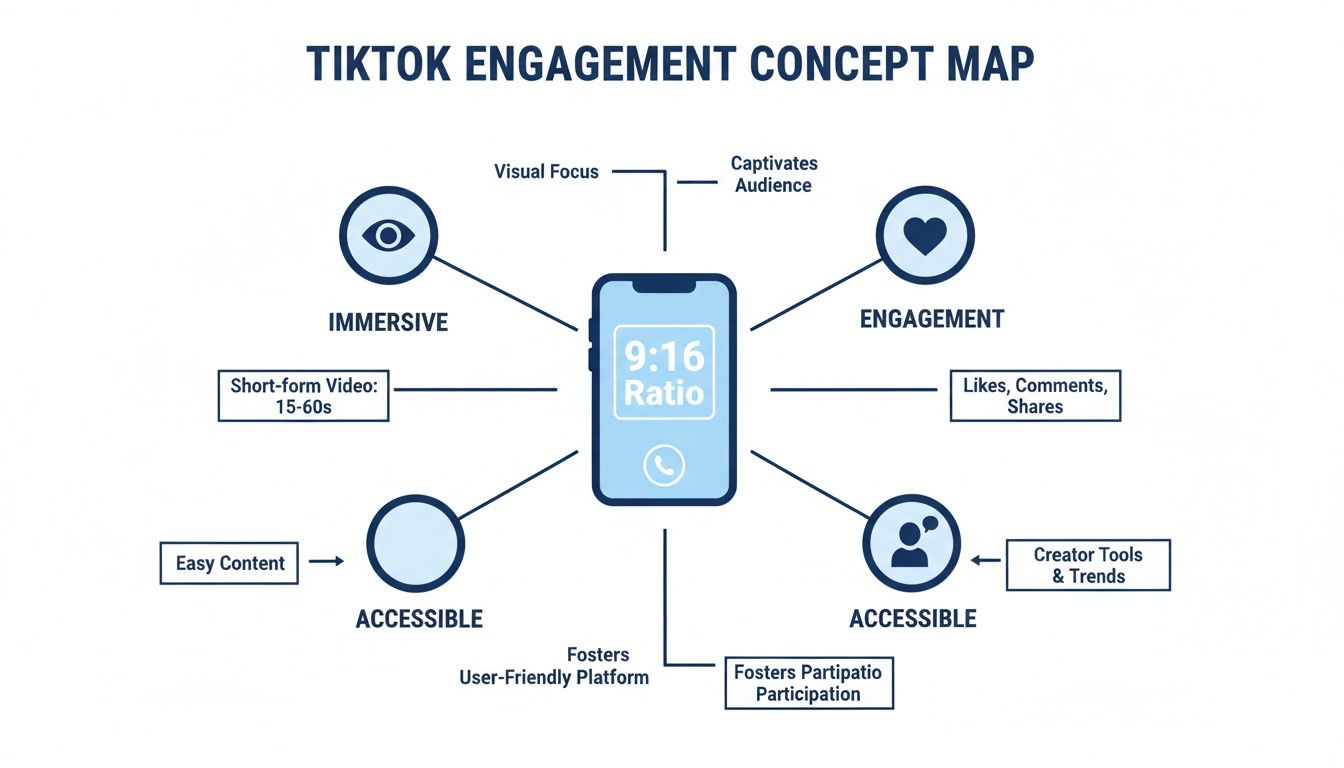
It’s a simple formula: full-screen content leads to a better user experience, which in turn leads to higher engagement.
This isn't just a TikTok thing, either. The same logic applies across the board in short-form video. Learning What are YouTube Shorts shows just how completely vertical video has taken over. For a deeper dive into optimizing for other platforms, our guide on https://shortsninja.com/blog/shorts-video-size/ is a great next step.
Mastering TikTok Safe Zones to Protect Your Content
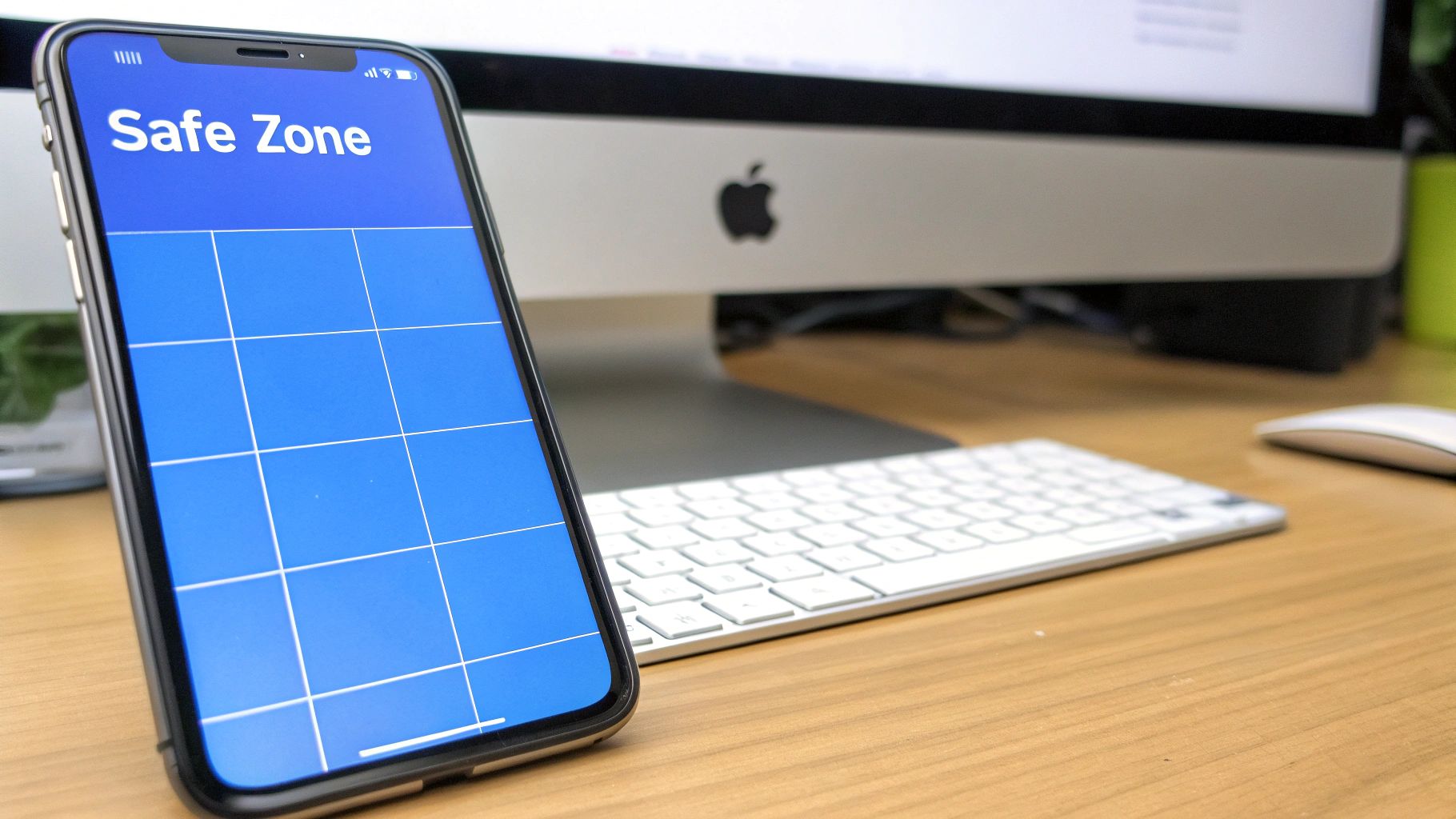
Getting your video perfectly formatted to the 9:16 aspect ratio is a huge first step, but it’s not the finish line. It’s a common frustration for creators: you upload a great-looking video, only to find that key text, your logo, or even part of your face is hidden behind TikTok’s interface.
This is where understanding safe zones becomes an absolute game-changer.
The safe zone is simply the central part of your screen that stays completely visible, no matter what. Think of it as an invisible frame inside your 9:16 video. Anything you place inside this frame is safe from being covered up by buttons and text.
Visualizing the Danger Zones
To keep your content clear, you have to know where not to put important stuff. These "danger zones" are the parts of the screen that TikTok reserves for its user interface.
Here are the key areas to keep clear:
- The Bottom: This is the most cluttered part of the screen. It's where your username, caption, the song title, and all the engagement icons live.
- The Right Side: This vertical strip is home to the like, comment, save, and share buttons. Don’t let them block your shot.
- The Top Edge: There's also a small margin at the very top that can get cut off by system notifications or the "LIVE" icon.
By keeping all your critical visual information—like text overlays, product shots, or important facial expressions—tucked safely inside that central zone, you make sure your message lands exactly as you intended.
Ignoring these boundaries makes your content look unprofessional and can confuse your viewers. That’s a fast track to getting scrolled past. Mastering the safe zone is just as important as choosing the right resolution; it's the final polish that separates amateur posts from professional videos that get noticed.
How to Automate Perfect 9:16 Formatting

Let's be honest, manually setting every single video to the perfect 9:16 aspect ratio gets old fast. It’s repetitive, tedious, and frankly, a waste of creative energy. The good news? You can ditch the complex video editing software for good. Modern AI tools now handle all the formatting automatically, baking it right into your workflow.
Think about it: you could go from a simple idea to a fully formatted, ready-to-post TikTok in just a few minutes. Instead of fussing with pixels and export settings, your only job is to focus on the creative vision. The tech takes care of the rest.
A Streamlined AI Workflow
The whole process kicks off with your concept. From that single spark, AI can generate a script, create the visuals, and even add a voiceover. The best part is that these tools are built to output everything directly in the optimal 9:16 format, so there’s zero guesswork.
A typical automated workflow looks something like this:
- Input Your Idea: Just give the AI a simple prompt or topic.
- Generate a Script: It spits out a script designed for short-form video.
- Create AI Visuals: The platform pulls together matching video clips and images.
- Finalize and Export: Your video is automatically assembled in a perfect 1080×1920 format, ready for the world.
This hands-off approach guarantees every video is natively optimized for the TikTok feed. It basically shifts your role from technical editor to creative director, freeing you up to produce high-quality, perfectly formatted content at scale.
This level of automation means you can finally maintain a consistent posting schedule without the quality ever taking a hit. For a deeper dive, a good AI Video Editing Guide can offer more tips on automating these kinds of adjustments for platforms like TikTok.
Tools like ShortsNinja are taking this even further by integrating the entire process, from scripting all the way to the final export. You can even set up an auto-upload schedule for TikTok to make your content pipeline completely hands-free. By embracing these tools, you’re not just ensuring technical precision—you’re reclaiming your time to focus on what actually matters: your ideas.
A Few More Questions About TikTok Aspect Ratio
Even after you nail down the basics of TikTok's aspect ratio, a few common questions tend to pop up. Here are some quick answers to the tricky situations you might run into.
What Happens If I Upload a Video That Is Not 9:16?
If you upload a video in a different format, like a square (1:1) or a standard widescreen (16:9), TikTok will still post it. The catch? It’ll automatically add black bars to force your video into a vertical frame.
This is called letterboxing, and it’s a dead giveaway that the content was made for another platform. While your video will play, it completely kills the immersive, full-screen vibe that makes TikTok so addictive. That can signal to viewers that it's repurposed content, which often leads to lower engagement.
Can I Use a Resolution Lower Than 1080×1920?
You sure can. While 1080×1920 pixels is what you should always aim for to get that crisp, professional look, it's not a hard requirement. The lowest you should ever go is 720×1280 pixels, which still keeps that all-important 9:16 aspect ratio.
A 720p resolution means a smaller file size, which is a lifesaver if you're uploading on a shaky internet connection. But for the sharpest quality, 1080p is king.
At the end of the day, it's about balancing quality and practicality. A clean 720p video that uploads smoothly is always better than a stuttering 1080p video that fails to process.
Does the 9:16 Aspect Ratio Apply to Stories and Ads?
Absolutely. The 9:16 aspect ratio is the law of the land across the entire TikTok universe. This isn’t just for your main feed videos—it applies to TikTok Stories and every single ad format, from standard In-Feed Ads to the premium TopView placements.
Sticking to this vertical format makes sure everything you post feels native and performs its best, no matter where it shows up. Consistency is key to creating a seamless experience for your audience and making a real impact.
Ready to create perfectly formatted, engaging TikTok videos in minutes? ShortsNinja uses AI to automate everything from scripting and visual generation to exporting in the ideal 9:16 aspect ratio. Try it for free and see how easy it can be!