
Jumping into video creation can feel overwhelming, especially when faced with expensive software and complex interfaces. The good news? You don't need a Hollywood budget or a professional editor's experience to produce polished, engaging videos. The market is filled with powerful, free tools perfect for aspiring creators, small business owners, and anyone looking to tell a story through video. This guide cuts through the noise to showcase the 12 best free video editing software for beginners, helping you find the perfect match for your specific goals and skill level.
We've done the heavy lifting, testing and analyzing each platform to give you a clear, honest assessment. Forget generic feature lists; this resource provides practical insights into what it's actually like to use these tools. For each option, we break down:
- Key Features: What makes the software stand out?
- Pros & Cons: An honest look at strengths and weaknesses.
- Ideal Use-Case: Who is this software really for?
- Platform Compatibility: Where can you use it?
Whether you're making your first YouTube video, crafting a viral TikTok, or editing a promotional clip for your business, this comprehensive list will help you find the perfect software to bring your vision to life without spending a dime. We'll explore everything from professional-grade suites like DaVinci Resolve that can grow with your skills to intuitive apps like CapCut designed for quick social media edits. Each entry includes direct links and screenshots, so you can get started immediately. Let's find the right editor for you.
1. Blackmagic Design — DaVinci Resolve
DaVinci Resolve is an industry-standard, all-in-one post-production suite that astonishingly offers a powerful free version. While its professional reputation might seem intimidating, it’s a phenomenal choice for beginners who want a tool they can grow into without ever hitting a feature wall. Resolve uniquely combines editing, color correction, visual effects (VFX), motion graphics, and audio post-production into a single, seamless workflow.
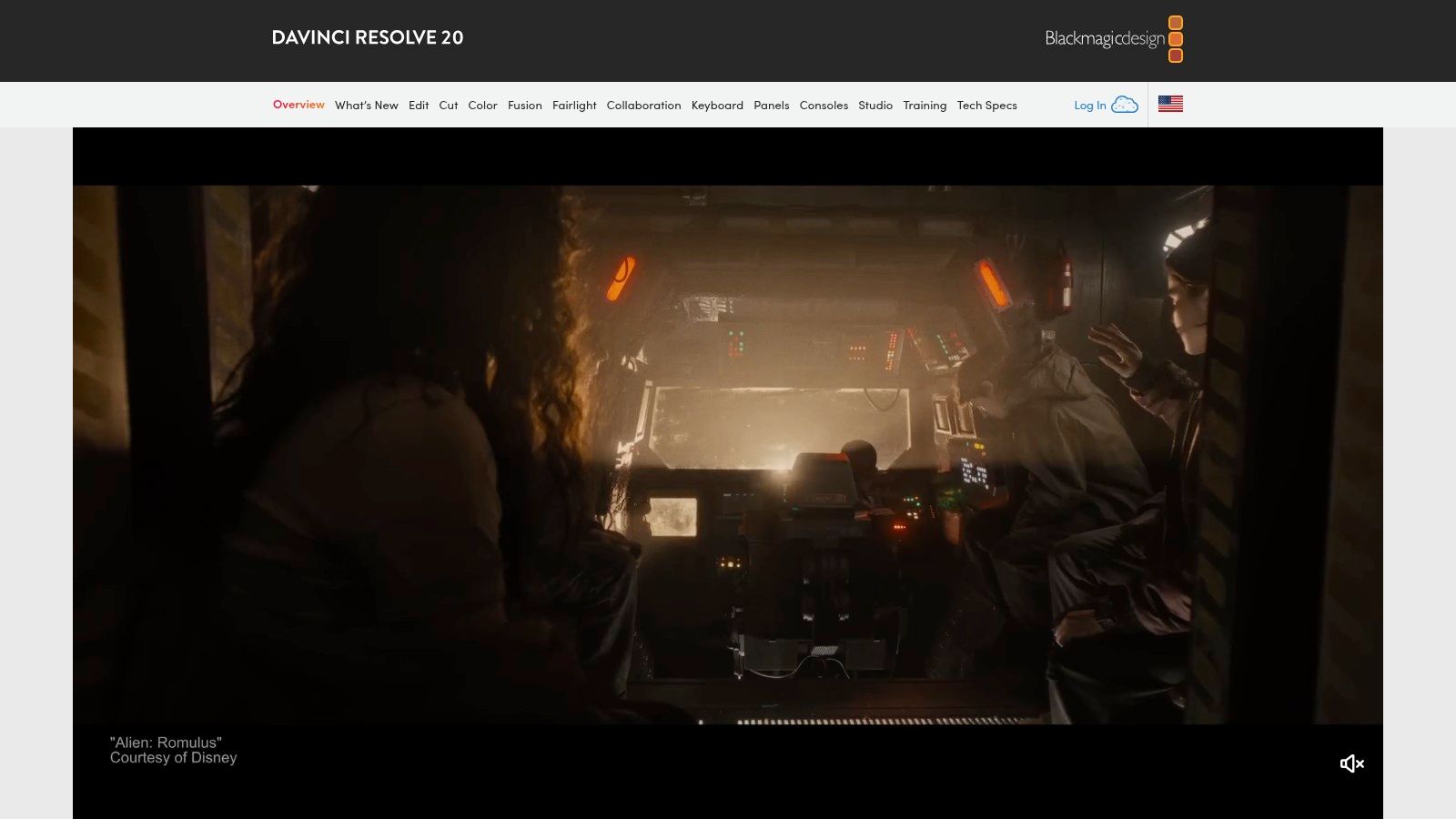
Unlike most free software that imposes limitations or watermarks, the free tier of DaVinci Resolve is nearly identical to its paid Studio version. This makes it one of the best free video editing software for beginners who are serious about learning the craft. The dedicated "Cut Page" is designed for rapid-fire editing, perfect for social media content, while the "Color Page" offers Hollywood-level grading tools.
Key Features & Considerations
- All-in-One Workflow: Move between editing, color, effects, and audio with a single click. No need to switch between different applications.
- Professional Power, Free: Access advanced tools like node-based compositing in Fusion and a full digital audio workstation in Fairlight without paying anything.
- High Learning Curve: This power comes at a cost. The interface is complex, and beginners should expect to invest time watching tutorials to get comfortable.
- System Requirements: While it runs on most modern systems, you’ll need a decent computer with a dedicated graphics card for a smooth experience, especially when working with effects or high-resolution footage.
While Resolve itself has robust manual tools, those looking for AI-powered shortcuts to accelerate their workflow can find inspiration from our guide on AI-powered video editing tools.
Learn more at: https://www.blackmagicdesign.com/products/davinciresolve
2. Microsoft Clipchamp
Microsoft Clipchamp is an incredibly accessible, browser-based video editor that’s built directly into Windows 11 but is available to anyone online. Its strength lies in its simplicity, making it a perfect starting point for absolute beginners who need to create polished videos for social media, presentations, or personal projects without a steep learning curve. The template-driven workflow allows you to get started in seconds with professional-looking designs.
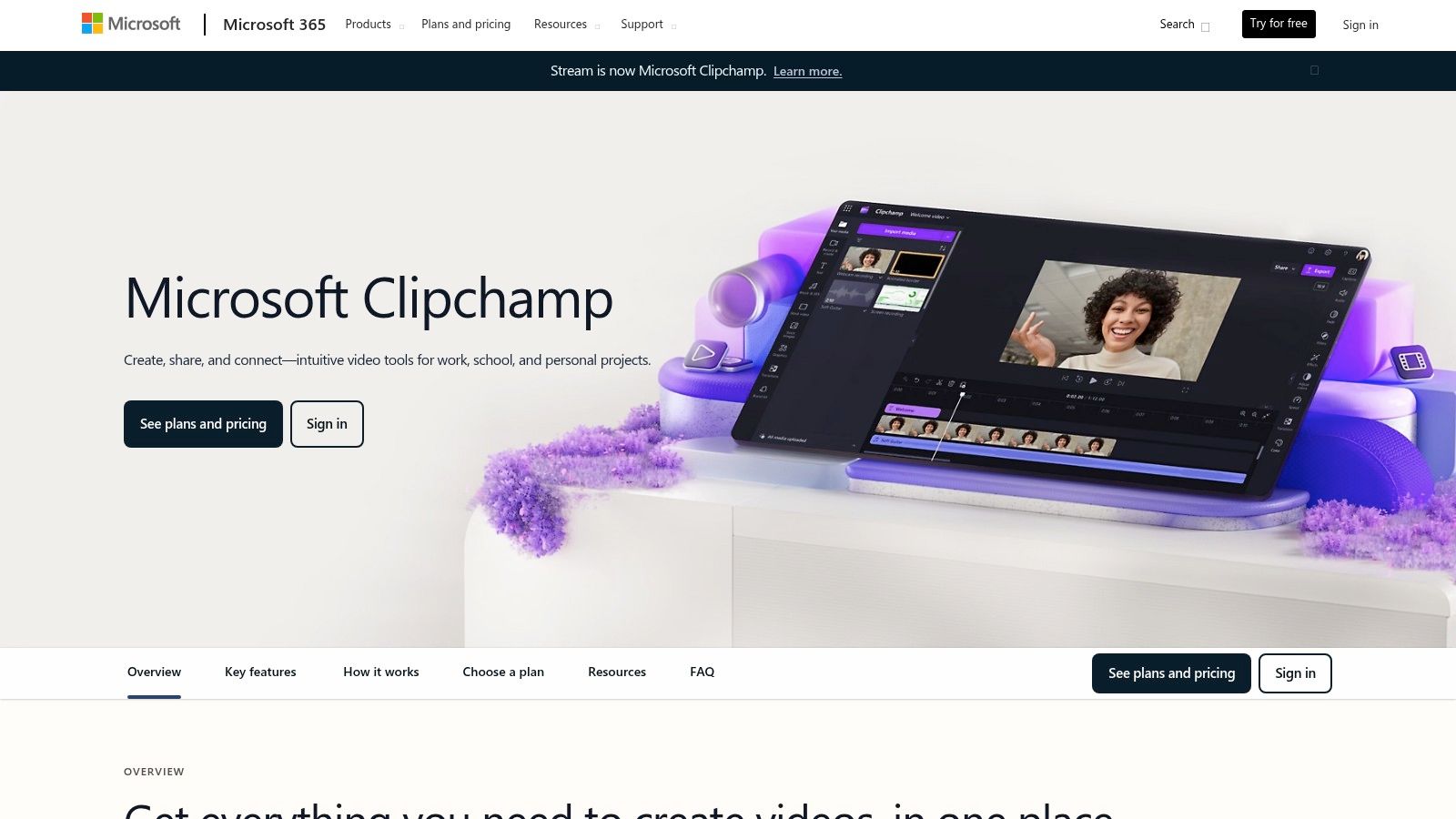
Unlike many web-based editors that restrict quality or add branding, Clipchamp's free plan generously offers watermark-free exports in crisp 1080p resolution. This makes it a standout option among the best free video editing software for beginners who prioritize ease of use and quick results. Its drag-and-drop interface, combined with a library of stock assets and helpful AI features like auto-captions, removes nearly all friction from the creative process.
Key Features & Considerations
- Beginner-Friendly Interface: The simple timeline and drag-and-drop functionality are intuitive, allowing new users to assemble clips, add text, and apply effects immediately.
- No Watermarks & 1080p Exports: The free tier provides high-quality, unbranded exports, a rare and valuable feature for a no-cost tool.
- Integrated Stock Library: Access a selection of free stock video, audio, and graphics directly within the editor to enhance your projects.
- Reliance on Internet: As a web-based platform, your editing experience is dependent on a stable internet connection, and processing can be slower than with desktop software. Some advanced features and premium stock assets are locked behind a Microsoft 365 subscription.
Learn more at: https://www.microsoft.com/en-us/microsoft-365/clipchamp
3. Apple iMovie
For users embedded in the Apple ecosystem, iMovie is the quintessential starting point for video editing. It comes pre-installed and completely free on all Macs, iPhones, and iPads, offering a streamlined and intuitive interface that removes the typical complexities of video production. Its primary strength lies in its simplicity, making it perfect for creating polished home movies, school projects, or social media clips without a steep learning curve.
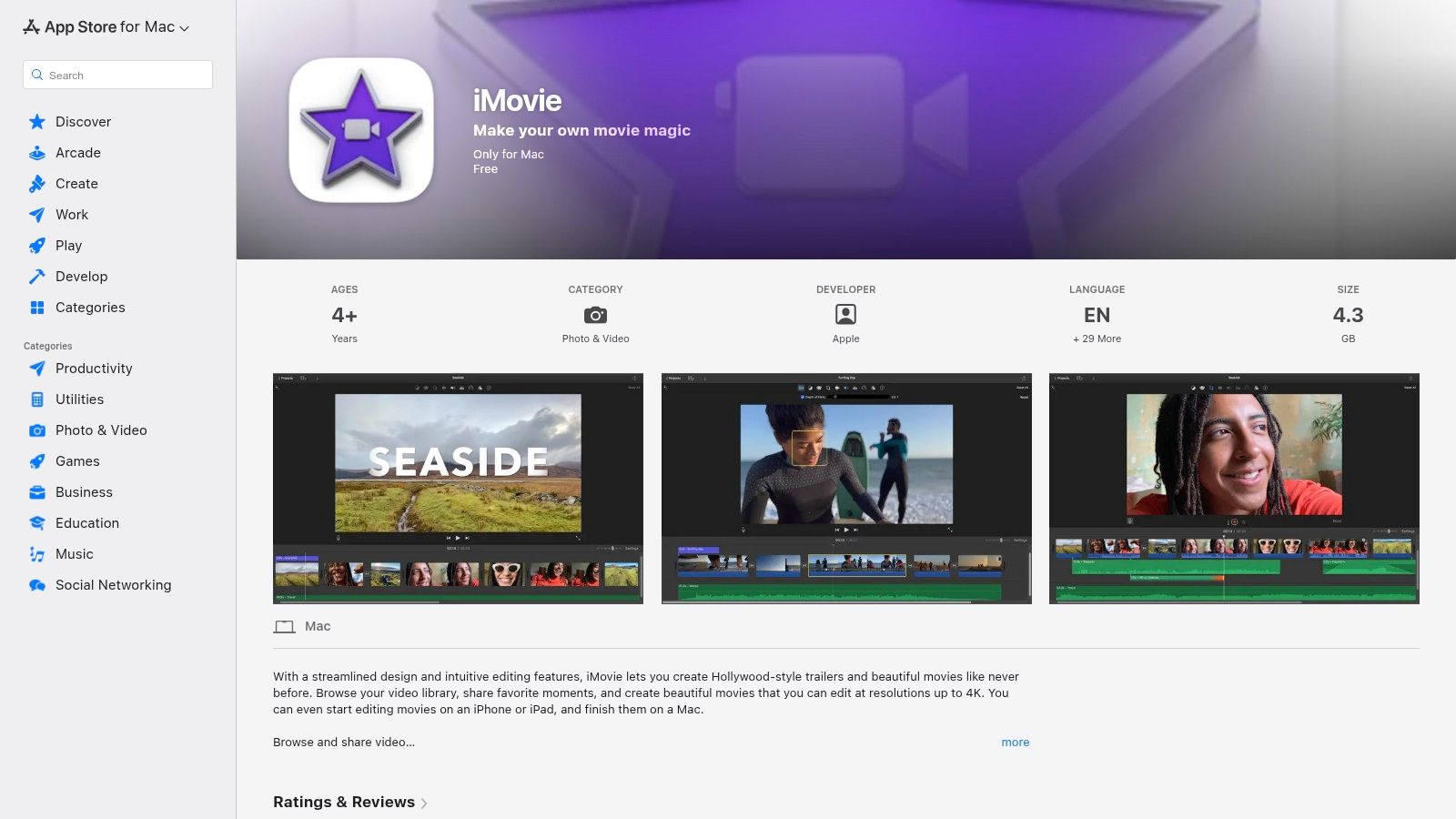
iMovie excels at getting you from raw footage to a finished video quickly. Features like "Magic Movie" and "Storyboards" automate much of the editing process, while the seamless integration between iOS and macOS allows you to start a project on your iPhone and finish it on your Mac. While it lacks the deep professional controls of more advanced software, its clean design and surprisingly capable feature set make it one of the best free video editing software for beginners who prioritize ease of use and speed.
Key Features & Considerations
- Extremely User-Friendly: The drag-and-drop interface is one of the easiest to learn, allowing absolute beginners to start editing in minutes.
- Apple Ecosystem Integration: Start an edit on your iPhone during your commute and seamlessly continue on your Mac at home using Handoff or iCloud.
- Apple-Only Availability: iMovie is exclusively available on Apple devices (macOS, iOS, iPadOS), making it inaccessible for Windows and Android users.
- Limited Advanced Controls: While it handles basics like titles, green screen, and 4K export well, it lacks the manual controls, extensive effects, and color grading tools found in professional software.
Learn more at: https://apps.apple.com/us/app/imovie/id408981434
4. CapCut
CapCut has rapidly become the go-to editor for social media creators, transitioning from a mobile-first app to a powerful desktop and web-based platform. It's designed for speed and trend-focused content, offering a massive library of templates, effects, and AI-powered tools that simplify complex edits into single clicks. Its intuitive interface is perfect for creators focused on producing TikToks, Reels, and Shorts without a steep learning curve.
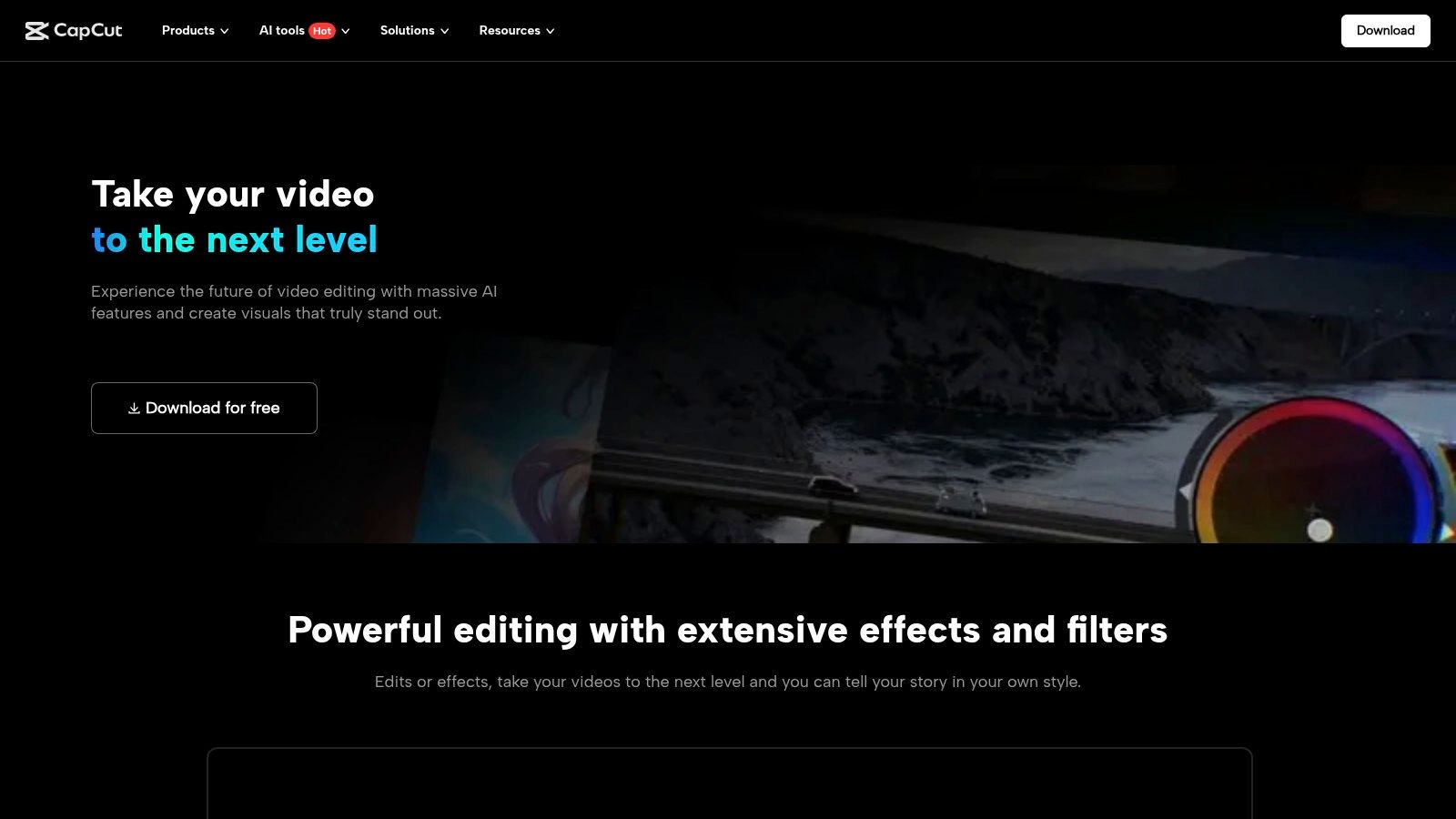
Unlike traditional software, CapCut excels at automating tedious tasks. Features like auto-captions, background removal, and smart reframing for different aspect ratios are built directly into the workflow. This makes it one of the best free video editing software for beginners aiming for a fast, efficient process for short-form video. The core experience is completely free and without watermarks, making it incredibly accessible for anyone starting out.
Key Features & Considerations
- AI-Powered Tools: Instantly generate captions with impressive accuracy, remove video backgrounds without a green screen, and reframe horizontal video for vertical platforms.
- Vast Template & Effects Library: Access thousands of trending templates, filters, transitions, and audio clips to quickly create engaging content.
- Cross-Platform Syncing: Start a project on your phone and finish it on your desktop. Cloud features require an account sign-in but enable a seamless workflow across devices.
- Freemium Model: While the core editor is robust and free, some advanced effects, templates, and cloud storage features are locked behind a CapCut Pro subscription.
The platform's focus on vertical video makes it an ideal tool for social media. For more tips on optimizing your content, see our guide on how to edit a video for TikTok.
Learn more at: https://www.capcut.com/tools/desktop-video-editor
5. Shotcut
Shotcut is a powerful, open-source, and completely free video editor that strikes an excellent balance between user-friendly features and advanced capabilities. As a cross-platform tool, it works seamlessly on Windows, Mac, and Linux, making it a versatile choice for anyone. Its strength lies in its extensive format support, thanks to FFmpeg, which means you can edit virtually any video file without a lengthy import or conversion process.
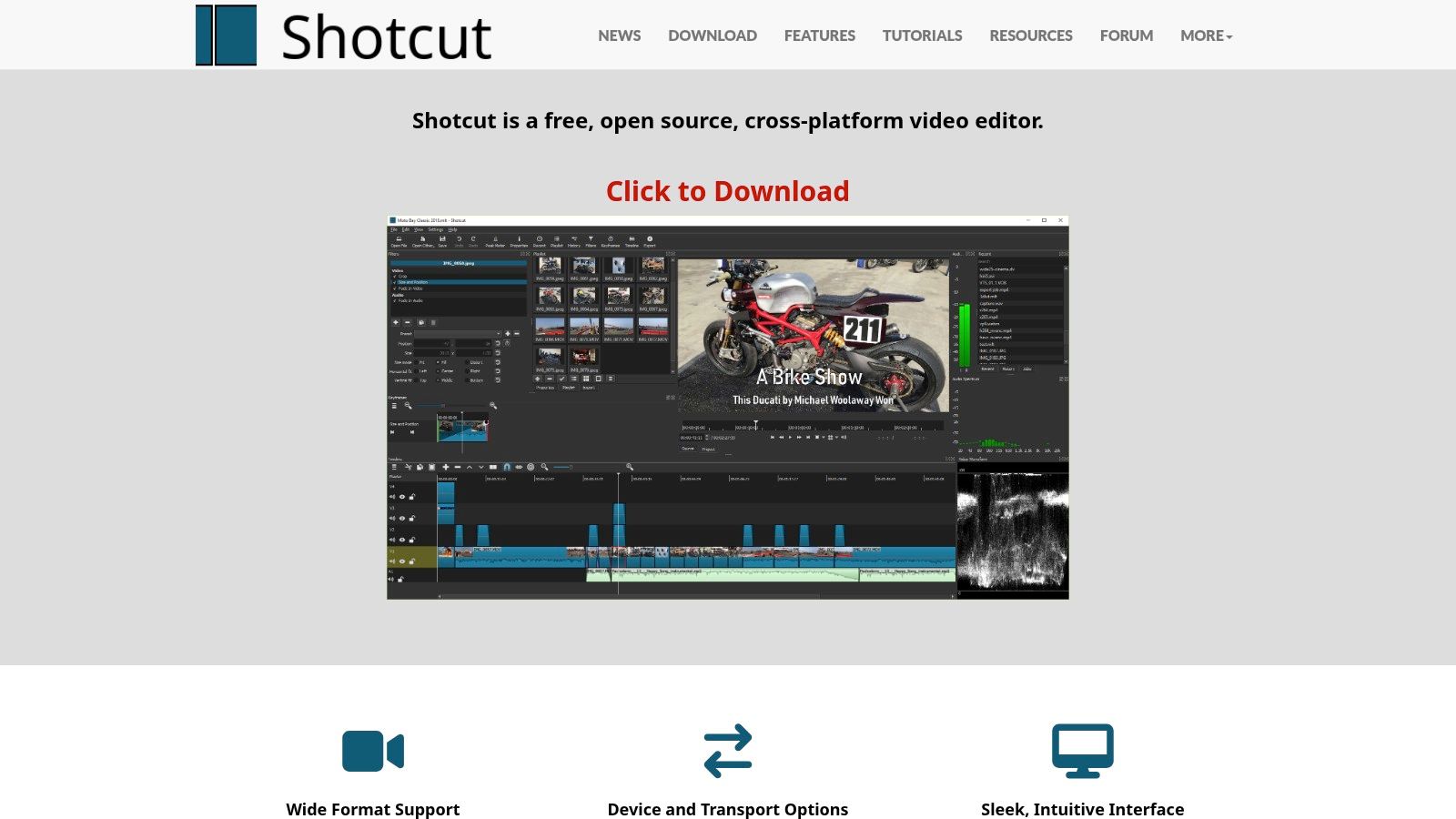
Unlike many free tools that feel stripped down, Shotcut offers a robust set of features including 4K resolution support, native timeline editing, and a wide array of audio and video filters. This makes it a standout option among the best free video editing software for beginners who want a traditional, non-linear editing experience without cost or watermarks. The active community and wealth of online tutorials make it easy for new users to get started and master its more complex functions over time.
Key Features & Considerations
- Wide Format Support: Natively edit a vast range of video and audio formats without needing to convert your files first, saving significant time.
- Truly Free & Open Source: Shotcut is 100% free forever. There are no paid versions, premium features, or watermarks to worry about.
- Customizable Interface: The interface is composed of dockable panels, allowing you to arrange the layout to best suit your personal workflow.
- Less Guided UI: The user interface is highly functional but can feel less intuitive or "guided" than more consumer-focused editors. It lacks the bundled templates or wizards found in some competing apps, requiring a more hands-on approach from the user.
Learn more at: https://shotcut.org
6. OpenShot
OpenShot is a powerful yet surprisingly easy-to-use video editor designed with accessibility at its core. As a free and open-source platform, it provides an uncomplicated entry point for beginners who need a simple, intuitive timeline without overwhelming features. It strikes an excellent balance between core functionality and user-friendliness, making it a go-to for quick edits, school projects, or first-time YouTube videos.
Unlike more complex software, OpenShot’s clean drag-and-drop interface helps new creators focus on the fundamentals of storytelling. It exports without watermarks, a significant advantage for a free tool. This commitment to being a completely free, cross-platform solution makes it one of the best free video editing software for beginners who want a reliable tool on Windows, Mac, Linux, or even ChromeOS without any hidden costs.
Key Features & Considerations
- Simple & Intuitive: The user interface is designed for beginners, featuring a simple timeline, easy-to-find effects, and drag-and-drop functionality for video, audio, and images.
- Unlimited Tracks: Don’t let simplicity fool you; you can add as many layers as you need for watermarks, background audio, overlay videos, and more.
- Transitions and Titles: Comes equipped with over 400 transitions and multiple title templates, including impressive 3D animated titles (requires Blender integration).
- Performance Issues: For longer, more complex projects with many effects and layers, the software can sometimes become slow or unstable, especially on less powerful computers.
Learn more at: https://www.openshot.org/download/
7. Kdenlive
Kdenlive is a powerful and versatile open-source, non-linear video editor that offers a surprising depth of features for a completely free tool. Originating from the KDE project, it provides a robust, multi-track timeline editing experience that rivals many paid applications, making it an excellent choice for beginners who want a traditional editor that can handle complex projects without cost. It's particularly well-suited for users on Linux, though it performs capably on Windows and macOS as well.
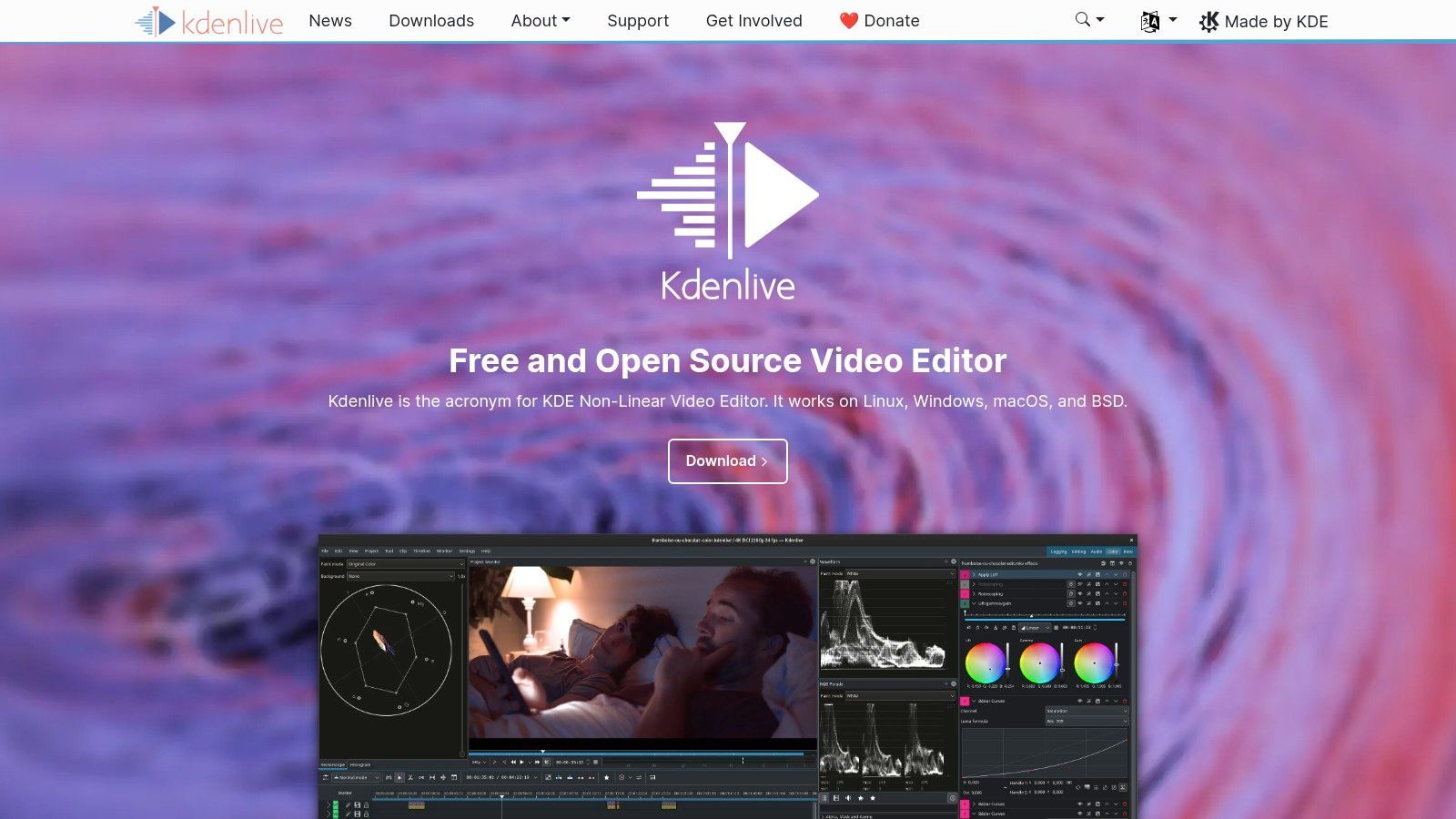
The interface feels professional and is highly configurable, allowing users to arrange panels to their liking. A standout feature is its support for proxy editing, which creates low-resolution copies of your footage for smoother playback and editing, even on less powerful computers. This makes Kdenlive a top contender for the best free video editing software for beginners working with high-resolution 4K files on modest hardware. The active community and frequent updates ensure the software continues to evolve.
Key Features & Considerations
- Multi-Track Timeline: Arrange multiple video and audio tracks, giving you full creative control over complex sequences, overlays, and sound design.
- Proxy Editing: Easily create and use low-resolution proxy clips to ensure a fluid editing experience, even with demanding 4K video files.
- Cross-Platform & Open Source: Completely free to use with no hidden costs, and available on Windows, macOS, and various Linux distributions.
- Potential Stability Issues: As with some open-source software, users on certain hardware or OS configurations may occasionally experience bugs or crashes. Saving frequently is recommended.
Learn more at: https://kdenlive.org
8. VSDC Free Video Editor
VSDC is a feature-rich, non-linear video editor available exclusively for Windows users. It stands out by offering a surprising depth of functionality in its free version, including advanced tools like color wheels, LUT support, and a built-in screen recorder. While its interface might not be as polished as some competitors, it provides a powerful toolkit for creators who want to move beyond basic cutting and trimming without an immediate investment.
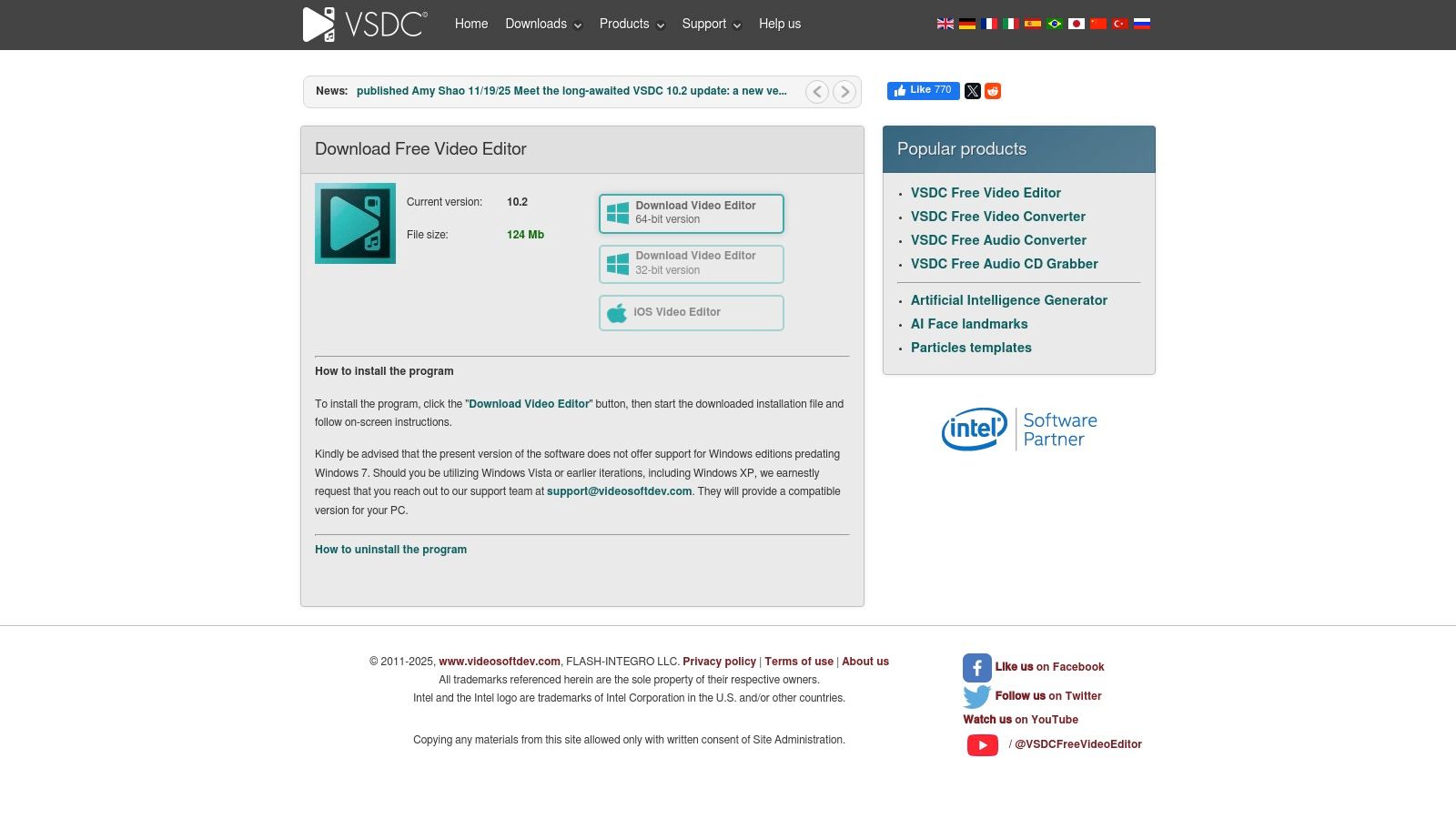
A major advantage for new creators is that VSDC's free edition exports videos without any watermarks, a common limitation in other free software. This makes it one of the best free video editing software for beginners who need a clean, professional-looking final product for their YouTube or social media channels. It also includes helpful export profiles pre-configured for various platforms, simplifying the final rendering process.
Key Features & Considerations
- No Watermarks: The core free editor allows you to export your projects without any branding or limitations, which is a significant benefit.
- Broad Format Support: VSDC handles a wide array of video and audio formats, so you likely won't need to convert files before you begin editing.
- Windows-Only: This software is not available for macOS or Linux, which limits its accessibility for users outside the Windows ecosystem.
- Performance: The free version lacks hardware acceleration, which means rendering times can be slow, especially for complex projects. The paid Pro version is required to unlock this feature for a smoother experience.
Learn more at: https://www.videosoftdev.com/free-video-editor/download
9. Lightworks (LWKS)
Lightworks is a non-linear editor with a long history in the film industry, known for its use in award-winning productions. It offers a permanent free version designed as a stable and reliable entry point for newcomers to learn the fundamentals of video editing. This version provides a solid foundation with professional-grade tools, making it an excellent platform for aspiring editors to build their skills before needing more advanced features.
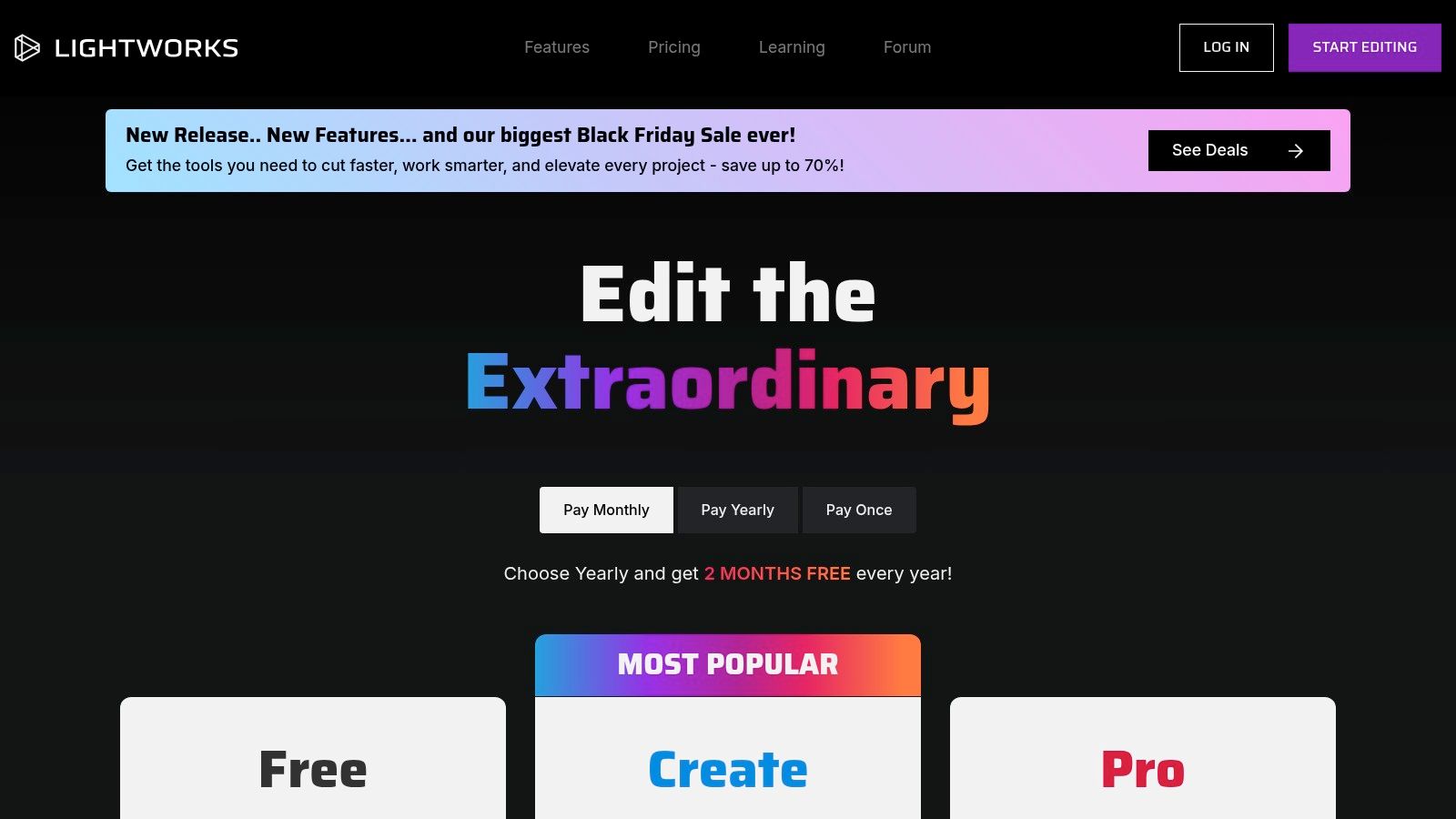
While the free license has limitations, it is intentionally structured to teach a professional workflow. The user interface is straightforward, and the software is remarkably stable and resource-efficient compared to some more demanding programs. For beginners who want to understand the core principles of timeline editing without being overwhelmed, Lightworks stands out as one of the best free video editing software for beginners who appreciate a structured learning environment.
Key Features & Considerations
- Professional Heritage: The workflow is based on professional editing principles, which provides a strong foundational skill set for users.
- Cross-Platform Support: Lightworks runs natively on Windows, macOS, and Linux, offering great flexibility regardless of your operating system.
- Export Limitations: The primary drawback of the free version is its export cap, which is limited to a maximum resolution of 720p (HD).
- Paywalled Features: More advanced features, such as 4K export, support for professional codecs, and integrated effects packages, are reserved for the paid "Create" and "Pro" tiers.
Learn more at: https://lwks.com/pricing
10. VideoProc Vlogger (Digiarty)
VideoProc Vlogger is a powerful, watermark-free editor specifically designed with action camera users, vloggers, and drone enthusiasts in mind. Unlike many editors that can struggle with high-bitrate 4K footage, VideoProc is engineered for performance, providing a smooth editing experience even with demanding file types. It strikes a fantastic balance between user-friendliness and advanced creative control, making it accessible for newcomers.
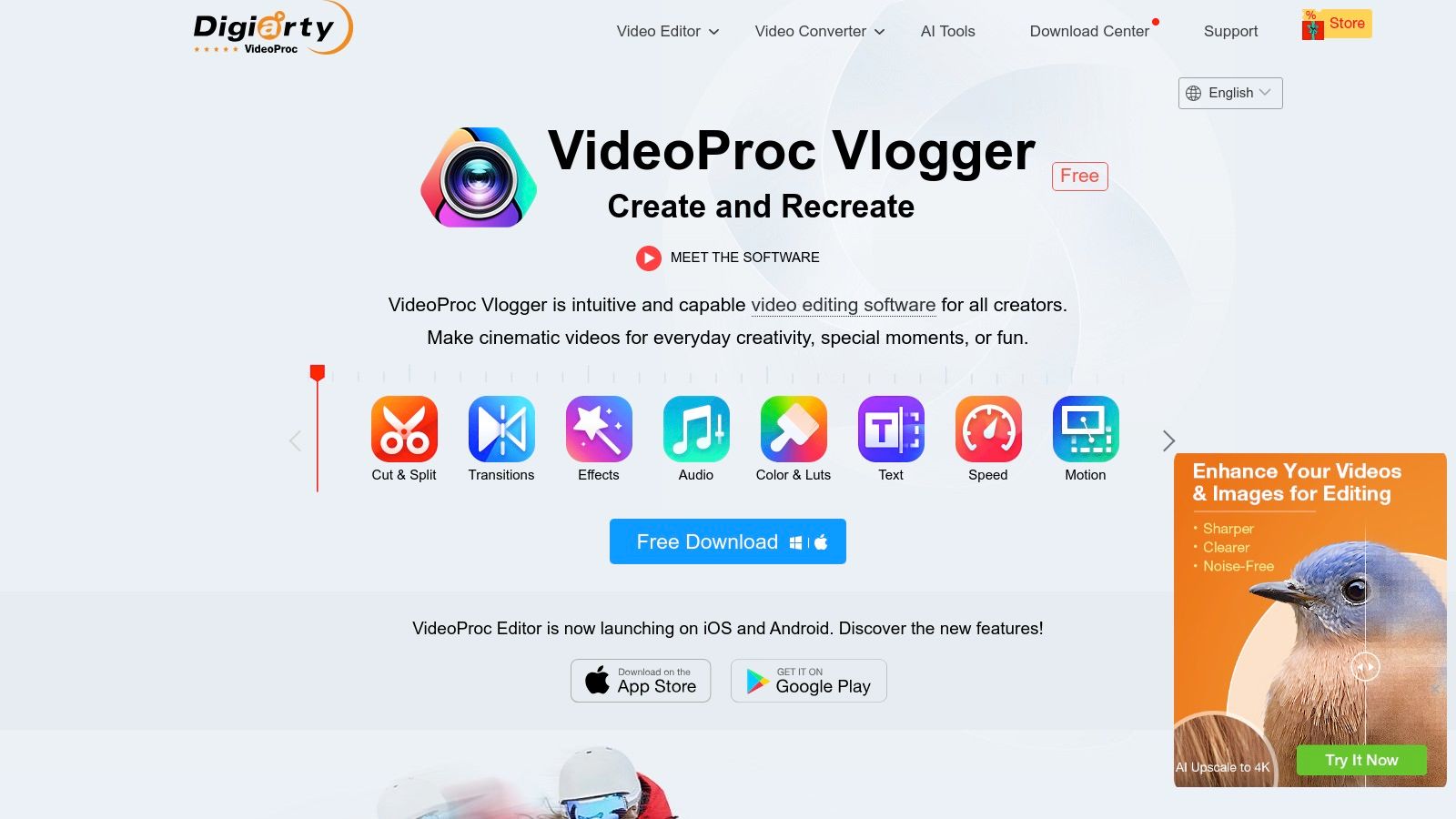
Its standout features are built for motion and action. The visualized speed ramping tool allows you to create dynamic slow-motion or fast-forward effects with intuitive curves, not just static speed changes. This makes VideoProc Vlogger one of the best free video editing software for beginners who want to add cinematic flair to their travel vlogs, sports highlights, or social media clips without a steep learning curve. The software is completely free, though it does require a simple email activation to unlock its full potential.
Key Features & Considerations
- Visualized Speed Ramping: Intuitively control video speed with customizable Bezier curves to create professional time-remapping effects.
- Action Cam Ready: Includes specialized tools like lens distortion correction (de-fisheye), video stabilization, and noise reduction tailored for GoPro and drone footage.
- No Watermarks or Limits: Export your projects in up to 4K resolution without any watermarks, feature restrictions, or time limits on your videos.
- Beginner-Friendly with Depth: The interface is straightforward, but it also offers advanced features like keyframe animation and robust color grading tools for when you’re ready to grow.
- Email Activation: To use the full free version, you must register with a valid email address and activate the software with a license code they provide.
Learn more at: https://www.videoproc.com/video-editing-software/
11. VN Video Editor (VlogNow)
VN Video Editor, often called VlogNow, is a powerhouse for mobile-first creators who need a robust, intuitive editing experience directly on their phone or tablet. It bridges the gap between simple, template-based apps and complex desktop software, offering a multi-track timeline, keyframe controls, and high-quality export options without a subscription fee or a watermark, a rare find in the mobile editing space.
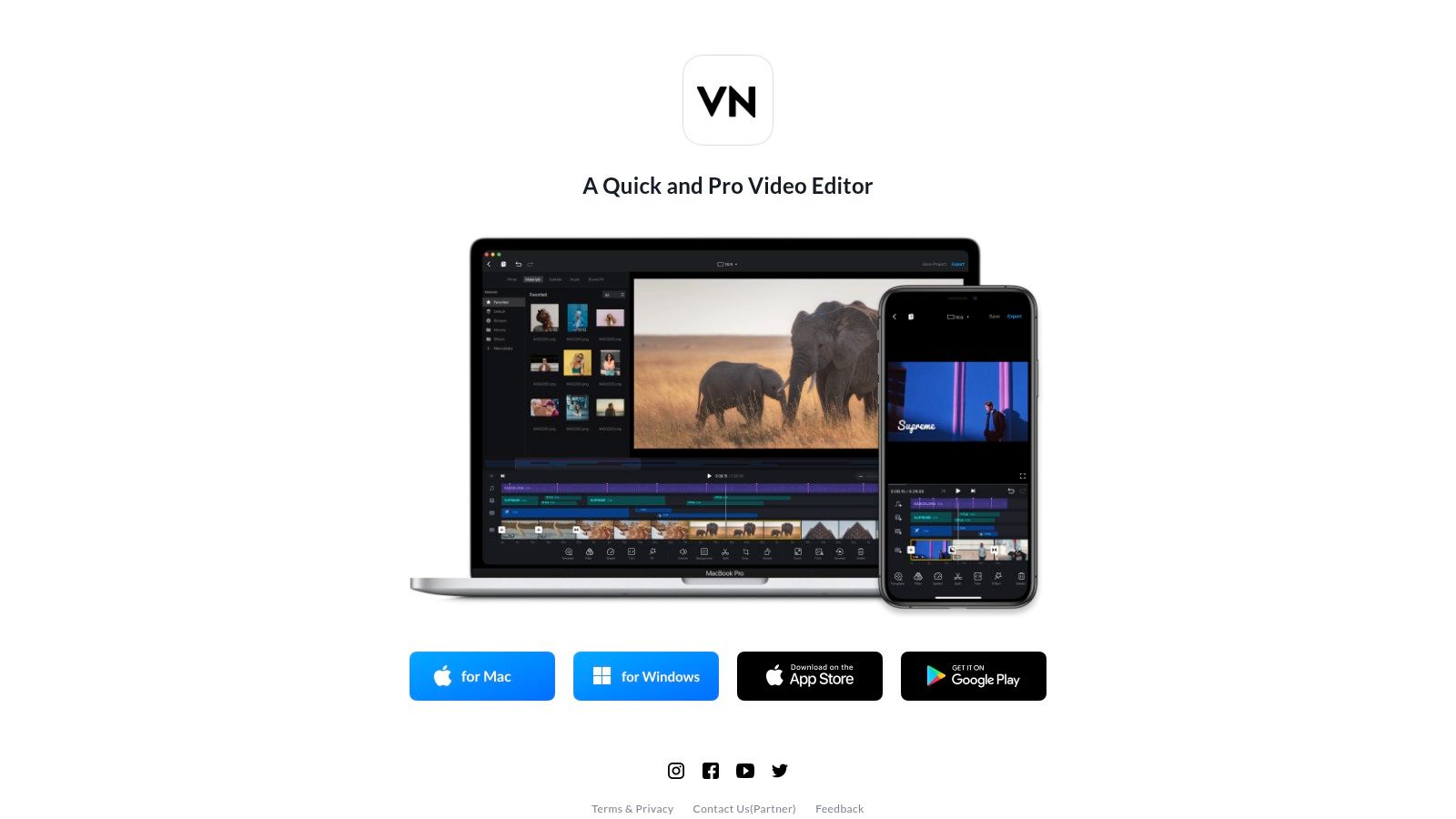
Its clean, portrait-oriented interface is perfectly designed for editing vertical video for TikTok, Instagram Reels, and YouTube Shorts. For creators who primarily shoot and edit on the go, VN is arguably the best free video editing software for beginners due to its accessibility and powerful feature set. While it offers desktop versions for Mac and Windows, its true strength lies in its polished and highly capable mobile app.
Key Features & Considerations
- No Watermarks, No Cost: A key differentiator, VN allows you to export your final videos in up to 4K resolution completely free and without a watermark on mobile devices.
- Advanced Mobile Controls: Features like speed curves, keyframe animations, and LUT import give you a level of creative control typically reserved for desktop editors.
- Mobile-First Workflow: The user experience is optimized for touchscreens, making it fast and intuitive for mobile editing. The desktop version is functional but less refined than its mobile counterpart.
- Frequent Updates: The app is actively developed with a large user base, meaning new features and templates are added regularly, though this can occasionally introduce minor bugs.
Learn more at: https://vlognow.me
12. Blender (Video Sequence Editor)
Blender is a world-renowned, free, and open-source 3D creation suite that surprisingly includes a capable non-linear video editor called the Video Sequence Editor (VSE). While its primary focus is 3D modeling, animation, and VFX, the VSE is a powerful bonus for creators who need to perform basic edits and also want to integrate motion graphics or 3D elements without leaving the application.
This integration makes Blender a unique choice among the best free video editing software for beginners, especially for those interested in animation or special effects. You can perform cuts, add transitions, control speed, and mix audio directly within the VSE. For simple projects, it's a lightweight and effective tool, but its true strength is unlocked when combined with the rest of Blender's powerful creative suite.
Key Features & Considerations
- 3D Integration: Seamlessly combine your 2D video footage with 3D models, animations, and complex motion graphics all within one program.
- Completely Free: As open-source software, Blender is 100% free with no watermarks, feature restrictions, or paid versions to worry about.
- 3D-First Interface: The user interface is designed for 3D workflows, which can feel unintuitive and overly complex for users who only need video editing.
- Basic Editing Tools: While functional for cuts, audio mixing, and keyframing, the VSE lacks the advanced features and polished workflow of dedicated video editors.
For those evaluating how Blender fits into a larger content creation pipeline, our guide to video production software offers a broader comparison.
Learn more at: https://www.blender.org/features/video-editing/
Top 12 Free Video Editors — Beginner Comparison
| Tool | Core Features | UX / Quality | Price / Value | 👥 Target Audience | ✨ Unique Selling Point |
|---|---|---|---|---|---|
| Blackmagic Design — DaVinci Resolve | ✨ Pro NLE: Cut, Color, Fusion VFX, Fairlight audio | ★★★★★ Pro-grade; steep learning | 💰 Free (feature-rich) / Studio paid | 👥 Professionals, colorists, advanced editors | 🏆 Hollywood-grade color + integrated VFX/audio |
| Microsoft Clipchamp | ✨ Template-driven editor, stock assets, AI tools | ★★★★☆ Very easy; 1080p free | 💰 Free tier; some features via Microsoft 365 | 👥 Beginners, Windows & OneDrive users | ✨ Fast social exports + Windows integration |
| Apple iMovie | ✨ Storyboards, Magic Movie auto-edit, 4K export | ★★★★☆ Simple & polished (Apple-only) | 💰 Free on macOS/iOS | 👥 Casual creators in Apple ecosystem | ✨ Seamless iOS/mac handoff; quick trailers |
| CapCut | ✨ Auto-captions, bg removal, templates, reframing | ★★★★★ Fast social-first workflow | 💰 Free core; Pro for premium assets | 👥 TikTok/Reels/short-form creators | 🏆 Large template/effects ecosystem for quick shorts |
| Shotcut | ✨ FFmpeg format support, native timeline, 4K/8K | ★★★☆☆ Flexible; less guided UI | 💰 Free & open-source | 👥 Budget creators and learners | ✨ Open-source, wide codec & low-hardware needs |
| OpenShot | ✨ Unlimited tracks, transitions, 3D titles (Blender) | ★★★☆☆ Simple timeline; can lag on complex projects | 💰 Free & open-source | 👥 Beginners wanting easy timeline edits | ✨ Easy-to-use timeline + Blender 3D title support |
| Kdenlive | ✨ Multitrack, proxy workflows, frequent updates | ★★★★☆ Capable; slightly pro interface | 💰 Free & open-source | 👥 Intermediate users needing robust free tools | ✨ Strong proxy/workflow for heavy edits |
| VSDC Free Video Editor | ✨ Non-linear timeline, screen capture, export profiles | ★★★☆☆ Feature-dense; Windows-only | 💰 Free (Pro paid for accel/features) | 👥 Windows creators needing many built-in tools | ✨ No-watermark free + social export presets |
| Lightworks (LWKS) | ✨ Multitrack editing; pro tools on paid tiers | ★★★☆☆ Stable free tier for learning | 💰 Free (720p)/Paid for 4K & pro codecs | 👥 Learners transitioning to pro NLEs | ✨ Pro heritage with strong tutorials |
| VideoProc Vlogger | ✨ Speed-ramping, keyframes, audio EQ, lens tools | ★★★★☆ Beginner-friendly for action/4K | 💰 Free (email activation) | 👥 Vloggers & action-cam creators | ✨ Visual speed-ramp + action-cam helpers |
| VN Video Editor (VlogNow) | ✨ Mobile-first multi-track, templates, 4K export | ★★★★☆ Mobile UX; no watermark on mobile | 💰 Free mobile; desktop available | 👥 Mobile creators & social editors | ✨ Mobile-first UX + 4K up to 60fps |
| Blender (Video Sequence Editor) | ✨ VSE cuts/compositing + full 3D suite | ★★★☆☆ Powerful but steep, 3D-first UI | 💰 Free & open-source | 👥 Creators needing 3D + motion graphics | 🏆 Integrated 3D/VFX + VSE in one app |
Beyond the Timeline: Automating Your Content with AI
Navigating the world of video editing can feel like learning a new language, but as we've explored, the barrier to entry has never been lower. From the Hollywood-grade power of DaVinci Resolve to the simple, browser-based convenience of Microsoft Clipchamp and the seamless Apple ecosystem integration of iMovie, there is a powerful free tool available for every aspiring creator. Your journey from a beginner to a confident editor is now paved with accessible, feature-rich options.
We've covered a wide spectrum of the best free video editing software for beginners. Open-source champions like Shotcut, OpenShot, and Kdenlive offer incredible flexibility and community support, while tools like CapCut and VN Video Editor are perfectly tailored for the fast-paced world of mobile-first social media content. Each piece of software has its unique strengths, and the right choice ultimately depends on your specific goals, your operating system, and your willingness to learn.
Making Your Final Choice: A Practical Framework
Choosing your first video editor is a critical step. Don't get paralyzed by the options; instead, use this simple framework to guide your decision:
- For Absolute Beginners (Simplicity First): If you're just starting and need to produce a clean video quickly with minimal learning, start with Microsoft Clipchamp (Windows/Web) or Apple iMovie (Mac/iOS). Their intuitive interfaces are designed to get you editing in minutes.
- For Aspiring Professionals (Future-Proofing Your Skills): If you envision a future in serious video production, invest your time in learning DaVinci Resolve. Its initial learning curve is steep, but mastering its fundamental tools provides a direct pathway to professional-level color grading, audio post-production, and visual effects.
- For the Cross-Platform Creator (Mobile & Desktop Synergy): If you frequently switch between your phone and computer, CapCut or VN Video Editor are your best bets. Their seamless project syncing allows you to start an edit on the go and polish it on a larger screen.
- For the Open-Source Enthusiast (Ultimate Control): If you value customization, run a Linux-based system, or simply want a powerful, community-driven tool without corporate oversight, explore Shotcut or Kdenlive.
Remember that a significant part of video creation involves research and learning from existing content. To efficiently process long videos and extract key information, consider leveraging powerful AI video summarizer tools. These can help you quickly distill webinars, tutorials, or competitor analyses into actionable notes, saving you hours of manual review.
The Next Frontier: AI-Powered Content Generation
While mastering traditional editing software is an invaluable skill, the landscape of content creation is rapidly evolving. The primary challenge for many creators, especially those focusing on high-volume platforms like YouTube Shorts and TikTok, isn't the complexity of the edit; it's the sheer time it takes to produce content consistently. This is where AI-driven automation becomes a game-changer.
Tools like ShortsNinja represent this new frontier. They are not designed to replace editors like DaVinci Resolve but to solve a different problem: the creative bottleneck. For "faceless" content channels, brand marketing, or educational snippets, the process of scripting, sourcing visuals, recording voiceovers, and assembling videos can be a massive time sink. An AI-powered platform automates this entire workflow. You provide the idea, and the AI generates dozens of unique, engaging short-form videos in minutes.
As you begin your journey with one of the fantastic free editors on this list, keep an eye on the future. Learn the fundamentals of storytelling and pacing. But also recognize that your most valuable asset is your time. By pairing your foundational editing skills with the raw speed and efficiency of AI automation, you can create a content strategy that is both high-quality and incredibly scalable, propelling your channel's growth faster than ever before. Your path to becoming a successful creator is about working smarter, not just harder.
Ready to supercharge your content output? While learning the fundamentals with the tools above is crucial, ShortsNinja helps you scale your production by turning a single idea into dozens of ready-to-post short videos in minutes. Stop the manual grind and let AI handle the creation, so you can focus on strategy and growth by visiting ShortsNinja today.