
The landscape of video creation has fundamentally shifted. What once required expensive equipment, complex software, and hours of skilled labor can now be achieved in minutes from a web browser. AI video generators have democratized content creation, empowering everyone from solo creators to enterprise teams to produce high-quality video content at unprecedented speed and scale. But with a rapidly expanding market of tools, each with its own strengths, weaknesses, and ideal use case, choosing the right one can be overwhelming.
This guide cuts through the noise. We provide an in-depth, hands-on analysis of the best AI video generators available today, comparing their core features, practical applications, pricing models, and limitations. Beyond generating videos, the new wave of AI creation also includes artificial intelligence drawing tools that leverage AI for other visual mediums, such as designing unique textures and patterns for products.
Our goal is to help you find the perfect platform for your specific needs. Whether you're creating faceless social media content, corporate training videos with realistic avatars, or cinematic shorts from a simple text prompt, this resource will help you bring your vision to life. Each review includes screenshots and direct links to get you started immediately. We've done the research so you can focus on creating.
1. ShortsNinja
ShortsNinja earns its top spot as a premier AI video generator by offering an unparalleled, end-to-end automation workflow specifically engineered for short-form content. It excels at transforming simple ideas into polished, faceless videos for TikTok and YouTube Shorts in minutes, making it a standout choice for creators who prioritize speed, consistency, and scalability without compromising on quality. The platform’s core strength lies in its streamlined three-step process: input an idea, refine the AI-generated script and visuals, then schedule for automatic publishing.
This powerful automation is fueled by a multi-model engine that integrates leading technologies like Luma Labs, RunwayML, and Kling for visual generation, alongside top-tier voice synthesis from ElevenLabs and Speechify. This combination ensures high-quality output that feels both professional and engaging.
Key Features and Use Cases
ShortsNinja is more than just a video creator; it's a comprehensive content pipeline. The Series Automation feature is particularly effective, allowing digital agencies and influencers to create and schedule entire campaigns of related content hands-free. This capability, combined with timezone-aware scheduling, ensures a consistent posting cadence to maximize audience engagement across different regions. For e-commerce brands, this means effortlessly producing a steady stream of product showcases or tutorials, while educators can automate the creation of bite-sized learning modules. You can find out more by exploring their resources on how to make AI shorts with ShortsNinja.
- Best For: Independent creators, digital agencies, and e-commerce brands needing a scalable solution for high-volume, short-form video production.
- Unique Strength: Fully automated workflow from idea to publication, reducing production time from hours to approximately five minutes.
- Pros:
- Complete end-to-end automation covers scripting, visuals, voiceover, and publishing.
- Access to premium AI models and over 200 realistic voices in 50+ languages.
- Scalable, transparent pricing with a free first video and a valuable 30% lifetime discount (NINJA30).
- Cons:
- Direct publishing is currently limited to TikTok and YouTube.
- The credit-based system may require higher-tier plans for extremely high-volume users.
Pricing Structure
ShortsNinja operates on a flexible, credit-based model where approximately 10 credits equal one minute of generated video.
- Starter: 125 credits (~12 videos/month) for $19/month.
- Pro: 315 credits (~30 videos/month) for $39/month.
- Creator: 630 credits (~60 videos/month) for $69/month.
- Influencer: 1260 credits (~120 videos/month) for $129/month.
Annual plans offer significant discounts. The platform also provides a full refund for unused credits within three days of purchase, adding a layer of security for new users.
2. Runway
Runway positions itself as a full-stack creative suite, moving beyond simple text-to-video prompts to offer a comprehensive toolkit for video production. It’s one of the best AI video generators for creators who need more than just a starting clip; they need to refine, edit, and enhance it. The platform’s strength lies in its expansive set of features, including its powerful Gen-3 and Gen-4 models, which deliver high-quality, coherent video from text and image inputs.
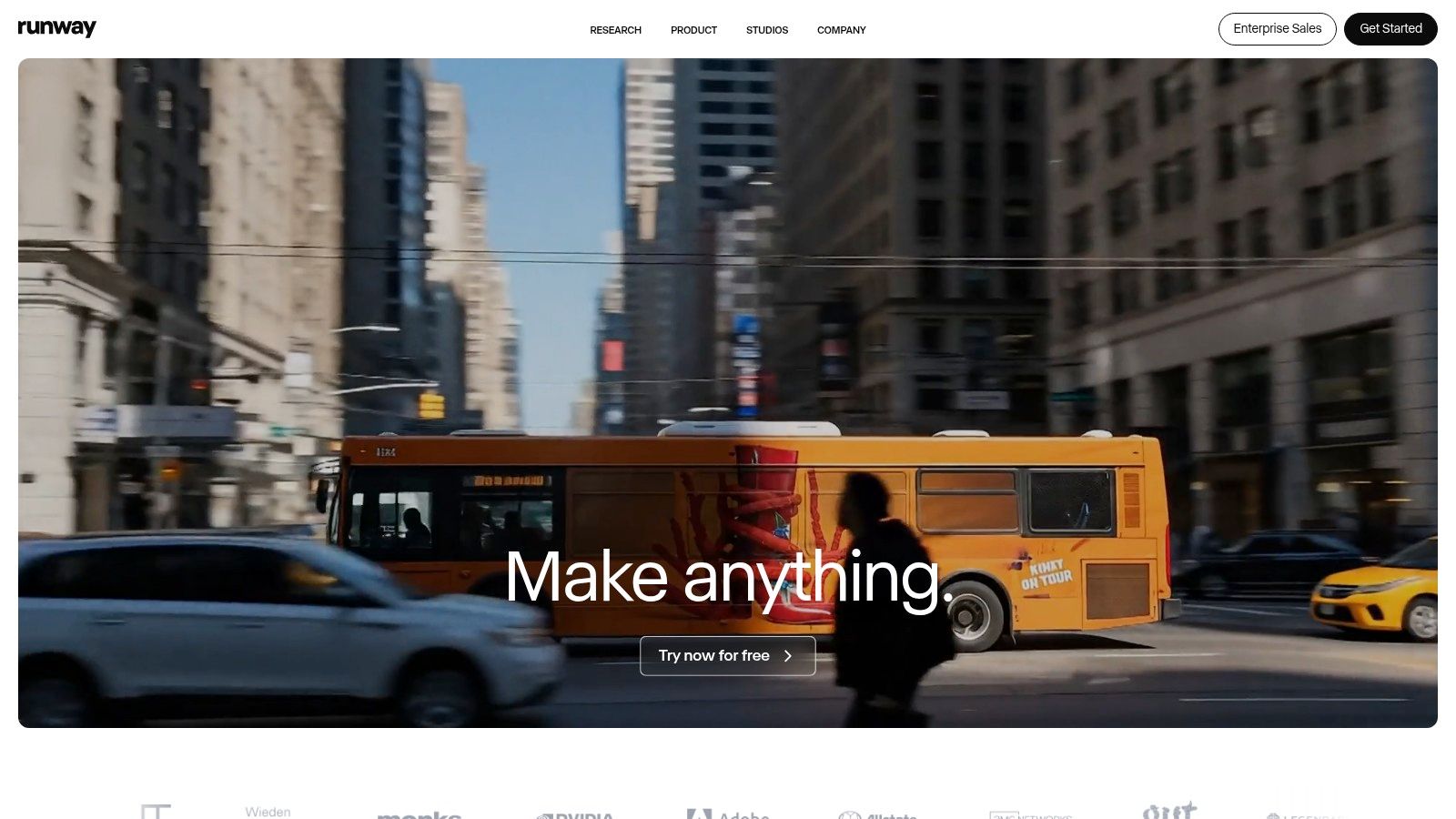
What truly sets Runway apart is its "Magic Tools" suite. These tools allow for sophisticated post-production tasks like video-to-video style transfer, motion tracking, background removal, and 4K upscaling, all within the same interface. This integrated workflow is invaluable for creating polished, professional-looking short-form content or conceptual sequences without needing multiple software applications.
Key Features & Considerations
Runway's ecosystem is designed for a seamless creative process, from initial generation to final export.
- Generation Models: Access to Gen-3 and the upcoming Gen-4 models for top-tier text-to-video and image-to-video results.
- Editing Suite: A broad range of tools including motion brush, camera controls, video extend, and re-timing functions.
- Performance Tools: Features like Act-Two for performance capture and AI-powered lip-syncing add another layer of creative control.
- Team Collaboration: Workspaces are available on paid plans, allowing teams to share assets and manage projects efficiently.
Pricing and Getting Started
Runway uses a transparent, credit-based system. A free tier is available, providing a limited number of credits to test the platform. Paid plans start at $12 per user/month (billed annually), offering more credits and access to advanced features. While the credit system is clear (e.g., 5 credits per second for Gen-3), users should monitor their usage, as complex edits and high-resolution exports can consume credits quickly.
Website: https://runwayml.com
3. Pika
Pika has rapidly emerged as a powerful and accessible AI video generator, celebrated for its fast generation speeds and intuitive interface. It excels at transforming simple text or image prompts into dynamic video clips, making it an excellent choice for creators who need to produce content quickly. The platform's strength lies in its blend of speed and creative control, allowing users to iterate on ideas without long wait times.
What makes Pika a standout option is its focus on practical editing tools directly within the generation process. Features like "Modify Region," which allows users to alter specific parts of a video, and Pikaswaps for easy face-swapping, give creators granular control that is often missing in other generators. This integrated approach is ideal for social media content, animated logos, or conceptual visuals where quick adjustments are crucial.
Key Features & Considerations
Pika’s toolset is designed for rapid iteration and creative experimentation, from initial prompt to final video enhancement.
- Multiple Generation Models: Users can choose between different models, including Turbo for speed and Pro for higher quality, to balance credit usage and output fidelity.
- Practical Editing Tools: In-generation features like scene extension, canvas expansion, and Modify Region make it easy to refine clips without re-generating from scratch.
- Creative Effects: Pikaswaps and Pikatwists offer unique effects for character consistency or stylistic animation, adding a distinct visual flair.
- High-Quality Output: Capable of generating videos up to 1080p resolution with commercial usage rights available on all paid plans.
Pricing and Getting Started
Pika operates on a straightforward credit system, with a free tier that provides initial credits for testing. Paid plans start at $8 per month (billed annually), offering a larger credit allowance and removing the watermark. The platform clearly displays the credit cost for each generation and feature, which helps users manage their budget effectively. However, it's important to note that unused credits do not roll over each month, encouraging active use of the platform.
Website: https://pika.art
4. Luma AI — Dream Machine
Luma AI’s Dream Machine has rapidly emerged as a powerful contender, positioning itself as one of the best AI video generators for creators focused on photorealism and coherent motion. The platform excels at interpreting complex prompts to produce clips with impressive physics and character consistency. It’s particularly suited for those looking to create cinematic shorts, realistic product visualizations, or dynamic B-roll footage directly from text or images.
What distinguishes Dream Machine is its emphasis on quality control through a draft-to-high-fidelity workflow. Users can generate quick, low-cost drafts to test concepts before committing credits to a full high-fidelity, high-resolution render. This iterative process, combined with options for 4K up-res and HDR output, gives creators fine-tuned control over the final video's visual impact, making it ideal for projects that demand a polished, professional aesthetic without the need for an extensive editing suite.
Key Features & Considerations
Luma AI’s platform is built for accessible, high-quality video generation with clear cost controls.
- Generation Modes: Offers both text-to-video and image-to-video capabilities with distinct "draft" and "HiFi" modes for quality and cost management.
- High-Resolution Output: Provides options for 4K up-res and HDR, allowing for the creation of visually stunning, professional-grade video clips.
- Credit-Based System: A detailed credit table clearly outlines the cost for each generation based on mode, resolution, and HDR settings, enabling precise budget management.
- Commercial Use: Paid plans (Plus and higher) grant a commercial license, making it a viable tool for marketing agencies, brands, and professional creators.
Pricing and Getting Started
Luma AI operates on a straightforward, credit-based model. A free plan is available, offering a generous number of initial credits to explore the platform, though outputs include a watermark and are restricted to non-commercial use. Paid plans provide more monthly credits and unlock commercial rights and higher-priority generation. Users should be mindful that high-fidelity 4K HDR generations consume the most credits, so using the draft mode for initial concepts is a cost-effective strategy.
Website: https://lumalabs.ai/dream-machine
5. Adobe Firefly (Generate Video)
Adobe enters the AI video generation space by integrating its Firefly models directly into the Creative Cloud ecosystem. This makes it one of the best AI video generators for professionals and brands already invested in Adobe's suite. Instead of being a standalone tool, Firefly’s video features are designed to enhance existing workflows in apps like Premiere Pro and Photoshop, focusing on creating commercially-safe content trained on Adobe Stock and public domain assets.
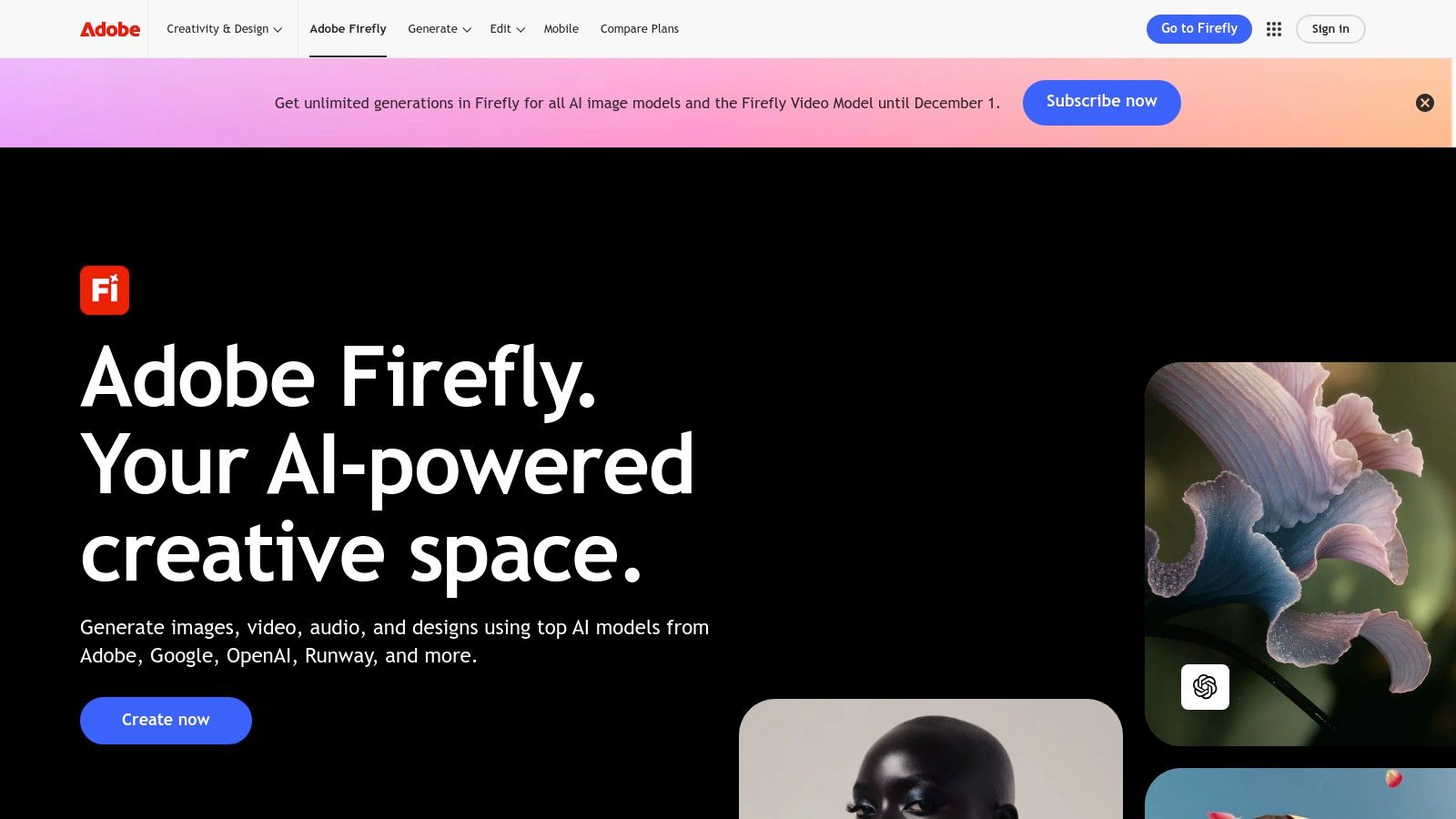
The key advantage of Adobe Firefly is its seamless integration and familiar interface. For creative teams, the ability to generate a video clip from a text prompt and immediately bring it into a Premiere Pro timeline or use Firefly Boards for storyboarding is a significant time-saver. This approach streamlines the process from ideation to final edit, all within a trusted, professional-grade environment.
Key Features & Considerations
Firefly's strength lies in its ecosystem-first approach and commitment to commercial safety.
- Adobe App Integration: Native access within Premiere Pro, Photoshop, and other Creative Cloud applications for a fluid creative process.
- Commercially-Safe Models: All video is generated from models trained on licensed and public domain content, reducing copyright risks for brands.
- Clear Credit System: Integrated with the Creative Cloud generative credits system, which is transparent and scalable for individuals and enterprise teams.
- Image-to-Video: Leverages the power of Firefly’s image models to create dynamic video from static images, maintaining stylistic consistency.
Pricing and Getting Started
Access to Firefly’s video generation is tied to the Adobe Creative Cloud subscription model. Most paid plans include a monthly allocation of generative credits, which are used for creating video content. Plans start at around $20/month for individual apps that include Firefly features. Users should note that video generation consumes credits faster than image generation, and more advanced features or higher-resolution outputs may require additional credit packs or higher-tier plans.
Website: https://www.adobe.com/products/firefly.html
6. Synthesia
Synthesia is a leader in the corporate and educational sectors, positioning itself as a premier AI video generator for creating professional, avatar-led content. Instead of focusing on cinematic or abstract video creation, it excels at transforming scripts into polished presentations, making it ideal for training modules, corporate communications, and marketing explainers. Its strength lies in a massive library of stock avatars and the ability to create custom digital twins for a personalized brand experience.
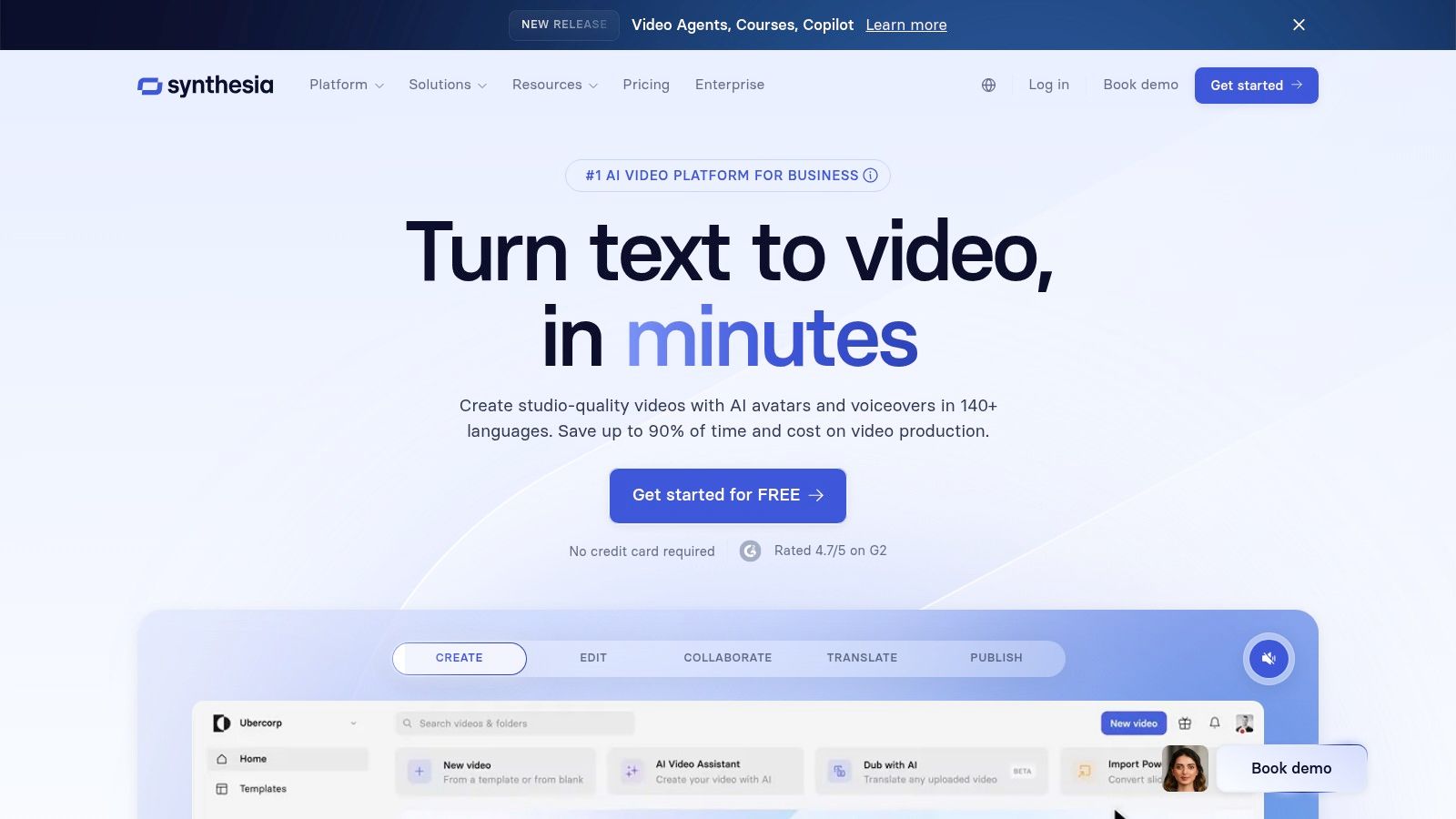
What truly sets Synthesia apart is its enterprise-ready feature set, particularly for global teams. The platform’s robust localization tools, including support for over 120 languages and one-click AI dubbing, allow businesses to scale their video content efforts without the logistical challenges of traditional filming. This focus on workflow efficiency and security makes it a go-to solution for Learning & Development (L&D) and internal communications departments. For those looking to generate videos with AI for scalable business needs, Synthesia offers a compelling package.
Key Features & Considerations
Synthesia’s ecosystem is built for scalable, repeatable video production with a focus on ease of use and brand consistency.
- AI Avatars: Access a large library of 160+ stock avatars or create a custom, exclusive avatar for your brand.
- Multi-Lingual Support: Generate videos in over 120 languages and accents, with AI-powered script translation and dubbing.
- Enterprise Integrations: Offers API access, SCORM export for Learning Management Systems (LMS), and SSO for secure team access.
- Brand Consistency: Use brand kits to upload your own assets, fonts, and colors to maintain a consistent visual identity across all videos.
Pricing and Getting Started
Synthesia offers tailored plans for different user needs. The "Creator" plan starts at $22 per month (billed annually), providing 10 minutes of video per month. The "Enterprise" plan is custom-priced and unlocks features like custom avatars, branded templates, and premium integrations. While the platform is powerful, users on lower-tier plans should be mindful of their video minute allocation, as it can be consumed quickly with frequent production.
Website: https://www.synthesia.io
7. HeyGen
HeyGen specializes in avatar-driven video generation, making it an exceptional tool for creating professional-looking marketing, sales, and training content at scale. Instead of focusing on cinematic or artistic clips, HeyGen excels at producing videos featuring lifelike AI avatars that speak from a script. This makes it one of the best AI video generators for businesses needing to create consistent, high-quality presenter-led videos without the cost of actors and studio time.
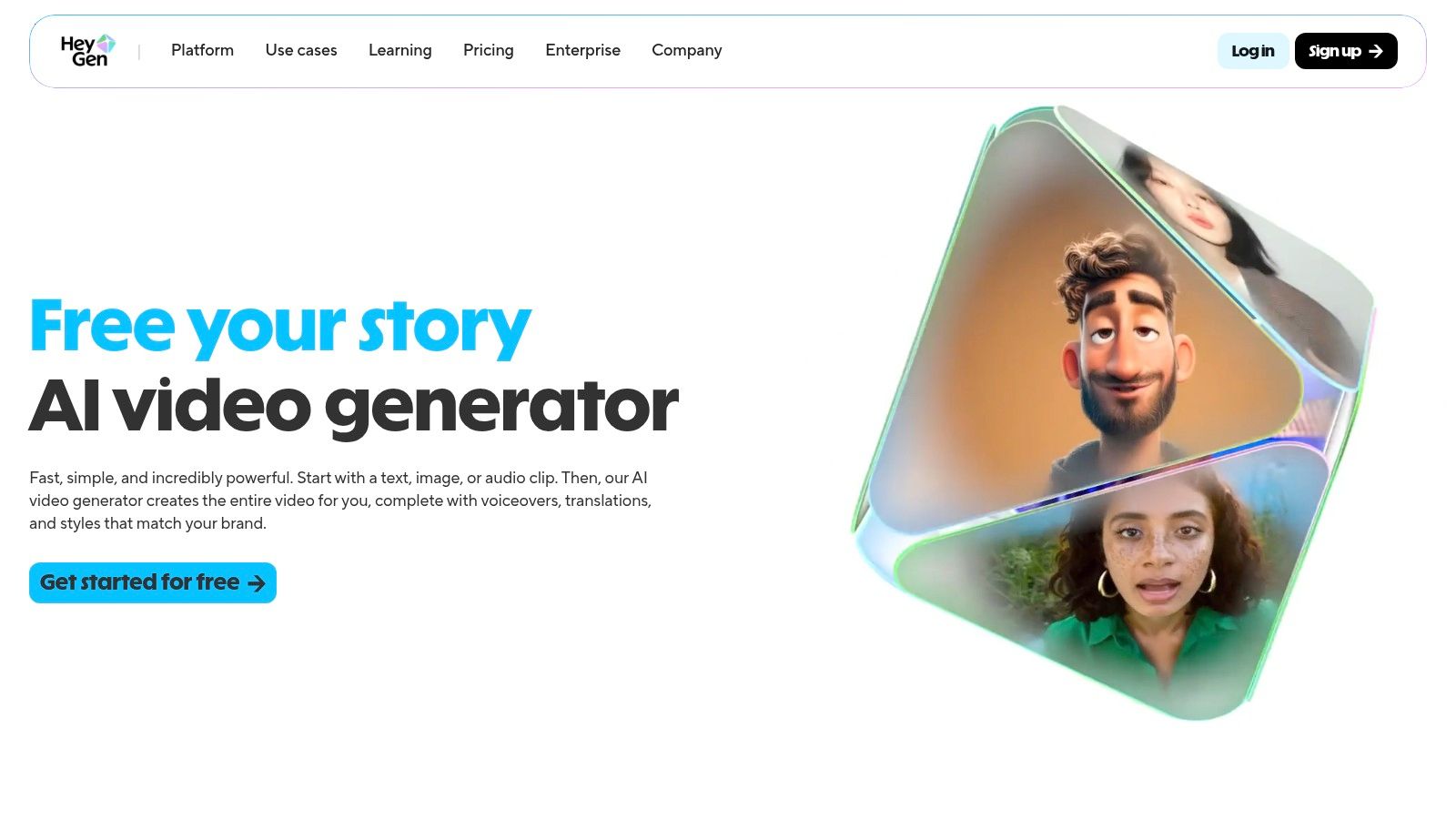
The platform's core strength is its ease of use and localization capabilities. Users can choose from over 500 stock avatars or create a custom one, then simply type or upload a script. HeyGen’s powerful lip-syncing and translation features allow for the rapid creation of content in multiple languages, all while maintaining a natural-looking delivery. This makes it ideal for global marketing campaigns, multilingual customer support videos, and corporate training modules.
Key Features & Considerations
HeyGen is designed for efficiency and scalability, especially for corporate and marketing use cases.
- AI Avatars: A vast library of 500+ stock avatars and the option to create a personalized custom avatar for brand consistency.
- Video Translation: Automatically translate videos into different languages with accurate lip-syncing, perfect for reaching a global audience.
- Script & Voice Tools: An integrated script assistant and a wide selection of AI voices to match your desired tone and language.
- Scalability: Offers both a user-friendly studio app and API access for programmatic video creation, allowing businesses to integrate video generation into their workflows.
Pricing and Getting Started
HeyGen offers a free plan that allows users to test the platform with one free credit and create videos up to one minute long. Paid plans start at $24 per month (billed annually), providing more credits, premium avatars, and faster processing. For larger-scale needs, team plans and API access are available with custom pricing. The credit-based system is straightforward, but users creating longer videos or using premium features may need to purchase add-on credit packs.
Website: https://www.heygen.com
8. Colossyan
Colossyan carves out a specific and valuable niche in the AI video generation space by focusing squarely on corporate training and learning development (L&D). It excels at transforming scripts, documents, and even presentations into polished, avatar-led training videos. This makes it one of the best AI video generators for enterprises that need to produce, update, and scale educational content efficiently without the overhead of traditional video production.
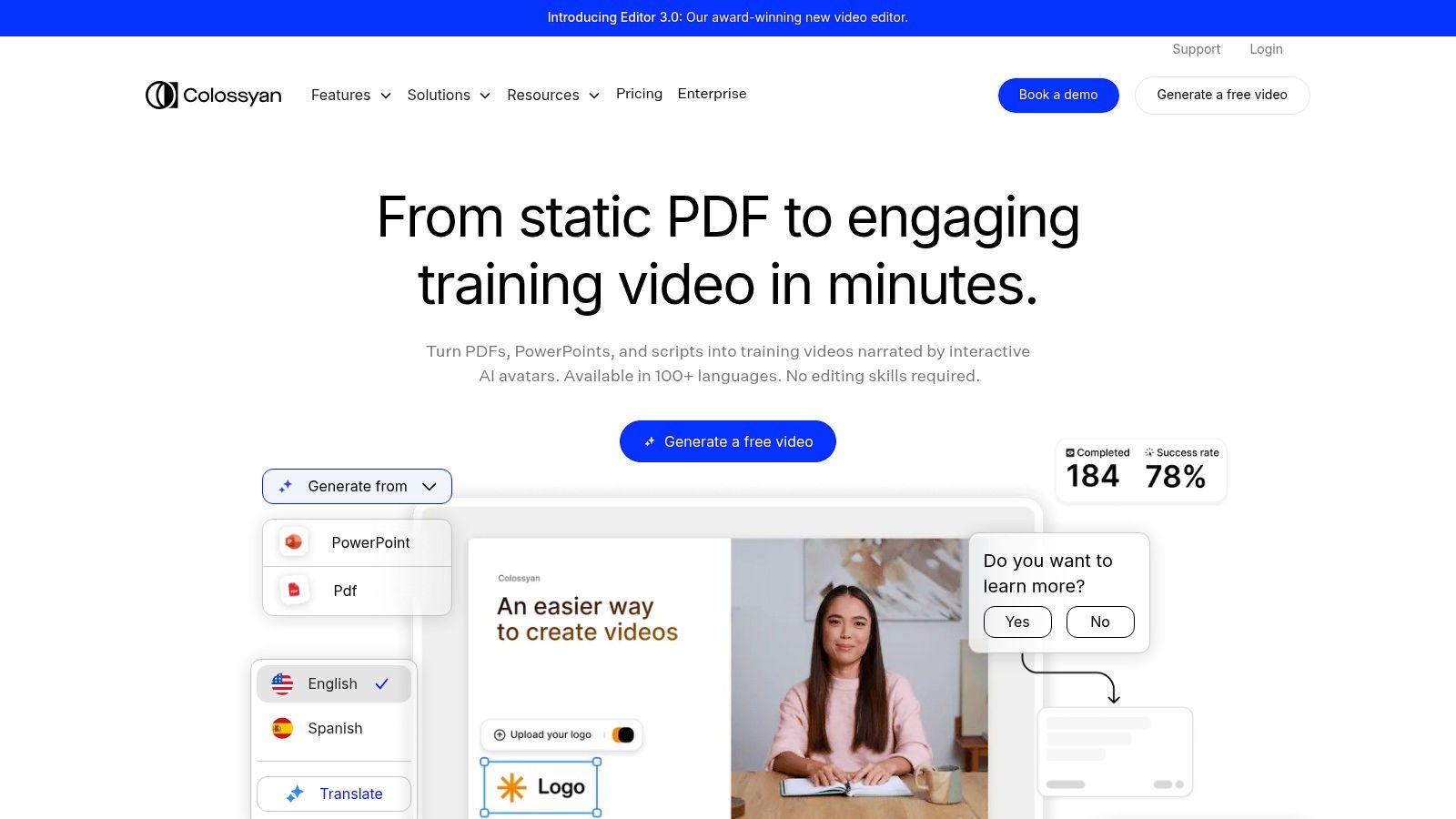
The platform is built for practical business use cases, moving beyond simple text-to-video to offer features essential for learning design. Its strength lies in its ability to easily update content; a presenter's script can be edited in multiple languages, and the AI avatar re-generates the narration instantly. This is a game-changer for maintaining compliance training, product tutorials, and internal communications across global teams.
Key Features & Considerations
Colossyan's feature set is tailored for collaborative, enterprise-level content creation and management.
- AI Avatars & Scripting: Generate high-quality videos with realistic avatars from text scripts, with support for numerous languages and accents.
- Learning & Development Focus: Includes screen recording with automated narration, customizable templates, and features designed for instructional content.
- Brand & Team Management: Offers brand kits for visual consistency, collaborative workspaces, and enterprise-grade controls like SSO for secure access.
- Scalable Updates: The platform is optimized for making quick edits and updates to existing videos at scale, a critical need for training materials.
Pricing and Getting Started
Colossyan provides a free trial to explore its core features. Paid plans start with the Starter tier at $28 per month (billed annually), which includes 10 minutes of video generation. The Pro and Enterprise tiers offer more advanced features like brand kits, team collaboration, and higher generation limits. Pricing for the Enterprise plan requires a demo and is customized based on organizational needs.
Website: https://www.colossyan.com
9. D-ID Creative Reality Studio
D-ID’s Creative Reality Studio specializes in a distinct and powerful niche: transforming still photos into photorealistic talking avatars. This makes it one of the best AI video generators for creating professional-looking spokesperson videos, training modules, or explainer content without the need for a camera, crew, or actor. The platform's core strength is its ability to animate a face with realistic lip-syncing from just text or an audio file, supporting a vast library of languages and voices.
What truly sets D-ID apart is its focus on integration and workflow efficiency for corporate and marketing use cases. With plugins for popular tools like PowerPoint and Canva, users can generate and embed these avatar videos directly into their existing presentations and designs. For developers and businesses seeking automation, the platform also offers a robust API, enabling the programmatic creation of personalized videos at scale.
Key Features & Considerations
D-ID is engineered for the rapid production of engaging, face-to-camera video content.
- Photo-to-Video Animation: Animate any portrait photo (either from their presenter library or your own custom uploads) to speak scripted text.
- Multi-Language Support: Access a wide array of high-quality text-to-speech voices across numerous languages and dialects.
- Seamless Integrations: Direct plugins for PowerPoint and Canva streamline the content creation process for presentations and social media graphics.
- API Access: Higher-tier plans provide API access for developers to build custom applications and automated video workflows.
Pricing and Getting Started
D-ID offers a free trial that includes a limited number of credits to test the platform's capabilities. Paid plans are structured around video length and start at $5 per month for 5 minutes of video. The plans scale up, offering more video minutes, access to premium presenters, and API access at higher tiers. Users should note that the credit system and plan names can change, so it's wise to review the current offerings before committing.
Website: https://studio.d-id.com
10. Kapwing
Kapwing stands out by integrating its AI video generator directly into a powerful, browser-based collaborative video editor. It's designed not just for creating initial clips, but for taking those clips and building a fully realized video project complete with voiceovers, subtitles, and B-roll. This makes it an excellent choice for social media managers and content teams who need to repurpose existing content, like articles or scripts, into engaging video formats quickly and efficiently.
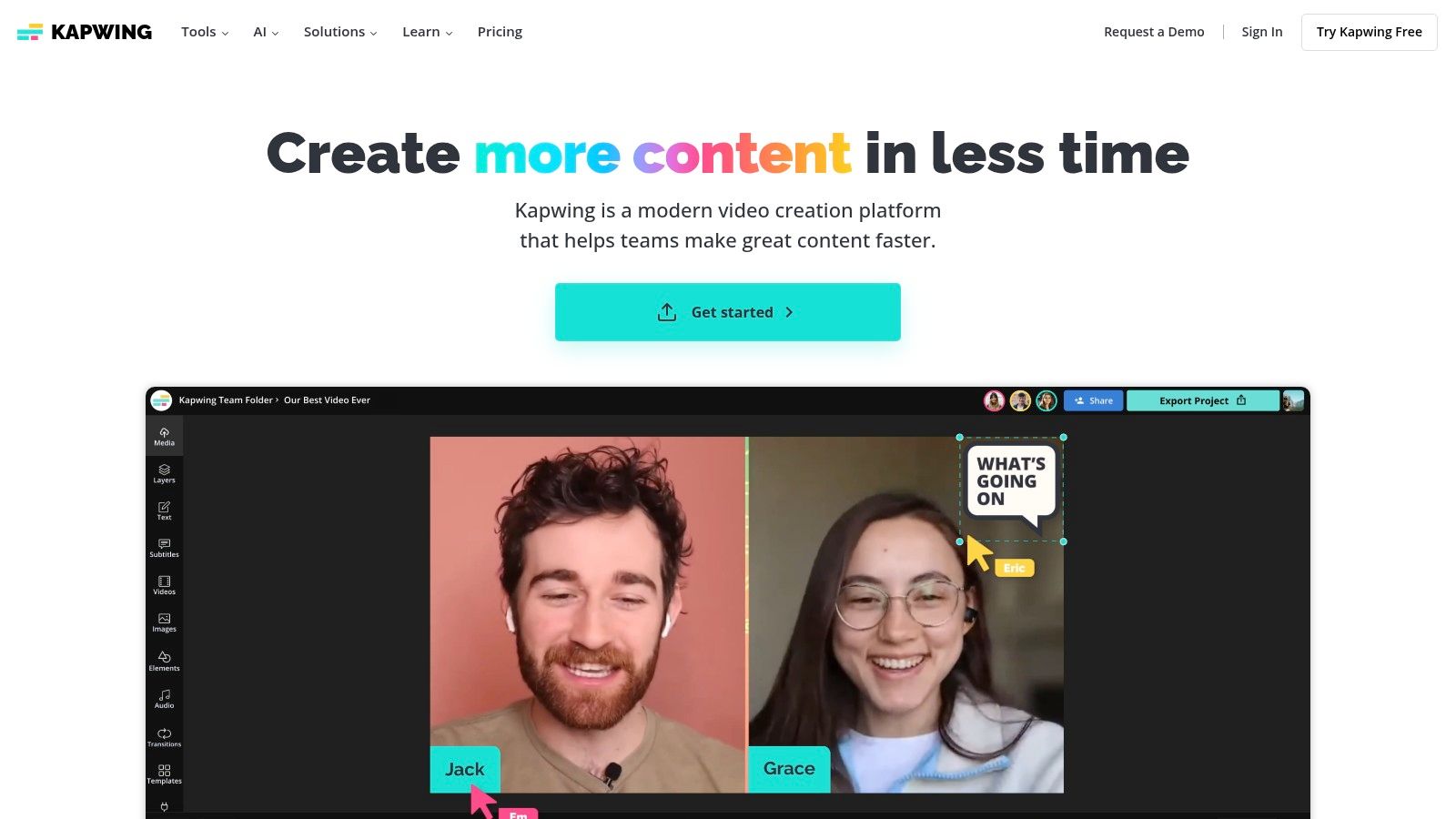
The platform’s strength lies in its seamless workflow. You can generate a video from a text prompt, an image, or even an entire article URL, and then immediately drop into a feature-rich editor to refine it. Kapwing's focus on practical editing tools positions it as one of the best AI video generators for creators who prioritize a polished final product over raw, cinematic clip generation. The collaborative workspaces and brand kit features further streamline the production process for teams.
Key Features & Considerations
Kapwing’s toolkit is built for a practical, end-to-end social media video workflow, from generation to final export.
- Integrated Workflows: Features like Article-to-Video and Script-to-Video allow for fast content repurposing.
- Rich Editor: After generation, users can access a full suite of tools for adding subtitles, voiceovers, B-roll, transitions, and effects. For a deeper look at its capabilities, you can find more information about its AI video editing tools.
- Team Collaboration: Pro plans offer team workspaces and brand kits to maintain consistency across projects and streamline feedback.
- Export Quality: Paid plans support watermark-free exports in up to 4K resolution, ensuring a professional finish.
Pricing and Getting Started
Kapwing offers a free tier that is great for testing the core editor, but it includes a watermark and limits AI features. The paid Pro plan, starting at $16 per user/month (billed annually), removes the watermark, increases storage, unlocks 4K exports, and provides a monthly credit allotment for using AI tools. Users should be mindful that AI generation and other premium features consume credits, so it’s important to manage usage based on your project needs.
Website: https://www.kapwing.com
11. Midjourney (Video)
While renowned for its stunning image generation, Midjourney has expanded its creative arsenal by introducing a video feature. This addition positions it as one of the best AI video generators for artists and creators who want to breathe life into their static creations. Instead of generating cinematic scenes from complex text prompts, Midjourney’s strength lies in animating existing images, whether created on the platform or uploaded, into short, stylized video clips.
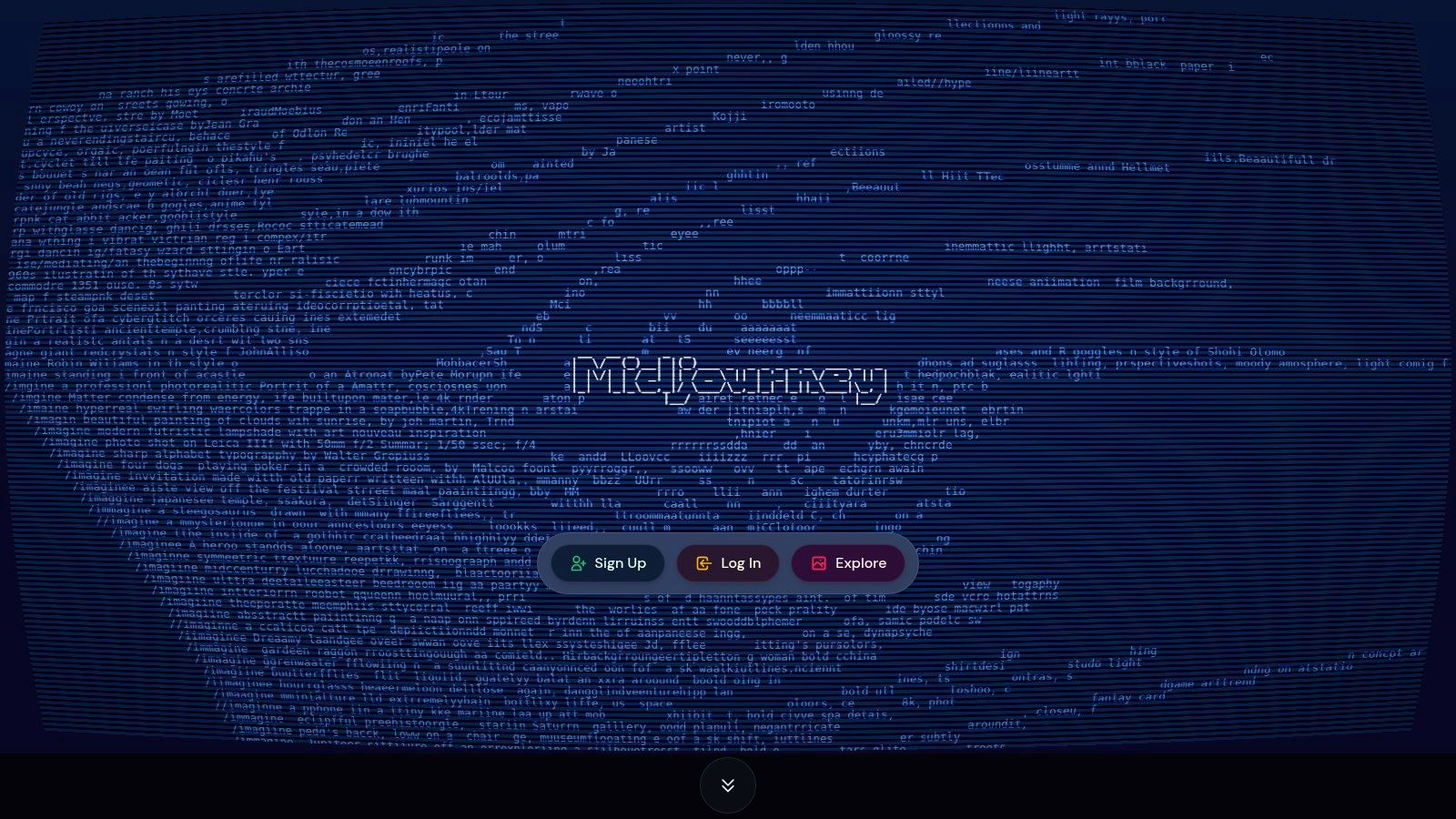
This image-to-video functionality is perfect for creating dynamic social media content, animated avatars, or concept motion tests. The platform gives users control over the intensity and direction of motion, allowing for subtle ambiance or more dramatic movement. This makes it an incredibly fast and intuitive way to add an engaging layer of motion to the highly stylized visuals Midjourney is known for, all within its familiar Discord or web interface.
Key Features & Considerations
Midjourney’s video tool is designed for simplicity and speed, focusing on animating existing art rather than generating new narratives.
- Image-to-Video Animation: The core feature animates any Midjourney-generated or uploaded image into a short clip.
- Motion Control: Users can specify motion levels (high/low) or use manual prompts to guide the direction and camera movement.
- Extendable Clips: Videos start at a few seconds but can be extended in small increments, ideal for looping GIFs or short social posts.
- Integrated Workflow: The video generation process is seamlessly built into the existing Midjourney ecosystem, making it easy for current users to adopt.
Pricing and Getting Started
Access to Midjourney’s video feature is included with all standard Midjourney subscriptions, which start at $8 per month (billed annually). Video generation consumes GPU minutes from your monthly allowance at a higher rate than standard image generation. While there is no dedicated free tier for video, the affordable entry-level plan provides enough resources for users to experiment with animating their images and exploring its creative potential.
Website: https://www.midjourney.com
12. G2 — AI Video Generators Category
While not a generator itself, G2’s dedicated category for AI video generators is an indispensable resource for anyone conducting market research. It functions as a meta-tool, aggregating user reviews, feature comparisons, and real-time rankings to help you make an informed decision. For businesses and creators looking to invest in one of the best AI video generators, G2 provides a layer of social proof and peer validation that product websites cannot offer.
The platform’s value lies in its structured data and filtering capabilities. You can sort tools by market segment, user satisfaction, or specific features, making it easy to discover niche players or compare top contenders like HeyGen and Synthesia side-by-side. The detailed user reviews often highlight practical pros and cons that are crucial for understanding how a tool performs in real-world scenarios.
Key Features & Considerations
G2 helps you evaluate the crowded market of AI video tools with data-driven insights from actual users.
- Live Rankings: The G2 Grid plots vendors based on market presence and customer satisfaction, identifying "Leaders" and "High Performers."
- User Reviews: Authentic, detailed reviews from verified users provide insights into usability, support quality, and feature effectiveness.
- Feature & Pricing Comparison: Directly compare key features, pricing notes, and intended use cases across multiple platforms in one place.
- Niche Tool Discovery: Use advanced filters to find specialized tools that cater to specific industries, team sizes, or budgets.
Pricing and Getting Started
Accessing G2's reviews and comparison tools is completely free. The platform serves as a research hub, providing direct links to the official vendor websites where you can explore pricing and sign up. A practical tip is to always cross-reference the pricing information on G2 with the vendor’s site, as it can sometimes be outdated. Be mindful of sponsored placements while navigating the rankings.
Website: https://www.g2.com/categories/ai-video-generators
Top 12 AI Video Generators Comparison
| Product | Core features | UX / Quality (★) | Price & Value (💰) | Target audience (👥) | Unique selling points (✨) |
|---|---|---|---|---|---|
| 🏆 ShortsNinja | End-to-end short-video automation: idea → script → AI visuals → voiceover → schedule (TikTok & YouTube) | ★★★★☆ (fast, polished output) | 💰 $19–$129/mo (credit-based; up to 120 vids/mo), free 1st video + NINJA30 | 👥 Creators, influencers, agencies, SMBs, educators | ✨ 3‑step 5‑min workflow, Series automation, timezone-aware scheduling, 50+ languages |
| Runway | Text/image→video (Gen‑3/4), upscaling, lip‑sync, team workspaces | ★★★★☆ (powerful, pro-grade) | 💰 Credit-based; free starter tier | 👥 Creators, studios, VFX teams | ✨ Broad model suite, 4K up-res, collaboration tools |
| Pika | Fast text/image→video, scene tools, effects (Pikascenes) | ★★★☆☆ (fast, iterative) | 💰 Clear per-feature credits; hobby→pro tiers | 👥 Hobbyists → pros, fast iterators | ✨ Scene/effects tools, fast generation times |
| Luma AI — Dream Machine | Draft → HiFi video, realistic motion/physics, 4K & HDR up-res | ★★★★☆ (high realism) | 💰 Credit tiers; commercial use on paid plans | 👥 Creators seeking realism, pros | ✨ Strong motion realism, 4K/HDR options |
| Adobe Firefly (Generate Video) | Text/image→video integrated with Adobe CC (Premiere/Photoshop) | ★★★★☆ (brand-safe, integrated) | 💰 CC credits & plans; enterprise options | 👥 Brands, agencies, professional creatives | ✨ Adobe ecosystem + commercial licensing |
| Synthesia | Avatar-centric video, 80+ languages, enterprise controls | ★★★★☆ (enterprise L&D grade) | 💰 Enterprise / seat-based & credits (minutes limited) | 👥 L&D, localization, marketing teams | ✨ Large avatar library, strong localization & security |
| HeyGen | Avatar generator, studio app + API, translation tools | ★★★☆☆ (easy scaling) | 💰 Free tier; team/API pricing + add-on credits | 👥 Marketing, sales, localization teams | ✨ 500+ avatars, API for automation, translation tools |
| Colossyan | Training-first avatar videos, templates, brand/enterprise controls | ★★★★☆ (training-focused) | 💰 Demo/enterprise pricing; tailored plans | 👥 Enterprises, L&D teams | ✨ Templates & scale-updates, enterprise workflow features |
| D‑ID Creative Reality Studio | Photo→talking-video, presenter library, PPT & Canva plugins | ★★★★☆ (fast spokesperson clips) | 💰 Tiered minutes/credits; API & plugins | 👥 Marketing, support, educators | ✨ PPT/Canva integrations, quick talking-head production |
| Kapwing | Browser editor + AI generator, subtitles, repurposing & collaboration | ★★★★☆ (easy, collaborative) | 💰 Free(with watermark); paid for 4K/teams | 👥 Social creators, teams repurposing content | ✨ All-in-one editor + AI + team workspaces |
| Midjourney (Video) | Animate stills into stylized short clips (extendable) | ★★★☆☆ (stylized, experimental) | 💰 Subscription/GPU minutes via Discord | 👥 Artists, stylized content creators | ✨ Fast style-driven motion from images |
| G2 — AI Video Generators Category | Marketplace with reviews, rankings, filters and vendor pages | ★★★★☆ (crowd-sourced insights) | 💰 Free to browse | 👥 Buyers, researchers, procurement teams | ✨ Live rankings, user reviews, comparison filters |
Choosing Your Creative Co-Pilot: Final Thoughts
The landscape of AI-powered video creation is no longer a distant future; it's a dynamic and accessible reality for creators and businesses today. As we've explored, the market for the best AI video generators is not a one-size-fits-all arena. Instead, it's a diverse ecosystem of specialized tools, each designed to serve a unique purpose, from crafting viral social media clips to producing high-fidelity cinematic sequences.
The key takeaway is that your choice of tool should be a direct reflection of your specific goals, workflow, and audience. There is no single "best" platform, only the one that best fits your project's unique demands.
Aligning the Tool with the Task
To make the right choice, it's crucial to first define your primary objective. Are you a social media manager tasked with producing a high volume of engaging short-form content? A tool like ShortsNinja offers an end-to-end automated workflow that is hard to beat for speed and scalability.
Conversely, if you're a filmmaker or digital artist looking to generate breathtaking, original b-roll or conceptual scenes, the creative powerhouses of Runway and Luma AI's Dream Machine are your creative playgrounds. These platforms excel at text-to-video and image-to-video generation, pushing the boundaries of photorealism and artistic expression. For those already embedded in the Adobe ecosystem, Adobe Firefly presents a promising and integrated option.
For corporate communicators, educators, and marketers, the focus shifts from pure visual artistry to clarity, consistency, and scalability. Avatar-based platforms like Synthesia, HeyGen, and Colossyan provide polished, professional solutions for creating training videos, marketing messages, and internal communications without the need for cameras, actors, or studios.
Key Factors to Consider Before You Commit
Before you integrate an AI video generator into your workflow, consider these practical factors:
- Learning Curve: How intuitive is the user interface? Some tools are designed for immediate use with minimal training, while others offer deeper creative control that requires more time to master.
- Workflow Integration: Does the tool fit seamlessly into your existing processes? Consider its ability to import assets, export in required formats, and collaborate with team members. For example, a tool like Kapwing functions as a complete online editor, making it a great central hub for content teams.
- Cost vs. ROI: Evaluate the pricing models carefully. Is a subscription plan with unlimited videos more cost-effective for your high-volume needs, or does a pay-per-credit model better suit occasional projects? Always weigh the cost against the time and resources you'll save.
- Output Quality and Style: Beyond resolution, assess the aesthetic style of the AI's output. Does its "look" align with your brand identity? Run several test projects to ensure the final product meets your quality standards.
Your Next Steps into AI Video Creation
The most effective way to find your ideal creative partner is through hands-on experimentation. Nearly every tool on this list offers a free trial or a freemium plan. Use these opportunities to test the same prompt across different platforms to compare their interpretations, speed, and output quality.
This journey into AI video is one of continuous learning and adaptation. The technology is evolving at an incredible pace, and staying curious is your greatest asset. By starting today, you position yourself at the forefront of a content revolution, ready to tell stories in ways that were once the exclusive domain of large production studios. Choose your tool, start creating, and unlock a new era of efficiency and imagination.
Ready to stop spending hours on tedious video editing and start publishing viral short-form content on autopilot? ShortsNinja is an all-in-one solution designed specifically for creators who need to produce high-quality videos for TikTok, Reels, and Shorts at scale. Explore how our automated workflow can transform your content strategy by visiting ShortsNinja today.