

The landscape of YouTube content creation is undergoing a fundamental shift. What once demanded extensive filming, complex editing, and professional voiceover work can now be achieved in a fraction of the time. This guide dives deep into the best AI video generator for YouTube, providing a comprehensive analysis of the top 12 platforms empowering creators to produce high-quality, engaging videos at an unprecedented scale. We move beyond generic feature lists to offer a practical evaluation of each tool's real-world performance, ideal use cases, and crucial limitations.
Our goal is to help you cut through the noise and select the right tool for your specific needs. Whether you're a faceless channel owner automating content, a digital marketer creating promotional videos, or an educator developing course materials, this breakdown will help you find the perfect AI partner for your YouTube strategy. The problem these platforms solve is immense: they drastically reduce production time, lower the barrier to entry for new creators, and enable a level of content output that was previously unattainable for small teams or solo entrepreneurs.
This resource is designed for quick navigation and clear comparisons. For each platform, you will find:
- A concise summary of its core strengths.
- Honest pros and cons based on practical use.
- Specific use cases for different types of YouTube channels.
- Direct links and up-to-date screenshots.
As these tools become more sophisticated, their role is expanding beyond simple generation. Understanding the broader impact of technologies like AI integration in post-production is becoming essential for creators who want to maintain a competitive edge. Let's explore the platforms leading this transformation.
1. ShortsNinja
ShortsNinja establishes itself as a premier, end-to-end automation platform, making it a powerful contender for the best AI video generator for YouTube, especially for creators focused on Shorts. It excels at transforming a simple idea into a polished, faceless video ready for publishing in approximately five minutes. The platform integrates multiple best-in-class generative models like Flux, Kling, and RunwayML, ensuring a high degree of visual variety and quality that can be tailored to specific niches.
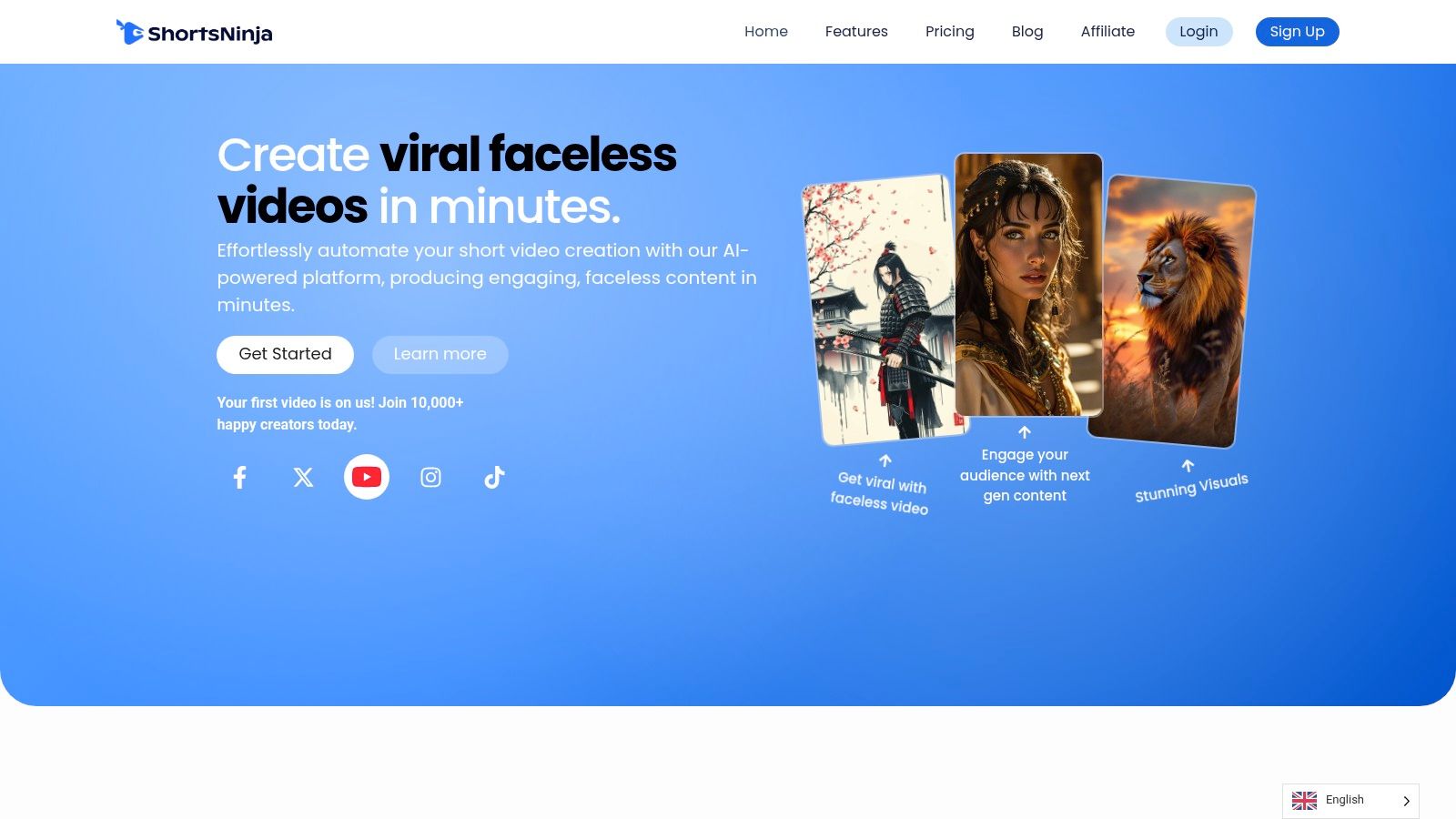
What truly sets ShortsNinja apart is its streamlined, three-step workflow: input an idea, refine the AI-generated script and visuals, then edit and schedule. This process is enhanced by a library of over 200 realistic AI voices from industry leaders like ElevenLabs and Speechify, available in more than 50 languages, which is ideal for creators targeting global audiences. For those looking to put their content on autopilot, the built-in scheduler and "Series" automation feature allow for hands-free publishing directly to YouTube and TikTok.
Key Features & Benefits
- Extreme Speed & Automation: Go from concept to a scheduled YouTube Short in under five minutes. The platform handles scripting, visual generation, voiceover, and publishing.
- High-Quality Outputs: Access multiple top-tier image and video generation engines, plus premium AI voices, for professional-grade, niche-specific content.
- Integrated Workflow: The system combines all necessary tools, including a familiar video editor for final adjustments, scheduling with timezone support, and automation.
- Strong Support System: The platform is backed by a community of over 10,000 creators, official partnerships with providers like Speechify, and dedicated support via Discord and email.
Pricing and Access
ShortsNinja operates on a credit-based model, where approximately 10 credits equal one minute of video. New users can test the service with a "first video is on us" free trial.
| Plan | Videos/Month (Approx.) | Price (Monthly) | Price (Billed Annually) |
|---|---|---|---|
| Starter | 12 | $19/mo | $15/mo |
| Pro | 30 | $39/mo | $31/mo |
| Creator | 60 | $69/mo | $55/mo |
| Influencer | 120 | $129/mo | $103/mo |
The company also offers a 3-day refund policy on unused credits, reducing the risk for new users.
Our Assessment
ShortsNinja is an exceptional choice for creators, agencies, and businesses aiming for high-volume, consistent short-form video production without the traditional overhead. Its combination of speed, quality, and powerful automation features makes it a standout solution. While currently focused on YouTube and TikTok, its end-to-end system provides immense value. You can get more insights on using AI for YouTube videos on the ShortsNinja blog.
Pros:
- Incredibly fast, fully automated workflow from idea to scheduled post.
- Diverse and high-quality AI visuals and voiceovers.
- Complete, all-in-one platform with a built-in editor and scheduler.
- Flexible plans with a free trial and strong community support.
Cons:
- Platform integration is currently limited to YouTube and TikTok.
- Credit-based system may become costly for extremely high-volume needs.
Website: https://shortsninja.com
2. Runway
Runway stands out as a pioneer in the AI video space, offering a suite of powerful tools centered around its impressive Gen-3 and Gen-4 models. It excels at generating high-fidelity, short video clips from text or image prompts, making it an ideal choice for creating unique B-roll, captivating YouTube Shorts, or stylized channel intros. Unlike tools focused solely on assembling stock footage, Runway is about pure AI creation, giving creators a canvas for visual experimentation.
The platform integrates these generation tools into a timeline-based editor, allowing you to sequence clips, apply effects, and control exports without leaving the ecosystem. This makes it a strong contender for the title of best AI video generator for YouTube, particularly for creators who need custom-generated visuals rather than template-based videos. The credit system, while initially complex, offers granular control over spending, as each video generation clearly states its cost.
Key Features & Ideal Use Cases
- Gen-3/Gen-4 Models: State-of-the-art text-to-video and image-to-video generation for producing cinematic short clips.
- Integrated Editor: A built-in timeline lets you assemble, trim, and upscale your generated clips directly on the platform.
- Workflow Automations: Team workspaces and automation features streamline the creative process for small teams and agencies.
Ideal for: YouTubers who need custom animated sequences, abstract B-roll for documentaries, or visually striking short-form content.
Pricing and Access
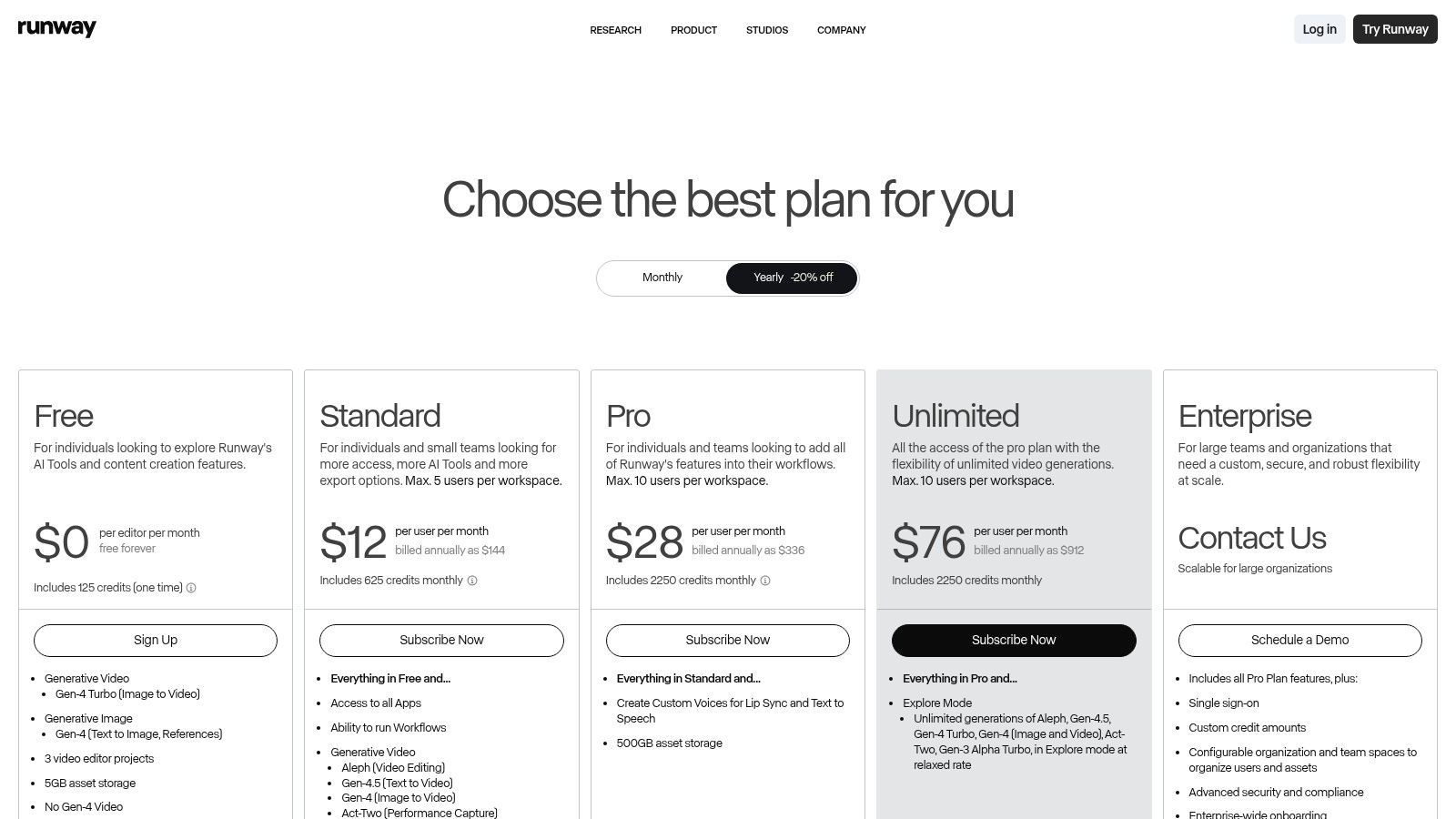
Runway operates on a freemium model with a credit system. The free plan provides a starter set of credits, while paid tiers (starting from $12/user/month) offer more credits, faster processing, and advanced features like 4K upscaling. Credits are consumed for video generation (e.g., one second of Gen-3 costs 5 credits), model training, and other AI tasks. You can explore a detailed comparison of its features and learn more about how Runway fits into the AI video landscape.
Pros:
- Reliable, industry-leading video generation models.
- Good balance between generation tools and a functional editor.
- Clear pricing tiers for individuals and teams.
Cons:
- Credit system can be confusing to calculate initially.
- Not designed for creating long-form narrative videos.
Website: https://runwayml.com
3. Luma AI Dream Machine
Luma AI's Dream Machine has rapidly emerged as a powerful contender in the AI video generation space, known for its ability to produce highly realistic and cinematic short clips. It focuses on high-fidelity text-to-video and image-to-video generation, making it a fantastic tool for creating stylized B-roll, concept shots, or visually rich intros for YouTube videos. Unlike platforms built around editing stock media, Dream Machine is a pure generation tool designed for creators who want to bring imaginative concepts to life with impressive physics and motion consistency.
The platform’s simplicity is one of its key strengths. Users can quickly iterate on ideas, generating clips in different quality modes to test concepts before committing to higher-resolution outputs. This makes it an excellent choice for crafting compelling YouTube Shorts where rapid experimentation is crucial. For YouTubers looking for the best AI video generator for youtube to produce custom, eye-catching visuals without a complex editing suite, Dream Machine offers a direct and powerful solution.
Key Features & Ideal Use Cases
- High-Fidelity Generation: Creates remarkably realistic and fluid 5-second video clips from text or image prompts.
- Draft & Pro Modes: Allows for fast, low-cost drafts to refine ideas before generating in high quality.
- 4K Upscaling & HDR: Paid plans offer the ability to upscale generations for professional, high-resolution YouTube content.
Ideal for: YouTubers needing cinematic B-roll, creating abstract visuals for commentary videos, or producing unique content for YouTube Shorts.
Pricing and Access
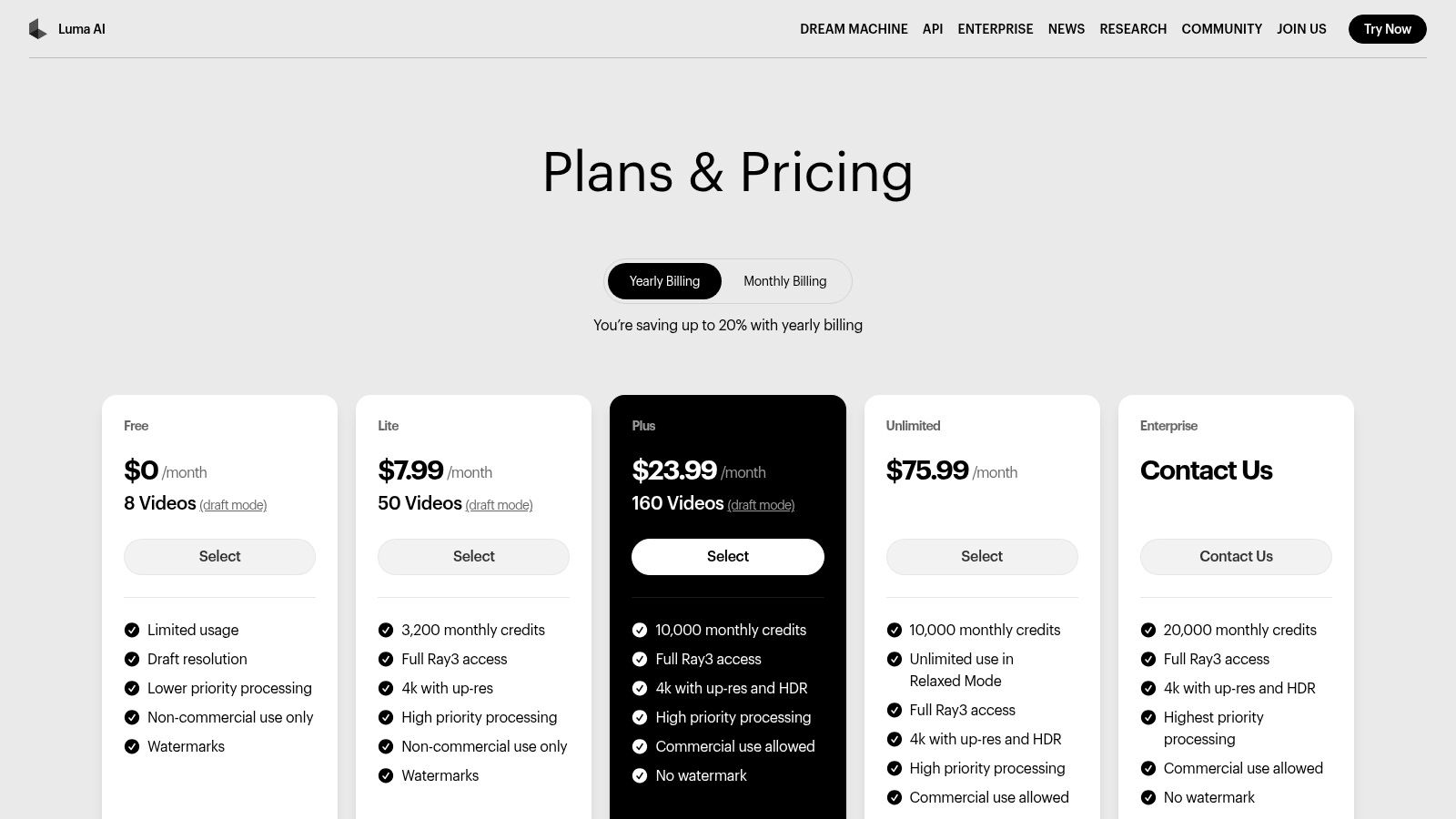
Luma AI provides a free plan with 30 generations per month, which is great for initial testing. Paid plans (starting at $29.99/month for the Standard tier) increase the number of monthly generations and unlock features like higher priority processing, 4K up-res, and commercial usage rights. The simple tier-based system makes it easy to predict costs and scale up based on creative needs.
Pros:
- Competitive realism and motion quality for short clips.
- Straightforward pricing with no watermark on paid plans.
- Great value for users needing frequent, high-quality generations.
Cons:
- Clip length is currently limited to 5 seconds.
- Does not include an integrated video editor.
Website: https://lumalabs.ai/pricing?utm_source=openai
4. Adobe Firefly (Generate Video)
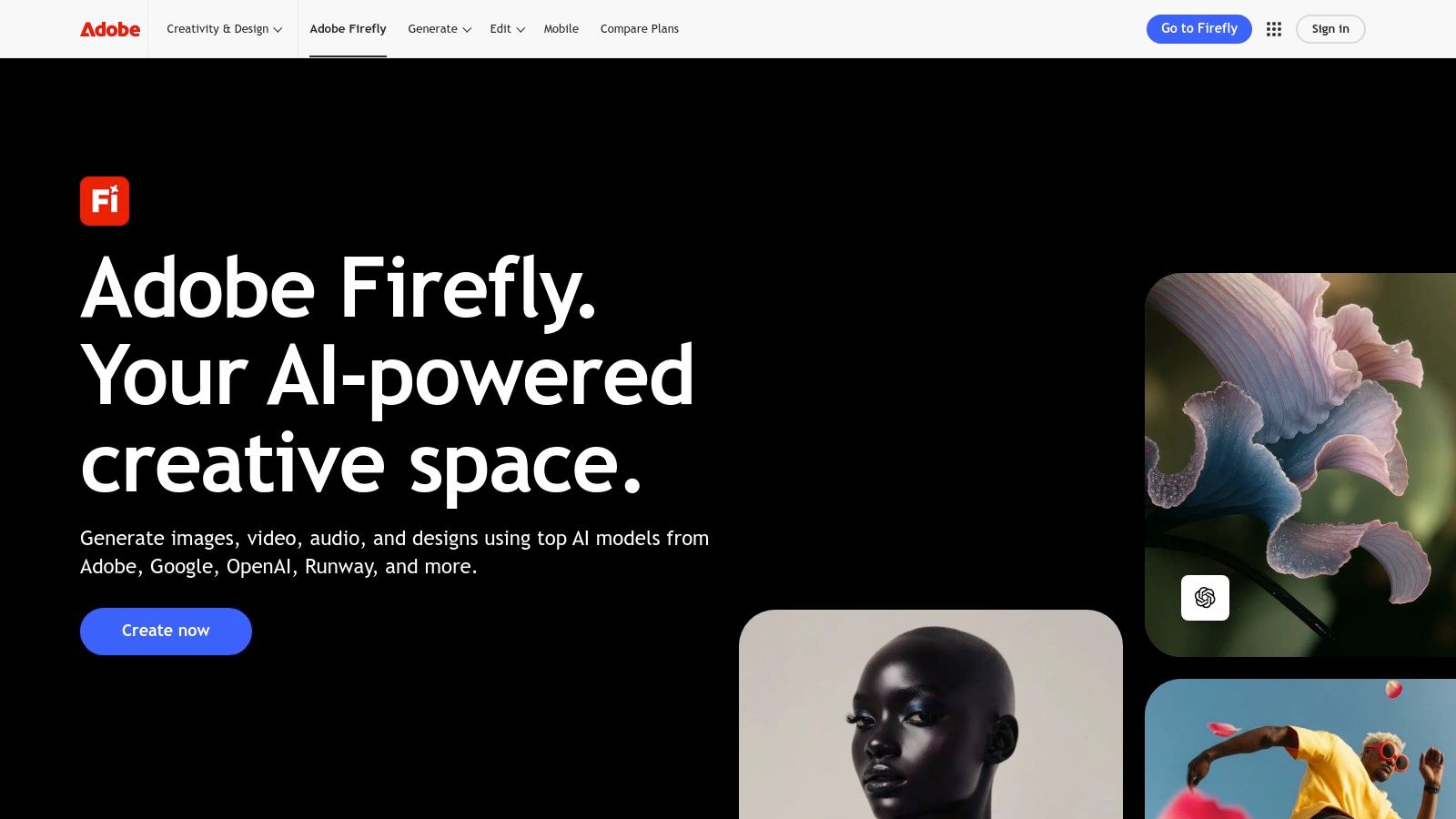
Adobe Firefly's video generation tools are a powerful extension of its renowned creative suite, designed for creators already invested in the Adobe ecosystem. Its text-to-video capabilities are engineered for commercial safety, trained on Adobe Stock and openly licensed content, which provides peace of mind regarding content rights. This makes it an excellent choice for generating unique B-roll, motion graphics, or short clips that can be seamlessly handed off to Adobe Premiere Pro or Express for final editing.
The primary advantage of Firefly is its deep integration with Creative Cloud. This allows for a smooth workflow where generated assets are immediately available within your primary editing software, reducing friction and saving time. While the generated clips are currently short, the platform is rapidly evolving, positioning itself as a key player for YouTubers who need a reliable and commercially safe option for augmenting their video productions.
Key Features & Ideal Use Cases
- Generate Video: Create short video clips from simple text prompts or by animating still images directly within the Firefly app.
- Creative Cloud Integration: A seamless pipeline allows for easy transfer of generated assets into Premiere Pro and Express.
- Commercially Safe Model: The AI is trained on a library that respects creator IP, making outputs safer for monetization on YouTube.
Ideal for: YouTubers deeply embedded in the Adobe workflow who need custom, IP-safe B-roll and animated elements for their projects.
Pricing and Access
Firefly operates on a generative credit system integrated into Creative Cloud plans. A free plan is available with a limited number of monthly credits. Paid plans (starting around $4.99/month for the Firefly Premium plan) offer more credits and access to premium features. Credits are used for each generation, with costs varying based on the output.
Pros:
- Strong focus on commercial use and IP safety.
- Unmatched integration with Adobe's professional editing tools.
- Backed by a reliable and frequently updated platform.
Cons:
- Generated video clips have short duration limits.
- Generative credits can be consumed quickly, especially with premium features.
Website: https://www.adobe.com/firefly
5. HeyGen
HeyGen focuses on creating professional-grade, AI-driven spokesperson videos without requiring a camera or microphone. It excels at generating content from text using hyper-realistic stock or custom avatars, making it perfect for corporate training, marketing messages, or educational explainers. Instead of generating abstract scenes, HeyGen produces a polished "talking head" style video, which is a common and effective format for many YouTube channels.
The platform's strength lies in its simplicity and speed for creating repeatable content. A creator can easily produce a series of videos with a consistent presenter and branding. This makes HeyGen a strong candidate for the best AI video generator for YouTube for channels that rely on a direct, instructional format. Its extensive language and voice library also makes it a powerful tool for localizing content and reaching a global audience with minimal effort.
Key Features & Ideal Use Cases
- 500+ Stock Avatars: A massive library of diverse, realistic AI presenters to choose from, with the option to create a custom avatar.
- Multi-Language Dubbing: Translate and dub your video's audio into over 30 languages with natural-sounding AI voices.
- Team Collaboration: Features designed for teams to share assets, templates, and video projects seamlessly.
- Fast Generation: Quickly turn scripts into polished spokesperson videos, ideal for high-volume content production.
Ideal for: YouTubers creating faceless educational content, corporate training modules, product demonstrations, or localizing a channel for international markets.
Pricing and Access
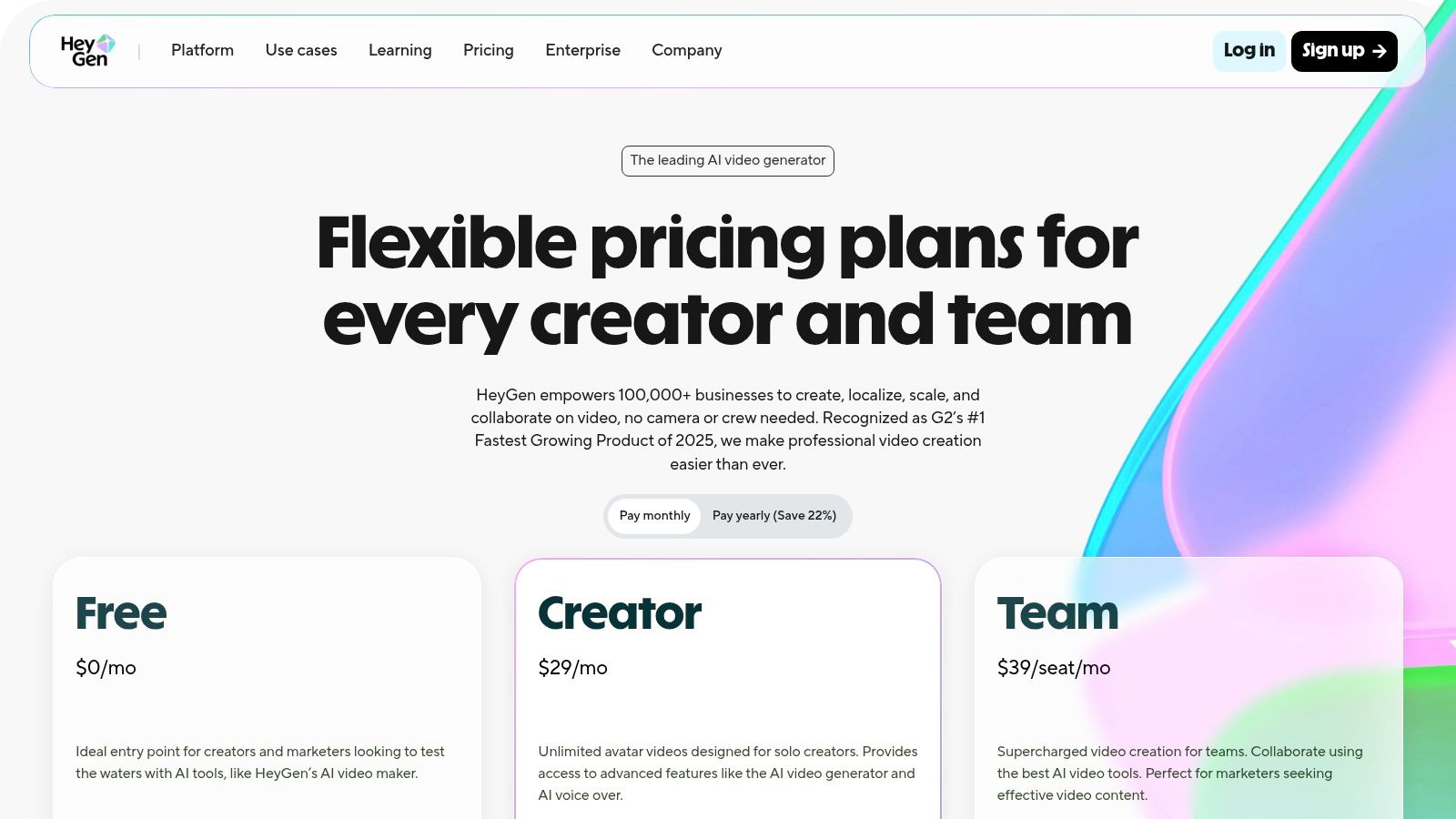
HeyGen offers a free plan that allows you to test the platform with one free credit and create videos up to one minute long. Paid plans start at $24 per month (billed annually) for 180 credits per year and remove the watermark. Higher tiers offer more credits, faster processing, 4K resolution, and access to premium features like custom avatars. Credits are used for each minute of video generated.
Pros:
- Excellent for creating consistent spokesperson videos quickly.
- Powerful localization and translation features.
- Generous free tier for testing core functionality.
Cons:
- AI avatar style may not suit all creative or informal channels.
- Removing watermarks and unlocking key features requires a paid subscription.
Website: https://www.heygen.com/pricing?utm_source=openai
6. Synthesia
Synthesia is an enterprise-grade AI video platform focused on creating polished, avatar-driven presentations. It excels at turning scripts into professional-looking videos featuring realistic AI avatars, making it perfect for YouTube channels centered around training, corporate communications, and product explainers. Instead of generative, open-world video, Synthesia provides a controlled environment to produce consistent, high-quality content without needing cameras or microphones.
The platform is built for scalability and brand consistency, allowing users to upload brand assets, create reusable templates, and even design a custom avatar on higher-tier plans. This focus on repeatable workflows makes it a strong candidate for the best AI video generator for YouTube channels that publish frequent how-to or informational content. Its straightforward, slide-based editor feels familiar to anyone who has used presentation software, flattening the learning curve significantly.
Key Features & Ideal Use Cases
- 125+ High-Quality AI Avatars: A diverse library of stock avatars, with options to create a custom digital twin for brand consistency.
- Multilingual Voice Generation: Generate voiceovers in over 120 languages and accents directly from text, with dubbing features.
- Brand Kits & Templates: Maintain brand identity with custom fonts, colors, and logos, and use templates to speed up production.
- API Access: Enterprise users can integrate Synthesia's video generation capabilities into their own workflows and applications.
Ideal for: Educational channels, corporate trainers, and marketers creating product demos or instructional videos at scale.
Pricing and Access
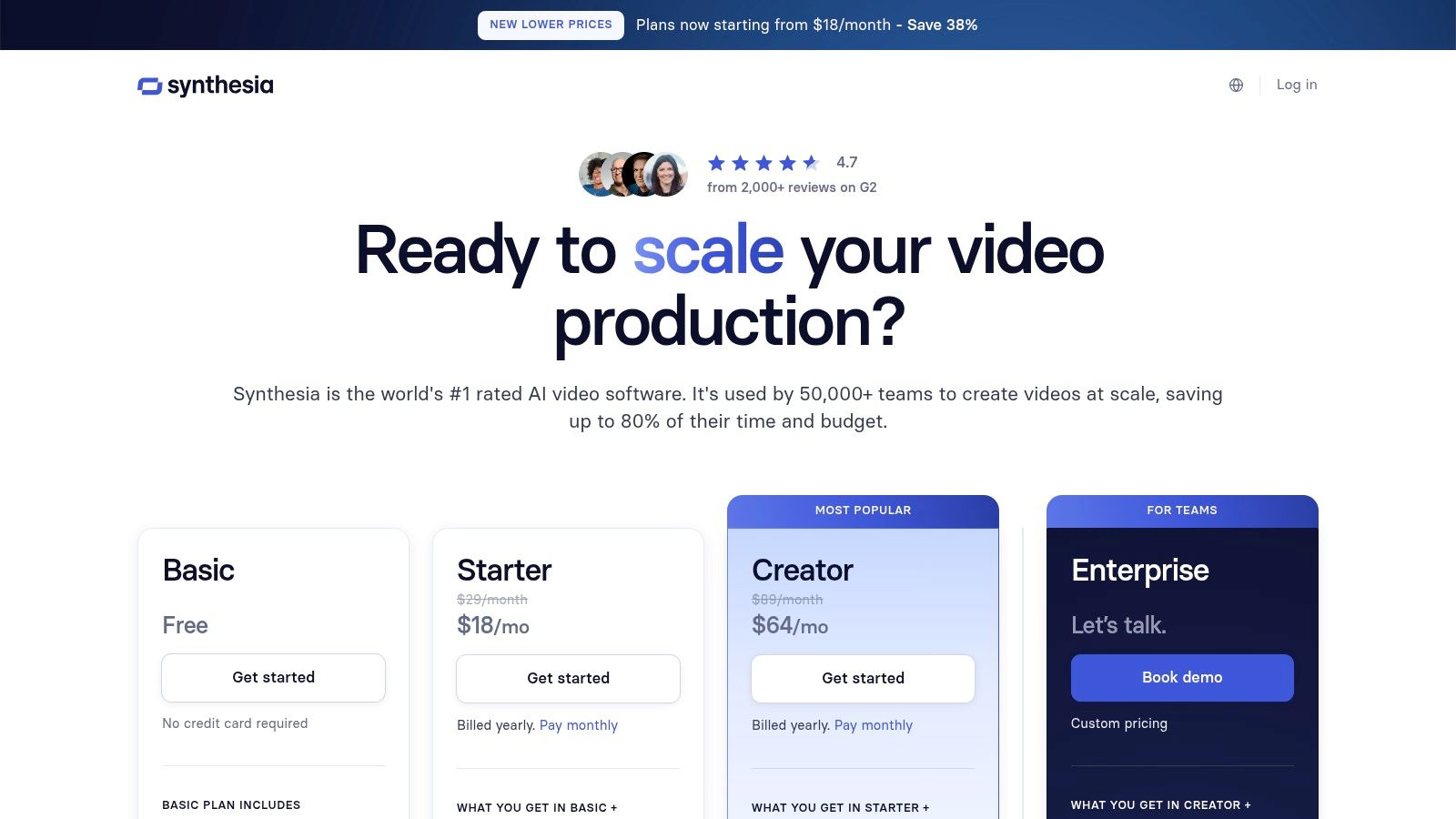
Synthesia offers several subscription tiers, starting with a "Personal" plan for individuals at $22/month (billed annually), which includes 10 minutes of video generation per month. The "Creator" and "Enterprise" plans provide more video minutes, additional avatars, and advanced features like brand kits and API access. Each plan operates on a credit system where minutes are consumed as you generate videos. You can learn more about how Synthesia's features compare to other leading tools for YouTubers.
Pros:
- Extremely high-quality, polished, and reliable avatar videos.
- Scales exceptionally well for teams and corporate branding.
- Templates and an intuitive editor accelerate production workflows.
Cons:
- Costs can increase significantly with usage due to the minutes-based credit system.
- Not suitable for creative or cinematic video generation; it is a presentation tool.
Website: https://www.synthesia.io/pricing-options?utm_source=openai
7. InVideo AI
InVideo AI excels at rapidly transforming a single text prompt into a fully fleshed-out YouTube video. It automates the entire workflow from script generation to scene creation, sourcing relevant stock footage, adding voiceovers, and applying text overlays. This makes it an incredibly efficient tool for creators focused on faceless content, news roundups, listicles, or explanatory videos where speed and volume are key priorities.
The platform is designed for users who may not have advanced video editing skills. Its strength lies in assembling existing assets into a coherent narrative, rather than generating new visuals from scratch. By handling the tedious parts of video creation, InVideo AI allows YouTubers to produce consistent content schedules with minimal manual effort, positioning it as a strong contender for the best AI video generator for YouTube for workflow automation.
Key Features & Ideal Use Cases
- Prompt-to-Video Workflow: Generates a complete script, selects stock media, and adds voice and captions from a single idea.
- Massive Stock Library: Integrated access to millions of stock photos and video clips to illustrate concepts.
- Built-in AI Voiceovers: A wide selection of natural-sounding AI voices to narrate your script instantly.
- YouTube-Specific Formats: Easily create and export videos tailored for Shorts or standard long-form content.
Ideal for: Faceless channels, content creators producing listicles or informational videos, and marketers needing to quickly create video ads.
Pricing and Access
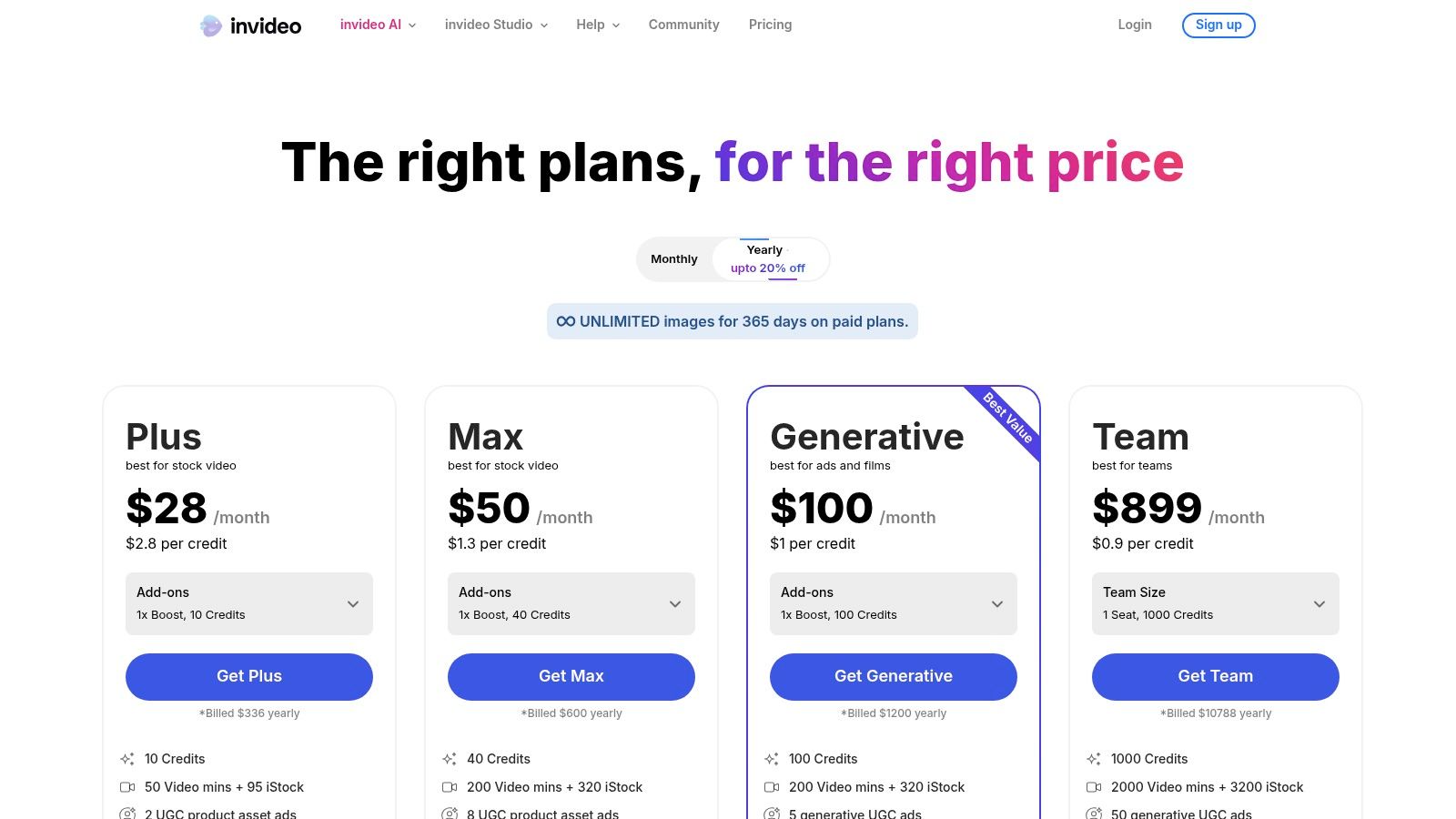
InVideo AI offers a free plan that allows users to test the platform, but it includes watermarks and has export limits. Paid plans start at $20 per month (billed annually) and remove watermarks, increase export limits, and provide access to premium stock media and more AI generation credits.
Pros:
- Extremely fast from initial idea to a full video draft.
- Very user-friendly interface, perfect for non-editors.
- Comprehensive workflow covers scripting, visuals, and voiceover.
Cons:
- The free tier is quite limited and includes watermarks.
- AI-generated videos often require manual refinement for a polished final product.
Website: https://invideo.io/pricing?utm_source=openai
8. Descript
Descript revolutionizes post-production by treating video and audio as editable text. Instead of scrubbing through a timeline, you edit the auto-generated transcript, and the corresponding video/audio clips are cut, rearranged, or deleted instantly. This unique workflow makes it a powerful AI video tool for YouTube, especially for creators focused on commentary, podcasts, tutorials, and interview-style content where speed and efficiency are paramount. It’s less about generating visuals from scratch and more about radically simplifying the editing process.
The platform is packed with AI-powered features designed to save hours. Its "Overdub" feature can clone your voice to correct audio mistakes without re-recording, while "Studio Sound" removes background noise and enhances vocal quality with a single click. For YouTubers who need to repurpose long-form content into Shorts or add professional captions, Descript offers one of the fastest workflows available, cementing its place as an essential tool for dialogue-heavy channels.
Key Features & Ideal Use Cases
- Text-Based Video Editing: Edit video by simply editing the transcribed text, like a word document.
- AI Voice Cloning (Overdub): Correct audio mistakes or generate new narration using a realistic clone of your own voice.
- Studio Sound & Filler Word Removal: Automatically enhance audio quality and remove ums, uhs, and other filler words.
- Screen Recorder & Templating: Easily record your screen and create reusable templates for consistent branding across videos.
Ideal for: Podcasters turning audio into YouTube videos, tutorial creators, and anyone who wants to drastically speed up their dialogue-based editing workflow.
Pricing and Access
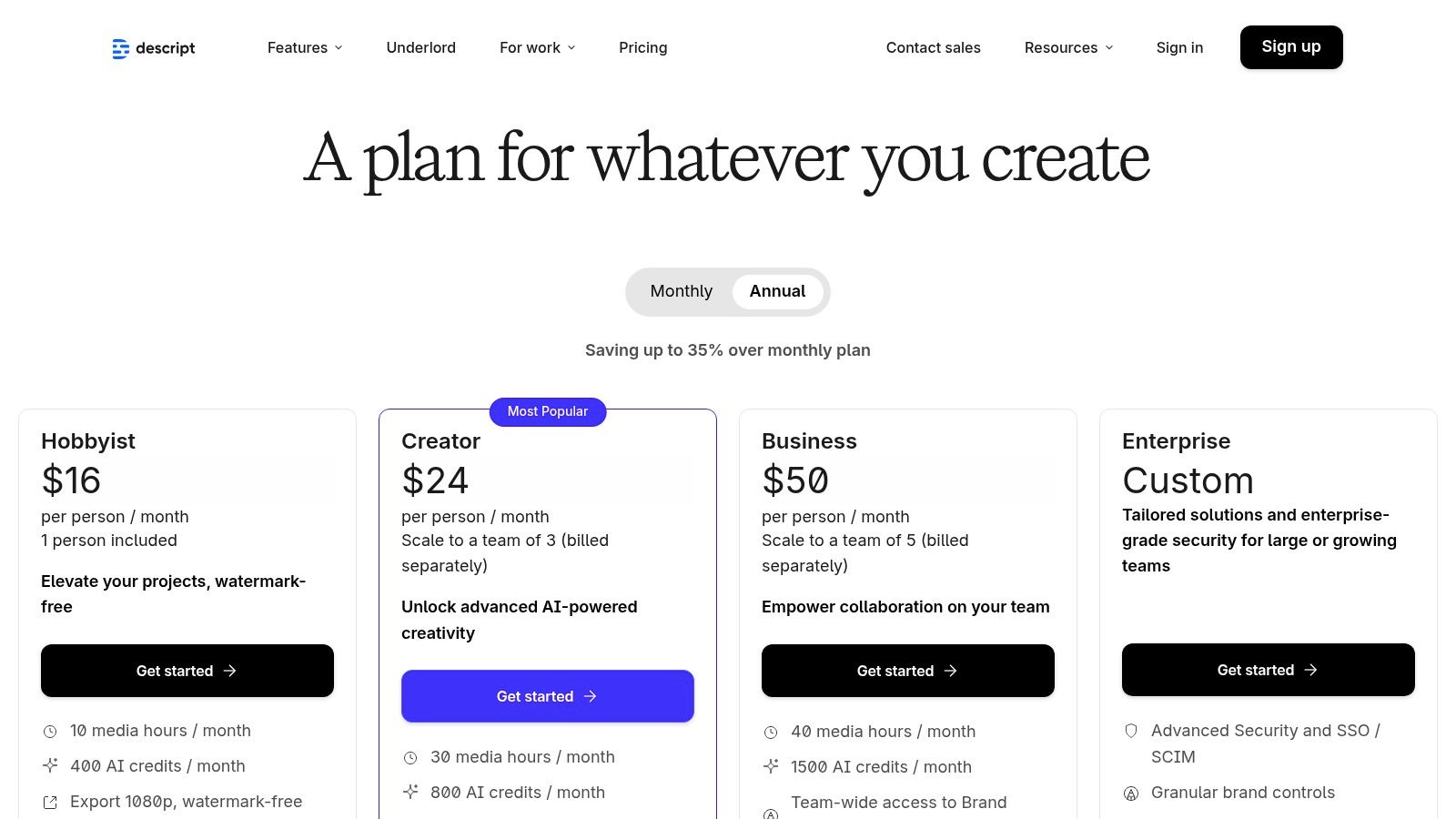
Descript offers a free plan with limited transcription hours and features. Paid plans start at $12/user/month (billed annually) for the "Creator" tier, which provides more transcription hours and access to key AI features like filler word removal. The "Pro" tier unlocks unlimited Overdub and other advanced tools.
Pros:
- Massive time-saver for post-production and content repurposing.
- Excellent for podcast-to-YouTube workflows and tutorial videos.
- Powerful AI audio features like Studio Sound and Overdub.
Cons:
- Not a cinematic text-to-video generator for creating B-roll.
- Transcription minutes and plan limits must be managed carefully.
- Learning curve is focused on its unique text-based approach.
Website: https://www.descript.com/es/price?utm_source=openai
9. Canva
Canva is widely known as an all-in-one design platform, but it has now integrated powerful AI video features, making it a surprisingly effective tool for YouTube creators. Rather than focusing on complex, long-form video generation, Canva excels at creating essential channel assets. Its AI "Magic Media" feature can generate short video clips from text prompts, perfect for unique B-roll, animated backgrounds, or engaging elements for Shorts. This seamlessly integrates with its massive library of templates for intros, outros, and lower-thirds.
The platform’s strength lies in its unified workflow. A YouTuber can design a channel banner, create a thumbnail, generate a custom AI clip, and assemble a quick video intro all within a single, user-friendly interface. For creators who need a versatile tool for both video and graphic design, Canva stands out as a top contender for the best AI video generator for YouTube by centralizing the entire branding and content creation process.
Key Features & Ideal Use Cases
- Magic Media (AI Video): Generate short, unique video clips from simple text prompts to use as custom B-roll or visual accents.
- Massive Template Library: Access thousands of professionally designed templates for YouTube intros, outros, end screens, and social media videos.
- Integrated Design Workflow: Combine AI-generated video with stock assets, text animations, and your own branding (Brand Kit) in one editor.
- One-Click Resizing: Instantly adapt a video designed for a standard 16:9 YouTube format into a vertical Short or Instagram Reel.
Ideal for: YouTubers needing a single platform to manage channel branding, thumbnails, and simple video creation with AI-powered enhancements.
Pricing and Access
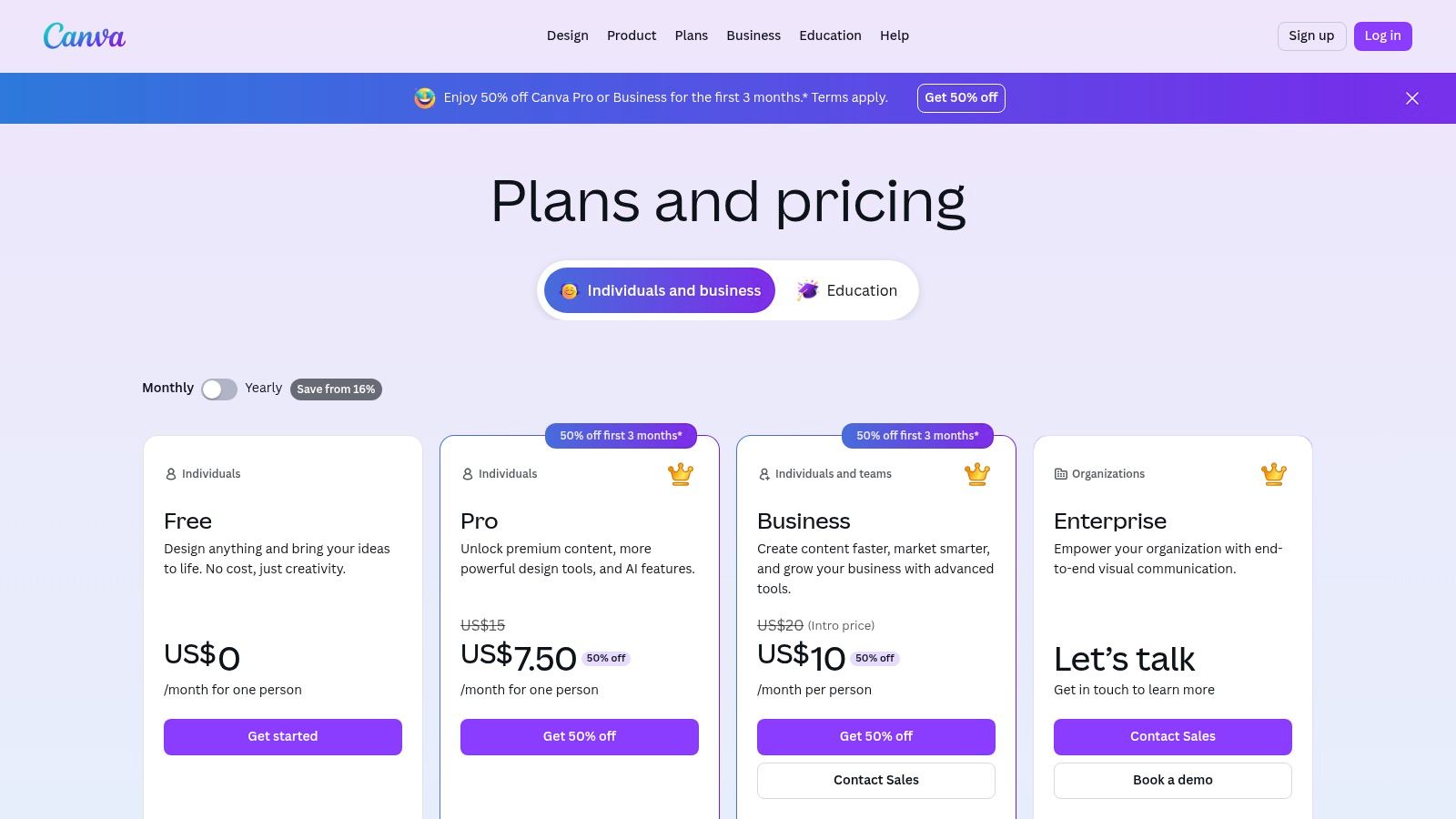
Canva offers a robust free plan with limited AI credits. Paid plans (Canva Pro and Canva for Teams, starting from $12.99/month) provide significantly more credits for AI features like Magic Media, access to a larger stock library, Brand Kits, and premium templates. Credits are used for each AI video clip generation, with monthly allowances that refresh.
Pros:
- All-in-one platform for graphic design and video creation.
- Extremely low learning curve and user-friendly interface.
- Excellent for creating a consistent brand look across all YouTube assets.
Cons:
- AI video generation is limited to short clips, not full videos.
- Limited advanced editing controls compared to dedicated video editors.
- Credit limits on paid plans can be restrictive for heavy users.
Website: https://www.canva.com/pricing/?utm_source=openai
10. Kapwing
Kapwing positions itself less as a pure generator and more as a collaborative online video editor supercharged with AI. It shines brightest for YouTubers focused on repurposing content, especially turning long-form videos into engaging Shorts. Its AI tools are built for efficiency, automating tedious tasks like subtitling, translating, and removing silences, which makes it an excellent choice for creators who need to scale their content output across multiple platforms.
Unlike text-to-video platforms, Kapwing's strength is in enhancing existing footage. The platform excels at localization, offering auto-subtitling and AI-powered dubbing in numerous languages, allowing creators to reach a global audience effortlessly. This focus on post-production AI assistance makes it a strong contender for the best AI video generator for YouTube creators who prioritize accessibility and efficient content recycling over generative creation.
Key Features & Ideal Use Cases
- Auto-Subtitles and Translation: Generate and translate accurate captions in over 60 languages to improve accessibility and global reach.
- AI Dubbing & Text-to-Speech: Automatically translate your audio into different languages with AI voiceovers or create new narration from a script.
- Smart Editing Tools: Features like automatic silence removal and video background remover streamline the editing process.
- Brand Kits & Workspaces: Maintain brand consistency with stored assets and collaborate effectively with team members on projects.
Ideal for: YouTubers repurposing podcasts or long videos into Shorts, creators targeting international audiences, and teams needing a collaborative, AI-assisted editor.
Pricing and Access
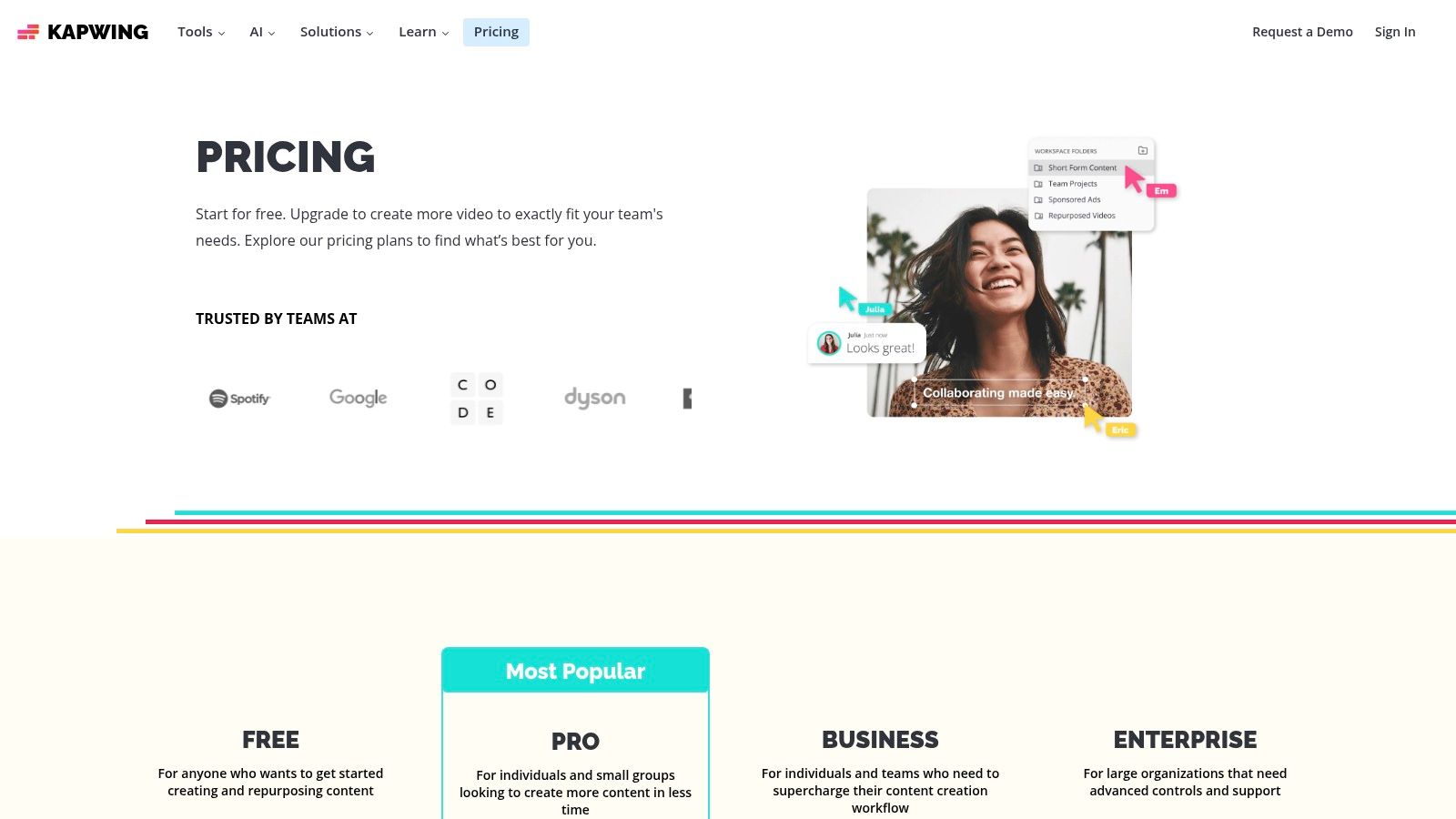
Kapwing offers a free plan that is great for testing but includes a watermark and has limits on export length and quality. The Pro plan (starting at $16/user/month billed annually) removes watermarks, unlocks 4K exports, and provides access to the full suite of AI features. A credit system is used for AI-intensive tasks like auto-subtitling and dubbing, so users should monitor their usage.
Pros:
- Excellent for generating and translating subtitles at scale.
- Powerful tools for repurposing long-form content into viral Shorts.
- Collaborative features are ideal for content teams.
Cons:
- Free plan is limited by watermarks and export restrictions.
- The credit system for AI features can be confusing to track.
Website: https://www.kapwing.com/pricing?utm_source=openai
11. Opus Clip
Opus Clip takes a different approach by focusing on content repurposing rather than generation from scratch. It’s an AI-powered tool designed specifically to analyze long-form videos, like podcasts or educational content, and automatically extract the most engaging, viral-worthy short clips. This makes it an invaluable asset for YouTubers looking to maximize their reach by effortlessly creating Shorts, Reels, and TikToks from existing content. The platform's "Virality Score" is a standout feature, predicting the potential of each clip to perform well.
Unlike a traditional AI video generator for YouTube that creates visuals from text, Opus Clip acts as a smart, automated editor. It identifies key moments, reframes shots to fit vertical formats, adds dynamic animated captions, and even inserts relevant B-roll to keep viewers engaged. This pipeline dramatically reduces the time and effort required to maintain a consistent short-form content schedule, helping creators grow their audience across multiple platforms.
Key Features & Ideal Use Cases
- AI Clipping with Virality Scoring: Automatically identifies and extracts high-potential short clips from long videos.
- Animated Captions & Multi-Ratio Exports: Generates dynamic, on-screen text and provides exports in 9:16, 1:1, and 16:9 formats.
- Quick Long-Form to Short-Form Pipeline: A streamlined workflow for creators who want to repurpose content without manual editing.
Ideal for: Podcasters, interviewers, and educational content creators looking to efficiently turn their long-form videos into a steady stream of engaging YouTube Shorts.
Pricing and Access
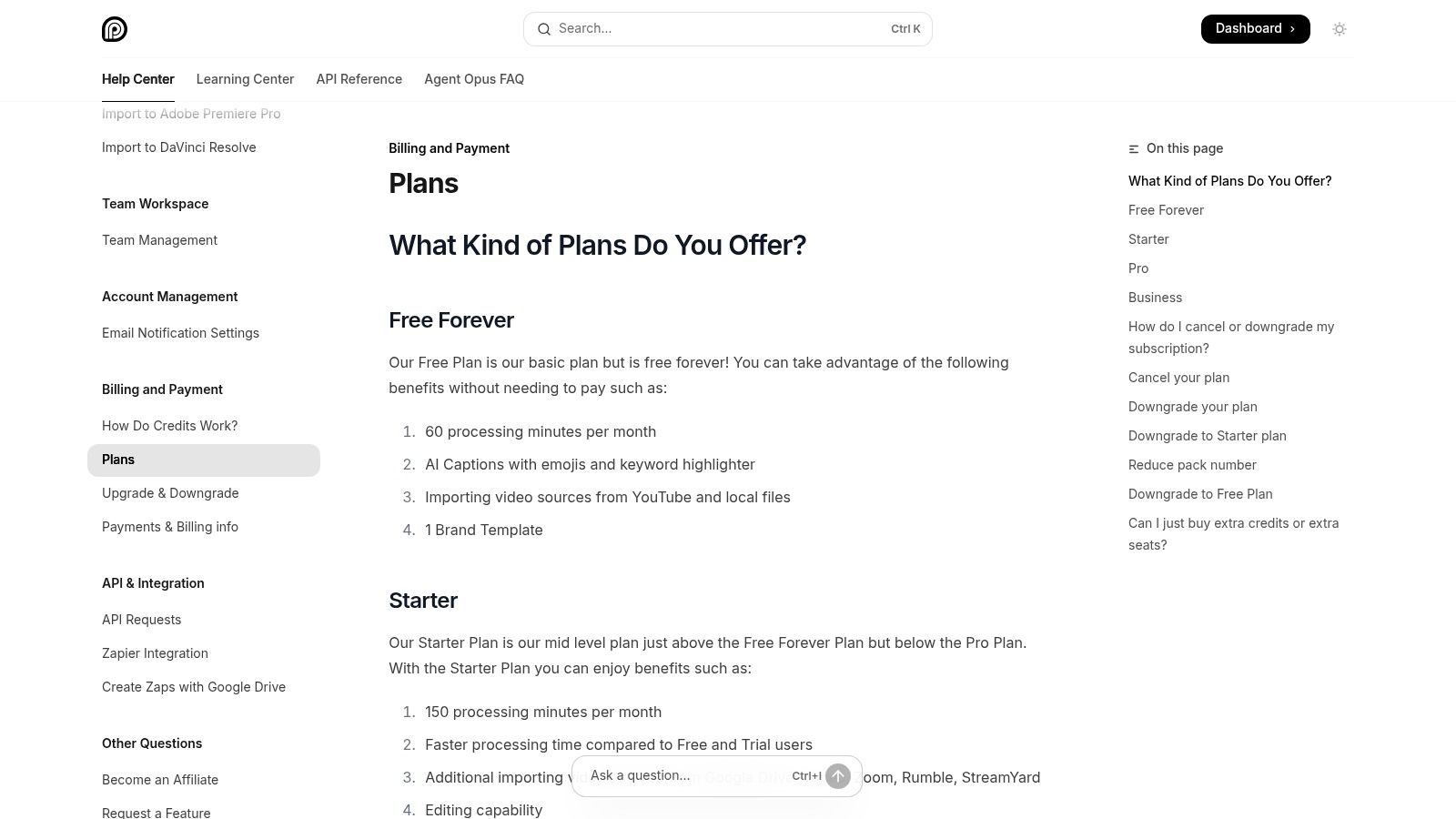
Opus Clip uses a freemium model based on processing minutes. The free plan offers a limited number of minutes per month to test the service. Paid plans (starting at $19/month) provide significantly more processing minutes, brand templates, multi-language support, and direct social media scheduling. The pricing tiers are designed to scale with a creator's upload volume and content needs.
Pros:
- Rapidly converts long content into dozens of short-form clips.
- Excellent for podcasters and educators to scale their Shorts strategy.
- Virality score helps prioritize the best clips.
Cons:
- Processing minute quotas can be consumed quickly with heavy use.
- Not a general-purpose text-to-video or video creation tool.
Website: https://help.opus.pro/docs/article/plans-and-credits?utm_source=openai
12. Pictory
Pictory is engineered for speed and efficiency, making it an excellent AI video generator for YouTube creators who need to produce content at scale. Its core strength lies in its ability to transform long-form text, such as blog posts or scripts, into engaging videos in minutes. The platform automatically selects relevant stock footage from its vast library, adds captions, and syncs a realistic AI voiceover, creating a complete video with minimal manual input. This makes it ideal for faceless channels, listicles, and educational content.
The workflow is straightforward: provide a script or a URL, and Pictory’s AI builds a storyboard for you to review and edit. While it doesn't offer the granular cinematic control of generation-focused tools, its value is in throughput. The generous monthly video-minute allowances in its paid plans are designed for creators who publish frequently and need a reliable, template-driven system to sustain their content calendar without getting bogged down in complex editing.
Key Features & Ideal Use Cases
- Script-to-Video & Article-to-Video: Instantly convert text content into a video storyboard with AI-selected visuals and synchronized narration.
- Extensive Stock Libraries: Access to millions of royalty-free video clips and images from Storyblocks and Getty Images.
- Automatic Captions & AI Voices: Automatically generates and burns in captions, with a wide selection of multilingual AI voices (including ElevenLabs on higher tiers).
Ideal for: YouTubers creating "Top 10" listicles, faceless educational channels, and marketers repurposing blog content into video format.
Pricing and Access
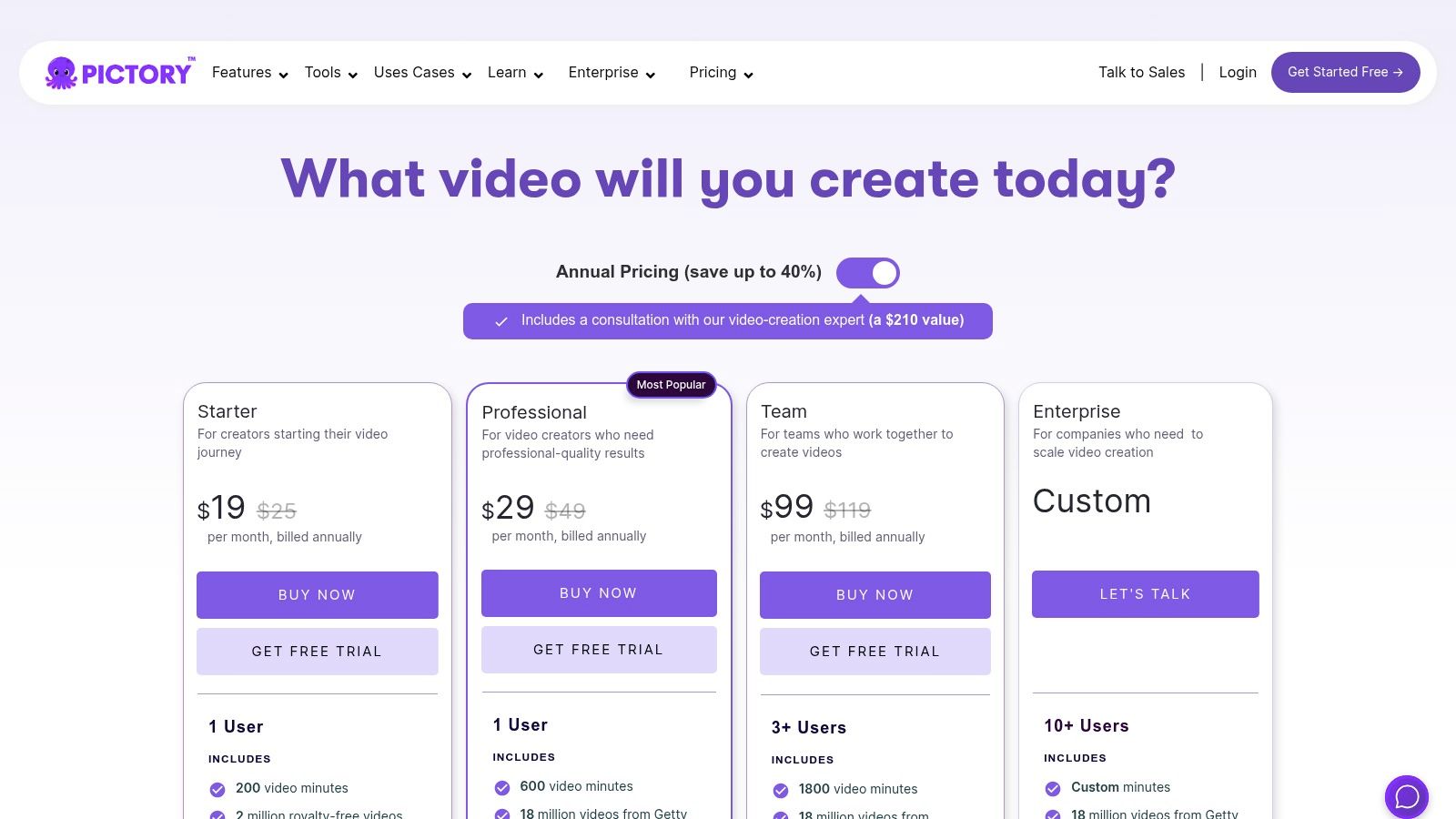
Pictory offers a free trial to test its features, which allows you to create three video projects, each up to 10 minutes long. Paid plans start at $19/user/month (billed annually) for the Standard tier, which includes 30 videos per month. The Professional and Teams tiers offer more videos, higher-quality AI voices, and access to more extensive stock media libraries.
Pros:
- Extremely fast and easy workflow for non-designers.
- High video-minute allowances are perfect for frequent publishing schedules.
- Great for repurposing existing text-based content into video.
Cons:
- Visual style is template-driven with limited creative control.
- Video exports are capped at 1080p resolution.
Website: https://pictory.ai/pricing?utm_source=openai
Top 12 AI Video Generators for YouTube — Comparison
| Product | Core features | Quality & UX (★) | Price & Value (💰) | Target (👥) | USP (✨) |
|---|---|---|---|---|---|
| ShortsNinja 🏆 | AI script → visuals → editor → scheduler; multi-engine + 200+ voices | ★★★★★ | 💰 Starter $19/mo · Pro $39 · Creator $69 · Influencer $129 (credit-based) | 👥 Creators · Agencies · SMBs · Educators | ✨ 5-min 3‑step workflow, Series automation, multi-model visuals, multilingual voices |
| Runway | Gen‑4/Gen‑3 text/image→video; timeline editor; team workspaces | ★★★★ | 💰 Credit-based tiers; transparent per-second pricing | 👥 Creators · Teams · Editors | ✨ Strong generation models + integrated editor & automation |
| Luma AI (Dream Machine) | High-fidelity short clips; draft & HQ modes; 4K up-res | ★★★★ | 💰 Paid HQ + 4K/HDR upgrades | 👥 Filmmakers · YouTube creators | ✨ Cinematic realism for 5–10s b-roll/intros |
| Adobe Firefly (Generate Video) | Text/image→video; Creative Cloud integrations; model hub | ★★★★ | 💰 Credit system (Std/Pro/Premium) · Some premium generations | 👥 Adobe users · Professionals | ✨ Commercial-use safety + seamless Premiere handoff |
| HeyGen | 500+ stock avatars; dubbing/localization; team plans | ★★★ | 💰 Free tier; paid for watermark removal & faster processing | 👥 Tutorial creators · Localizers · Marketers | ✨ Fast avatar spokespersons + multi-language dubbing |
| Synthesia | Enterprise avatars; templates; brand kits; API | ★★★★ | 💰 Enterprise pricing (minutes/credits scale) | 👥 Enterprise · L&D · Brands | ✨ High polish, brand control, SCORM/API support |
| InVideo AI | Script→scene assembly; stock b-roll; voices & captions | ★★★ | 💰 Freemium (watermark on free) · Paid tiers for exports | 👥 Solo creators · News/listicle channels | ✨ Rapid script-to-draft workflow with stock assets |
| Descript | Text-based editing; Overdub voice cloning; Studio Sound | ★★★★★ | 💰 Tiered plans with transcription minutes | 👥 Podcasters · Repurposers · Editors | ✨ Edit-as-text + industry-leading overdub & audio cleanup |
| Canva | AI video clip + templates; brand kits; scheduler | ★★★★ | 💰 Freemium · Pro for templates/quotas | 👥 Creators · Small teams · Social managers | ✨ All-in-one branding + one-click resize & scheduling |
| Kapwing | Auto-subtitles, dubbing, TTS, brand kits, 4K export | ★★★★ | 💰 Freemium (watermark) · Paid for team/4K | 👥 Repurposers · Localization teams | ✨ Scalable captioning & translation workflows |
| Opus Clip | AI clipping & virality scoring; animated captions; scheduler | ★★★★ | 💰 Credit/minute quotas · Tiered plans | 👥 Long-form creators · Podcasters | ✨ Auto-hooks + virality scoring for Shorts scaling |
| Pictory | Script/URL→video; stock libraries; multilingual voices | ★★★ | 💰 High monthly video-minute allowances | 👥 Non-designers · Small teams · Bloggers | ✨ Turn blog posts/URLs into faceless videos at scale |
Making the Right Choice: Our Final Recommendations
Navigating the expansive landscape of AI video tools can feel overwhelming, but as we've explored, the key isn't finding a single "best" tool, but the right tool for your specific YouTube strategy. The journey from a simple idea to a published video is now shorter and more accessible than ever before, thanks to these innovative platforms. The central takeaway is that your choice should be dictated by your content format, workflow, and ultimate goals.
The search for the best AI video generator for YouTube is less about crowning one winner and more about understanding the distinct strengths each platform offers. We've seen how tools are specializing to serve different creative needs, from text-to-video generation to advanced AI-powered editing and avatar creation.
Matching the Tool to Your YouTube Channel
To simplify your decision, let's categorize our top recommendations based on common YouTube creator profiles:
-
For the High-Volume Shorts Creator: If your goal is to dominate the YouTube Shorts feed with consistent, high-quality, "faceless" content, ShortsNinja is the clear standout. Its fully automated, end-to-end workflow from a single prompt is unparalleled for speed and efficiency, making it ideal for channels focused on history, facts, or motivational content.
-
For the Cinematic Storyteller: Creators who need stunning, original, and artistic visuals will find their match in Runway and Luma AI Dream Machine. These text-to-video and image-to-video pioneers are perfect for generating unique B-roll, conceptual animations, or short films that push creative boundaries.
-
For the Polished Presenter & Educator: If your content involves tutorials, corporate training, or presentations, HeyGen and Synthesia are the industry leaders. Their realistic AI avatars and professional voice cloning capabilities provide a scalable way to produce polished, studio-quality videos without ever stepping in front of a camera.
-
For the Efficient Editor & Podcaster: For those who already have raw footage or audio, Descript is a game-changer. Its transcript-based editing, automatic multicam sequencing, and studio-sound features radically accelerate the post-production process, making it perfect for interview-style channels, video podcasts, and vlogs.
-
For the All-in-One Social Media Manager: If you need a versatile tool that combines video creation with a full suite of graphic design and scheduling features, Canva remains a top contender. Its user-friendly interface and vast template library make it an excellent starting point for beginners or small teams managing multiple social platforms.
Key Factors to Consider Before Subscribing
Before committing to a paid plan, take a moment to reflect on these critical implementation factors:
- Workflow Integration: How does this tool fit into your existing process? Does it replace a tedious step or add a new, complicated one? The goal is to reduce friction, not add to it.
- Learning Curve: While most of these tools are user-friendly, some, like Runway, have a steeper learning curve. Factor in the time you'll need to invest to master the platform and achieve your desired results.
- Cost vs. ROI: Evaluate the subscription cost against the time you'll save and the potential increase in content output and quality. For many creators, the time saved directly translates to more opportunities for growth and monetization.
The AI video generation space is evolving at an incredible pace. As you explore these options, it's beneficial to stay informed about the broader market trends. For a broader perspective on the evolving landscape, you might also find value in comparing our findings with other comprehensive reviews, such as this guide to the Top 12 Best AI Video Generators for YouTube in 2025.
Ultimately, the best AI video generator for your YouTube channel is the one that empowers you to create more, create better, and reclaim your most valuable asset: time. Don't be afraid to experiment with free trials, test different workflows, and find the platform that truly aligns with your creative vision. The revolution in video content creation is here, and you are now equipped to be at its forefront.
Ready to automate your YouTube Shorts production and scale your channel faster than ever? ShortsNinja is the only tool designed to generate a complete, monetizable YouTube Short from a single prompt in minutes. Stop juggling multiple tools and start creating with the power of true end-to-end automation. Try ShortsNinja today and experience the future of content creation.