
The AI video landscape is exploding, moving beyond novel experiments to become a critical tool for creators, marketers, and businesses. Choosing the right platform can feel overwhelming, with options ranging from hyper-realistic cinematic generators to automated short-form content machines. This guide cuts through the noise. We'll break down the top 12 AI video generators, analyzing their specific strengths, practical use cases, and honest limitations. Whether you need to automate a faceless YouTube channel, create polished corporate training videos, or generate stunning visual effects, this detailed comparison will help you find the best ai video generator to bring your ideas to life without the steep learning curve of traditional editing.
This resource is designed for action. Forget generic feature lists and marketing jargon. Instead, you'll find a practical analysis focused on matching the right tool to your specific goal. We’ve tested these platforms to identify which excels at creating viral short-form content, which is superior for realistic human avatars, and which offers the best value for budget-conscious creators. Each entry includes direct links and screenshots to give you a clear view of the user experience.
The technology behind these tools is advancing at an incredible pace, driven largely by innovations in machine learning. For those looking to delve deeper into the core technologies powering advanced AI tools, including video generators, consider reading this A Guide to Large Language Models. Understanding the underlying principles can provide a strategic advantage when selecting and utilizing these platforms. Our goal is to equip you with the insights needed to make an informed decision and start creating compelling video content immediately. Let's dive into the platforms transforming video production.
1. ShortsNinja
ShortsNinja stands out as a premier AI video generator specifically engineered for creating faceless short-form content with remarkable speed and efficiency. It consolidates the entire production pipeline, from ideation to final publication, into a streamlined, three-step workflow that can reduce hours of manual work to just about five minutes. This makes it an invaluable asset for solo creators, agencies, and businesses looking to scale their social media presence on platforms like TikTok and YouTube without a significant time investment.
The platform's core strength lies in its powerful, integrated AI stack. It leverages cutting-edge video and image generation models like Luma Labs, RunwayML, and Flux, paired with hyper-realistic voice engines from ElevenLabs and OpenAI. This combination ensures that the generated content is not only produced quickly but also meets a high standard of visual and auditory quality, which is crucial for audience engagement.

Key Features & Use Cases
- Automated Workflow: The "idea → script → AI visuals" process is exceptionally intuitive. Users can input a simple concept, and ShortsNinja generates a script, pairs it with a lifelike voiceover, and produces corresponding AI-generated visuals, complete with background music and captions.
- Global Content Creation: With access to over 200 voices across more than 50 languages, ShortsNinja is an ideal tool for creators and brands targeting international audiences, allowing them to produce localized content effortlessly.
- Hands-Off Channel Scaling: The platform's standout "Series" automation feature allows users to batch-create and schedule an entire sequence of videos. Combined with timezone-aware auto-posting to YouTube and TikTok, it enables a truly set-and-forget content strategy. To explore how this works in more detail, you can learn more about ShortsNinja’s AI short video generator capabilities on their blog.
Pricing and Access
ShortsNinja operates on a flexible, credit-based system, with approximately 10 credits equating to one minute of video. This model allows users to pay only for what they need.
- Free Trial: New users can generate their first video completely free.
- Monthly Plans:
- Starter: $19/month for 125 credits.
- Pro: $39/month for 315 credits.
- Creator: $69/month for 630 credits.
- Influencer: $129/month for 1260 credits.
- Annual Billing: Offers significant savings on the monthly rates.
- Special Offer: A 30% lifetime discount is often available with a promotional code.
All paid plans include HD 1080p output, no watermarks, and access to the full suite of features. Supported by a 6,000+ strong creator community on Discord and daily feature updates, ShortsNinja has established itself as a reliable and rapidly evolving platform.
Pros & Cons
| Strengths | Limitations |
|---|---|
| Ultra-Fast Production: Transforms a video idea into a published short in under 5 minutes. | Platform Integrations: Direct auto-posting is currently limited to TikTok and YouTube. |
| High-Quality AI Stack: Leverages top-tier models for realistic visuals and 200+ lifelike voices. | Credit Consumption: High-volume creators might find themselves needing to upgrade to higher-tier plans. |
| Set-and-Forget Automation: Series scheduling with timezone support allows for hands-free channel management. | Manual Refinements: AI outputs may still require minor manual edits to achieve perfect brand alignment. |
| Accessible & Supported: Offers a free first video, active Discord community, and strong industry partnerships. |
Best for: Social media managers, content creators, and small businesses who need a reliable, scalable solution for producing high-quality faceless short videos with minimal manual effort.
2. Runway
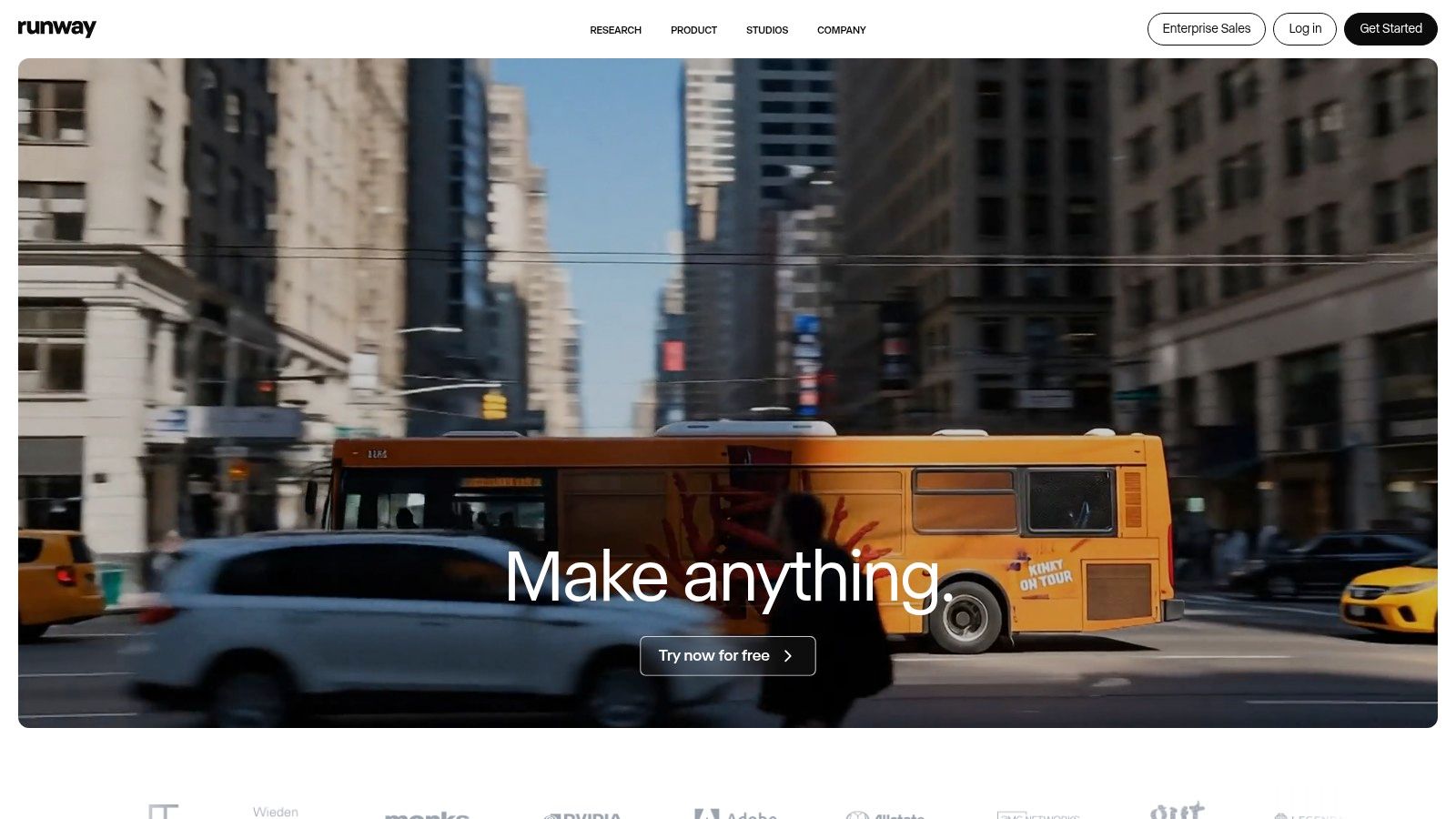
Runway positions itself as a comprehensive creative suite, going beyond simple generation to offer an integrated video editing pipeline. It excels for users who need more than just a text-to-video tool, providing an all-in-one platform to generate, refine, edit, and upscale video content. This makes it a strong contender for the title of best AI video generator, particularly for creators who value granular control and a unified workflow.
The platform is powered by its advanced Gen-3 Alpha and Gen-4 models, which can create video from text, images, or even other video clips. This versatility allows for complex creative projects, from crafting short cinematic scenes to generating abstract visual sequences.
Key Features and Pricing
Runway’s standout feature is its credit system, which offers clear, per-second pricing for video generation. This transparency is crucial for managing project budgets effectively. Users know exactly what each second of generated video will cost, avoiding unexpected expenses. The platform offers a free tier with limited credits to start. Paid plans start at $12/editor/month (billed annually) for the Standard plan, which includes more credits and features like 4K upscaling and custom watermarks.
- Model: Gen-3 Alpha / Gen-4
- Inputs: Text-to-Video, Image-to-Video, Video-to-Video
- Pricing: Free tier available; paid plans from $12/month
- Best For: Creative professionals and teams needing an all-in-one generation and editing tool.
Pros and Cons
Pros:
- Granular Cost Control: The per-second credit system provides excellent budget visibility.
- Integrated Suite: Combines generation with a powerful editor for upscaling, lip-sync, and team collaboration.
Cons:
- Short Clip Focus: Best results are for shorter clips; longer videos require manually extending or stitching scenes together.
- Potential Queues: The "Explore Mode" on the Unlimited plan can experience delays during peak usage times.
Visit Website: https://runwayml.com
3. Pika
Pika positions itself as an idea-to-video platform designed for speed and creative flexibility, making it a powerful and accessible choice for creators. It excels at rapid iteration, allowing users to quickly transform text, images, or existing video clips into dynamic animations. This focus on affordability and speed makes it a top contender for the best AI video generator, especially for users who need to produce content quickly and cost-effectively without a steep learning curve.
The platform offers multiple AI models, including Turbo and Pro, giving users different options for style and quality. Pika's workflow is streamlined for social media content, animated logos, and short visual stories, providing a straightforward path from concept to finished video.
Key Features and Pricing
Pika uses a tiered monthly credit system, with a clear table that breaks down the cost for each feature and model, such as Pikascenes and Pikaswaps. This transparency helps creators manage their budget by understanding exactly how credits are consumed. A free tier is available to test the platform. Paid plans start at just $8/month (billed annually) for the Standard plan, which includes more credits and removes the watermark. For developers, Pika also provides an API with pay-as-you-go pricing.
- Model: Pika 1.0 (Turbo/Pro)
- Inputs: Text-to-Video, Image-to-Video, Video-to-Video
- Pricing: Free tier available; paid plans from $8/month
- Best For: Social media creators and developers needing a fast, low-cost solution for rapid content creation.
Pros and Cons
Pros:
- Low Entry Pricing: Very affordable plans with no watermarks make it highly accessible.
- Rapid Iteration: Designed for speed, allowing users to test ideas and generate videos quickly across multiple models.
Cons:
- Unfamiliar Workflow: Some feature names and processes might be confusing for absolute beginners.
- API Output Limit: The developer API is currently limited to generating 720p videos.
Visit Website: https://pika.art
4. Luma AI Dream Machine
Luma’s Dream Machine has quickly emerged as a powerful contender in the AI video space, emphasizing high visual fidelity and photorealism. It leverages proprietary Ray models to generate fluid, high-quality video clips directly from text or image prompts, making it a compelling choice for creators who prioritize cinematic output. This focus on realistic motion and detailed textures helps it stand out as a top-tier best AI video generator for projects requiring a polished, professional look.
The platform is designed for accessibility, with a straightforward web interface and a dedicated iOS app for on-the-go creation. Dream Machine is capable of producing clips with consistent characters and objects, which is a significant step forward for AI-driven storytelling. Its unique "Relaxed Mode" on higher-tier plans offers a cost-effective way to experiment without burning through priority credits.
Key Features and Pricing
One of Luma’s strongest assets is its transparent pricing structure. The platform clearly details credit costs based on model, resolution, and generation speed, allowing users to manage their budgets effectively. A free tier is available to test the platform. Paid plans start at $29.99/month for the Standard plan, which provides 120 priority generations and access to tools like 4K up-res and an API. The Pro and Premier plans offer significantly more credits and unlimited relaxed generations.
- Model: Proprietary Ray models
- Inputs: Text-to-Video, Image-to-Video
- Pricing: Free tier available; paid plans from $29.99/month
- Best For: Creators and marketers seeking high-fidelity, cinematic video outputs with predictable costs.
Pros and Cons
Pros:
- Transparent Pricing: Clear credit tables help users understand and predict generation costs.
- High Visual Fidelity: Generates impressive, smooth, and often photorealistic video clips with HDR options.
- Unlimited Relaxed Mode: Higher-tier plans offer unlimited non-priority generations, perfect for experimentation.
Cons:
- Watermarks on Lower Tiers: The free and standard plans include a watermark on generated videos.
- Potential Queues: Relaxed Mode can experience significant wait times during periods of high demand.
Visit Website: https://lumalabs.ai/dream-machine
5. Synthesia
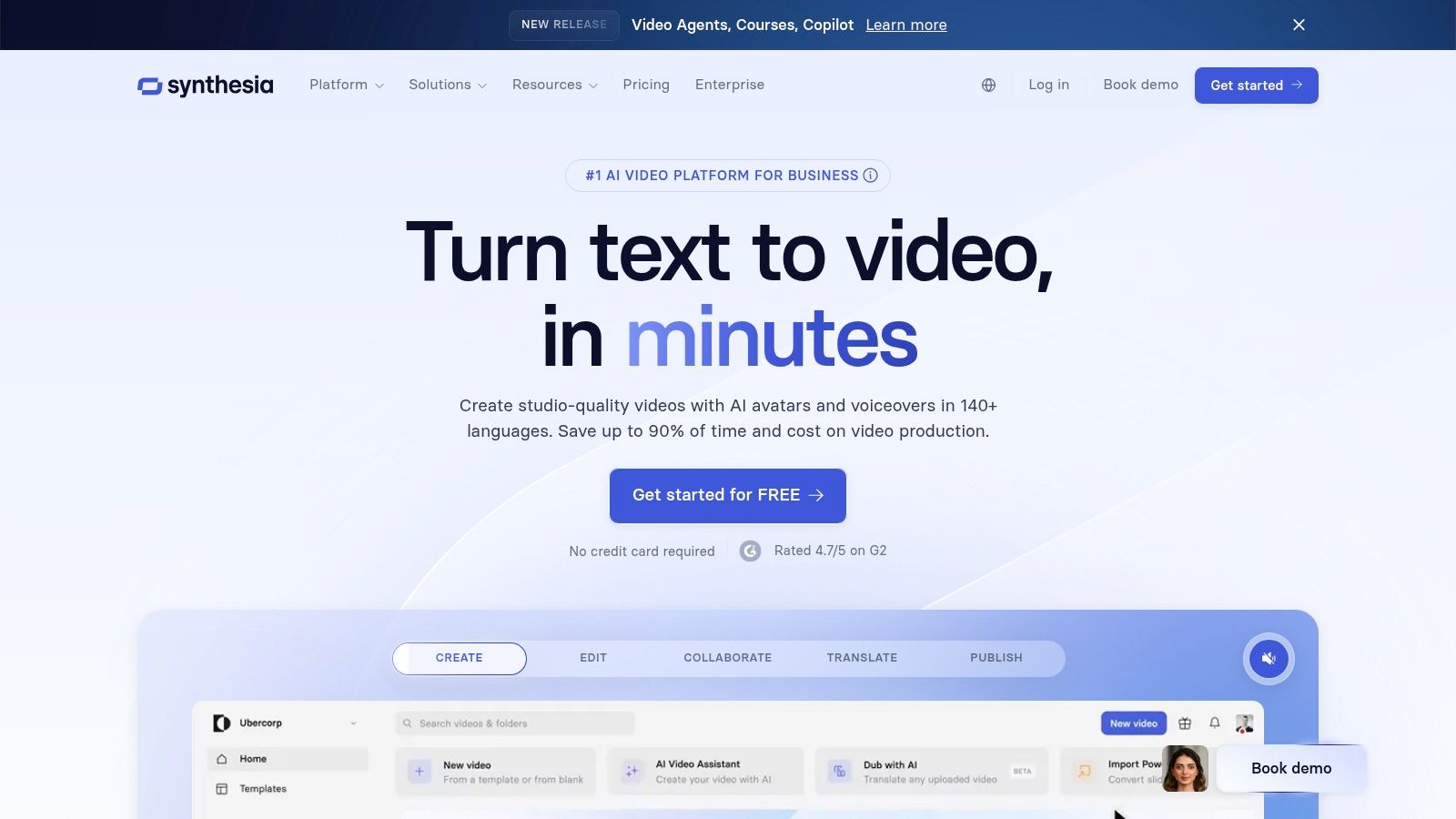
Synthesia specializes in creating professional, polished videos featuring AI-powered avatars, carving out a distinct niche in the AI video generator landscape. It is purpose-built for corporate communications, employee training, and instructional content, allowing businesses to transform scripts into presenter-led videos without cameras or microphones. This focus on enterprise-grade solutions makes it an invaluable tool for teams that need to produce scalable and consistent video content.
The platform's core strength lies in its library of over 200 diverse stock avatars and support for creating custom, branded avatars for a personalized touch. With features like PowerPoint import, SCORM export for learning management systems, and multilingual dubbing across 140+ languages, Synthesia is tailored for business workflows.
Key Features and Pricing
Synthesia’s pricing is designed for business use, starting with a free AI video demo to test the technology. The paid Starter plan begins at $22/month (billed annually) and provides 10 minutes of video per month. For larger teams, the Creator and Enterprise plans offer more video minutes, custom avatars, and advanced collaboration features. The platform operates on a credit-based system, where minutes are consumed to generate videos.
- Model: Proprietary avatar generation
- Inputs: Text-to-Video (with avatars), PowerPoint import
- Pricing: Free demo available; paid plans from $22/month
- Best For: Businesses creating training, marketing, and internal communications videos at scale.
Pros and Cons
Pros:
- Enterprise-Ready: Features like SSO, SCORM exports, and brand kits are ideal for corporate environments.
- High-Quality Avatars: Offers a massive library of realistic avatars and custom creation options for brand consistency.
Cons:
- Niche Focus: It is not a general-purpose text-to-video tool for cinematic or creative content.
- Credit Consumption: The minute-based system requires careful planning, especially for teams producing large volumes of content.
Visit Website: https://www.synthesia.io
6. HeyGen
HeyGen specializes in avatar-driven video creation, making it a powerful tool for businesses needing to produce presenter-style content at scale. Instead of focusing on cinematic generation, HeyGen excels at creating professional-looking videos for marketing, training, and corporate communications using lifelike AI avatars. This focus makes it a contender for the best AI video generator for teams that require consistent, high-volume video production with a human touch.
The platform offers a vast library of stock avatars and enables the creation of custom ones for brand consistency. Its multilingual dubbing and voice cloning features are particularly strong, allowing content to be localized for global audiences quickly and efficiently.
Key Features and Pricing
HeyGen's core strength lies in its comprehensive suite of avatar and voice tools, supported by robust team collaboration features. The platform offers a limited free trial to test its capabilities. Paid plans start with the Creator plan at $24/month (billed annually), which provides a set number of credits, 1080p exports, and auto-captions. Higher-tier plans unlock more credits, 4K resolution, and advanced team management features, while API access is priced separately on a per-credit basis for scalable integrations.
- Model: Proprietary avatar and lip-sync models
- Inputs: Script-to-Video (with avatars), Voice Cloning, Multilingual Dubbing
- Pricing: Free trial available; paid plans from $24/month
- Best For: Marketing and corporate teams needing to create avatar-based training or promotional videos at scale.
Pros and Cons
Pros:
- High-Volume Production: Excellent value for creating large quantities of consistent, avatar-led content.
- Strong Team Features: Designed for collaboration with features for asset management and shared workspaces.
Cons:
- Limited Cinematic Generation: Not designed for artistic or non-avatar text-to-video scenes like competitors.
- Usage Caps: Plans have duration limits and credit constraints, which can be restrictive on lower tiers.
Visit Website: https://www.heygen.com
7. InVideo AI
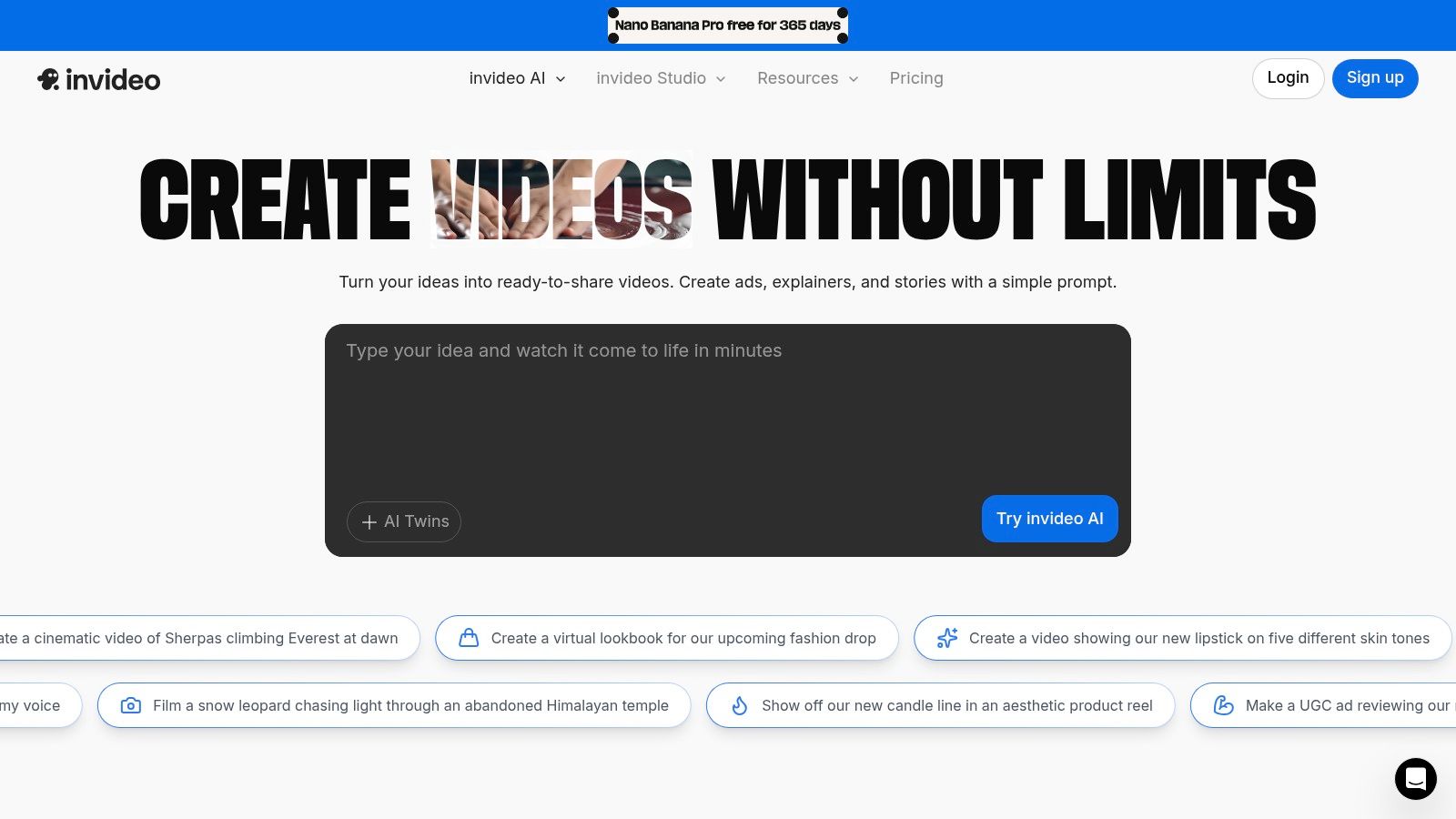
InVideo AI positions itself as a powerful script-to-video editor, primarily targeting marketing, communications, and explainer content. Instead of generating video from scratch, it intelligently assembles professional-looking videos by leveraging massive stock media libraries based on your text prompts and scripts. This approach makes it one of the best AI video generator options for users who need polished, stock-backed content quickly without the unpredictability of pure generative models.
The platform streamlines the creation of content like YouTube explainers, social media ads, and corporate presentations. Users simply provide a script or a detailed prompt, and InVideo AI's engine selects relevant clips, adds text overlays, voiceovers, and music to produce a cohesive video that can be edited further using its intuitive timeline editor.
Key Features and Pricing
InVideo AI’s main draw is its seamless integration with premium stock libraries from iStock, Storyblocks, and Shutterstock, giving users access to millions of high-quality assets. It also includes features like AI-powered avatars and dubbing in multiple languages. The platform offers a free tier with weekly-resetting credits and watermarked exports. Paid plans begin with the Plus plan at $20/month (billed annually), which includes more video minutes, stock media credits, and removes the watermark.
- Model: Proprietary script-to-video assembler
- Inputs: Text/Script-to-Video
- Pricing: Free tier available; paid plans from $20/month
- Best For: Marketers, educators, and businesses needing fast, high-quality explainer and promotional videos.
Pros and Cons
Pros:
- Massive Stock Library: Access to millions of premium clips from iStock and other providers ensures high production value.
- Workflow Efficiency: Ideal for creating structured content like marketing and explainer videos with team collaboration features.
Cons:
- Complex Quotas: The system of credits, video minutes, and stock allocations can be confusing for new users.
- Limited Free Plan: Outputs on the free tier are heavily watermarked and have significant limitations on usage.
Visit Website: https://invideo.io
8. VEED
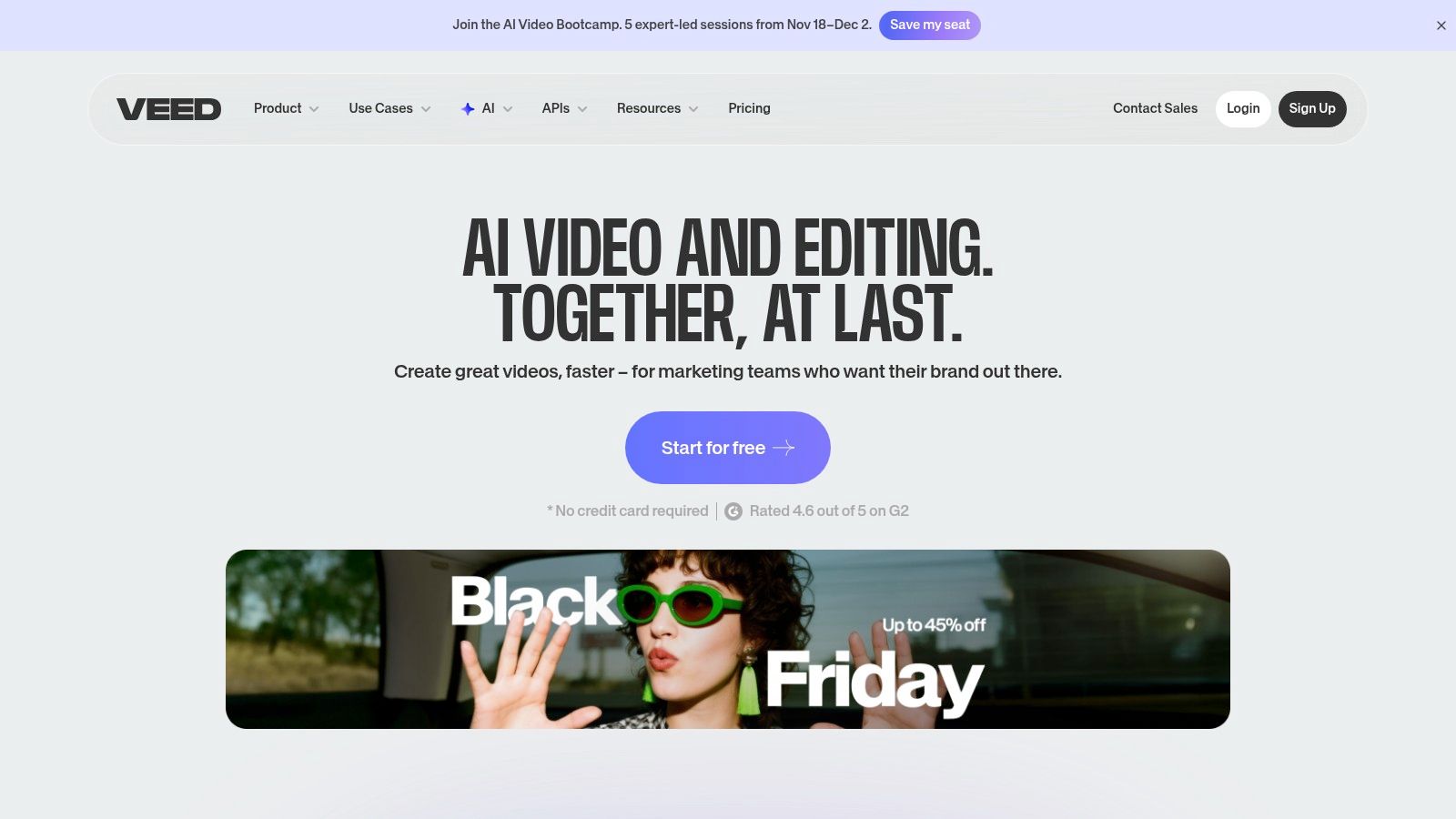
VEED integrates AI video generation directly into a powerful online video editor, creating a seamless workflow for creators who want to produce and polish content in one place. Instead of generating a clip and exporting it to another tool for editing, VEED allows you to generate footage, add captions, apply templates, and insert brand assets within a single interface. This makes it a top-tier AI video generator for marketers and creators prioritizing efficiency and a unified production process.
The platform offers a Gen-AI Studio for quick script-to-shorts creation and an AI Playground where users can access and switch between different video models. This flexibility allows for experimentation while keeping all assets organized in one project.
Key Features and Pricing
VEED’s unique value is its combination of generation and robust editing capabilities. For those interested in how it compares to other integrated solutions, you can explore more about AI video editing tools on shortsninja.com. The platform includes AI avatars, automatic subtitles, and brand kit management, making it a comprehensive solution. It offers a free plan with basic features and watermarked exports. Paid plans start at $12/editor/month (billed annually), unlocking more AI credits, higher quality exports, and advanced features.
- Model: Multiple models available via AI Playground (e.g., Veo 2/3)
- Inputs: Text-to-Video, Script-to-Video, AI Avatars
- Pricing: Free tier available; paid plans from $12/month
- Best For: Content teams and marketers needing an all-in-one platform for generating and editing branded video content.
Pros and Cons
Pros:
- Unified Workspace: Combines AI generation with a full-featured online editor, templates, and branding tools.
- Diverse AI Tools: Includes text-to-video, AI avatars, lip-sync, and automatic captioning.
Cons:
- Plan-Dependent Features: Access to specific AI models and credit amounts is tied to subscription tiers.
- Evolving Models: The available AI models and features can change, which may affect long-term project consistency.
Visit Website: https://www.veed.io
9. CapCut
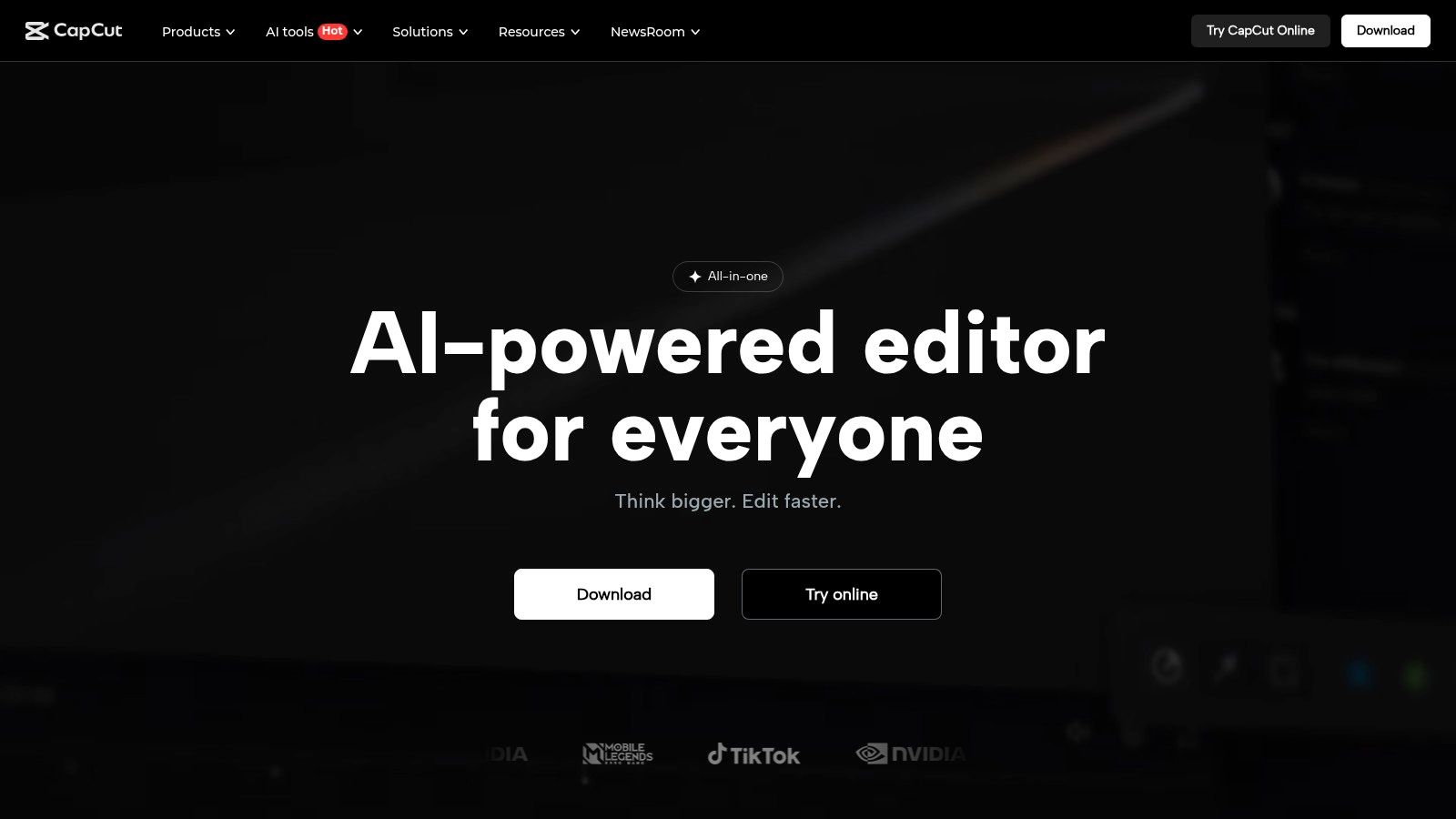
CapCut is a consumer-friendly desktop and web editor that has rapidly expanded its AI capabilities, making it a powerful tool for social media creators. It integrates AI text-to-video and image-to-video generators directly within its robust editing suite, offering a seamless workflow from concept to final cut. This unique combination of advanced AI generation and comprehensive, easy-to-use editing tools makes it a top contender for the best AI video generator for short-form content.
The platform leverages powerful third-party models, such as Google Veo 3.1, within its AI media section, allowing users to create high-quality clips without leaving their editing project. This accessibility, combined with a vast library of templates, AI scripting tools, and high-resolution export options, positions CapCut as an all-in-one solution for influencers and marketers.
Key Features and Pricing
CapCut’s main draw is its generous free tier, which provides access to many of its core editing and AI features, making it incredibly accessible for new creators. The platform offers a straightforward interface for its AI media tools, where users can input text or images to generate video clips. For those needing more advanced capabilities, the Pro plan starts at $7.99/month (billed annually), unlocking premium effects, templates, and expanded cloud storage.
- Model: Integrates various models like Google Veo 3.1
- Inputs: Text-to-Video, Image-to-Video
- Pricing: Free tier available; Pro plan from $7.99/month
- Best For: Social media creators and marketers focused on producing engaging short-form videos.
Pros and Cons
Pros:
- Easy On-Ramp: Its user-friendly interface is perfect for creating short-form and social content quickly.
- Robust Editing Tools: Offers a powerful non-AI editor alongside its generation features for complete control.
- Accessible Pricing: The free-to-start model lowers the barrier to entry for aspiring creators.
Cons:
- Regional Limitations: Access to specific AI models and features can be limited based on region or platform.
- Frequent Updates: Marketing and feature pages change often, sometimes making it difficult to track feature availability.
Visit Website: https://www.capcut.com
10. D-ID
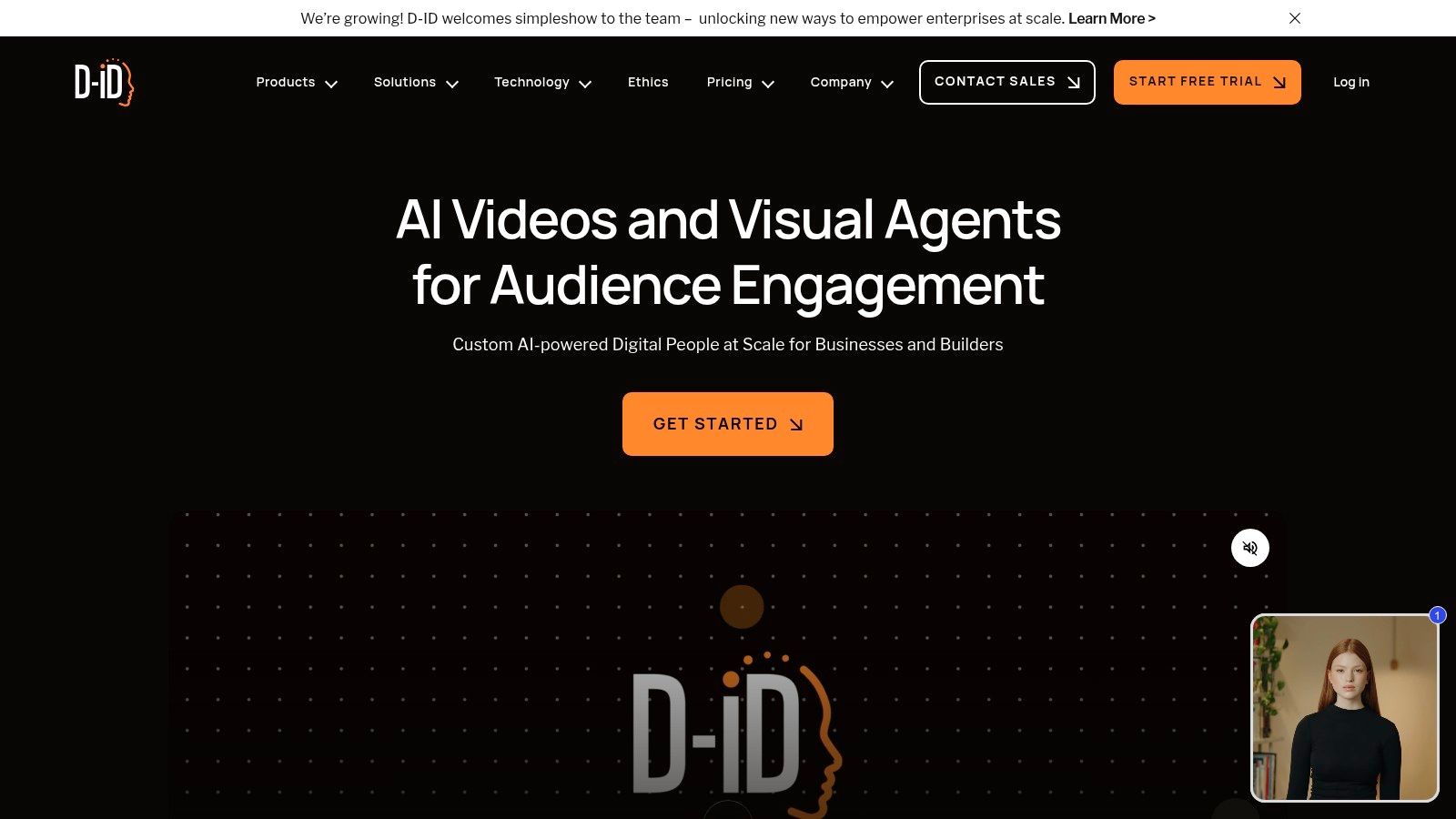
D-ID specializes in creating photorealistic "talking head" videos from a single image. This platform is an excellent choice for users looking to generate spokesperson-style content, training materials, or corporate communications without the need for cameras or actors. It animates a static photo, synchronizing lip movements to an audio script with impressive accuracy.
The platform stands out for its specific focus on avatar-based video, offering both a user-friendly Studio interface and a robust API for developers. This dual approach makes it accessible for individual creators while also serving businesses that need to integrate custom avatar generation into their own applications, such as real-time conversational agents.
Key Features and Pricing
D-ID operates on a credit-based system, where credits are consumed per minute of generated video. This allows for predictable costs based on project length. A free trial is available to test the platform. Paid plans start at the Lite tier for $4.70/month (billed annually), which provides 10 minutes of video generation and removes the AI watermark from still images. Higher tiers offer more credits, premium avatars, and API access.
- Model: Proprietary avatar animation and lip-sync technology
- Inputs: Image + Text/Audio Script
- Pricing: Free trial available; paid plans from $4.70/month
- Best For: Businesses and creators needing to produce spokesperson, e-learning, and corporate communication videos.
Pros and Cons
Pros:
- Highly Specialized: Excels at creating realistic talking avatars with precise lip-syncing.
- Flexible Access: Offers both a simple Studio GUI for direct creation and an API for custom integrations.
Cons:
- Niche Focus: Limited to avatar-style videos; not a general-purpose text-to-video generator.
- Credit System: The per-minute credit usage, which can round up, requires careful management to optimize costs.
Visit Website: https://www.d-id.com
11. Vyond
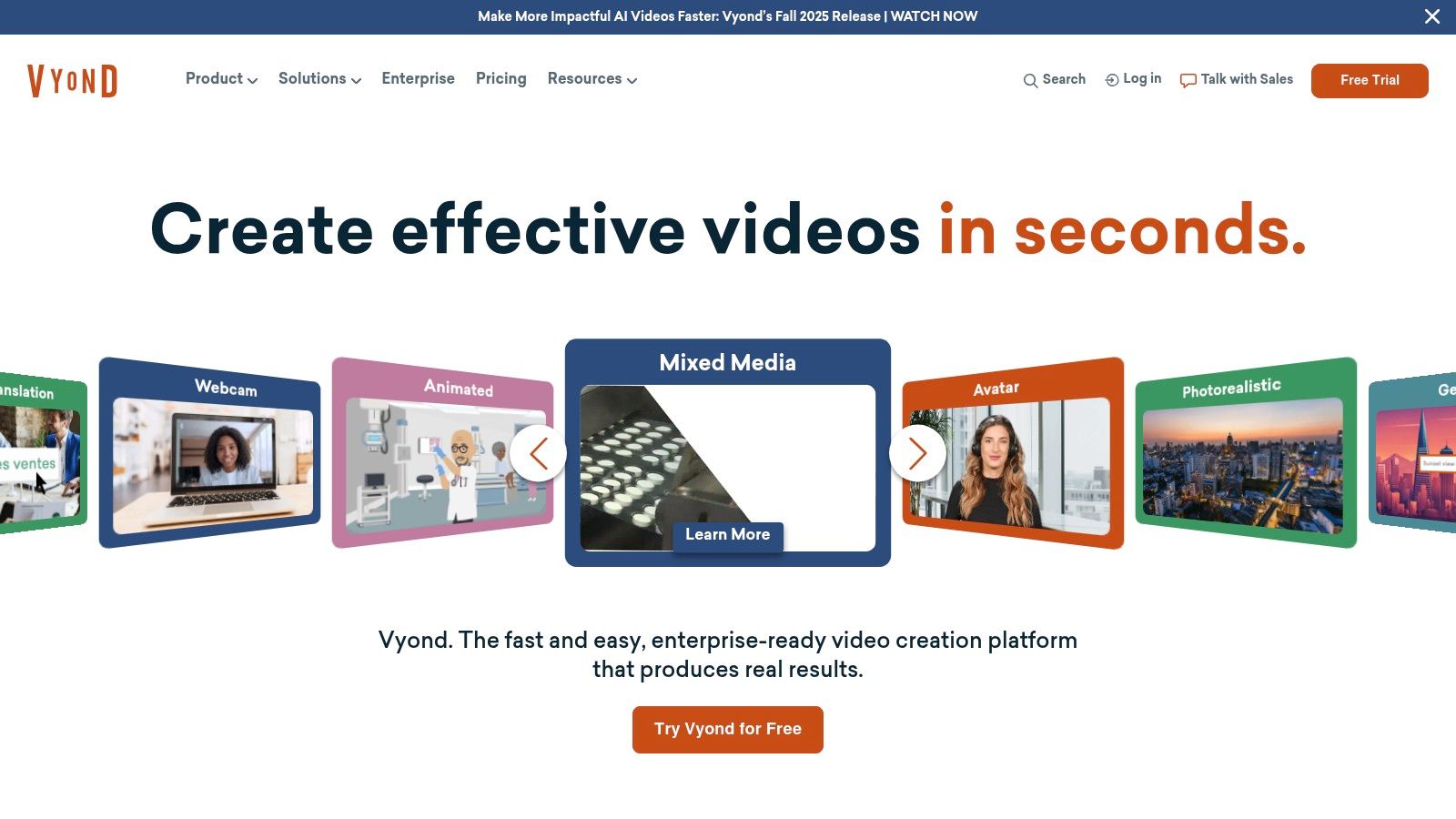
Vyond carves out a specific niche in the AI video landscape by focusing exclusively on business-oriented animation. It is designed for corporate environments, particularly for learning and development, internal communications, and HR training modules. Instead of chasing photorealism, Vyond provides a robust suite of tools for creating professional, on-brand animated videos quickly and at scale.
Its key AI feature, Vyond Go, enables users to generate an initial animated video draft from a simple script or a URL. This script-to-animation capability significantly speeds up the content creation process. The platform is built for enterprise workflows, with features like brand governance, team collaboration, and even instant video translation into over 80 languages, making it a powerful tool for global organizations.
Key Features and Pricing
Vyond's pricing structure reflects its enterprise focus. While a 14-day free trial is available, paid plans start with the Premium plan at $49/month (billed annually), which includes 1080p exports and access to a shared content library. Higher tiers like Professional and Enterprise add brand management features, collaboration tools, and Vyond Go credits. The platform provides extensive stock asset libraries and Shutterstock integration to enrich video content.
- Model: Proprietary script-to-animation AI (Vyond Go)
- Inputs: Script-to-Video, URL-to-Video
- Pricing: Free trial available; paid plans from $49/month
- Best For: Corporate training, L&D departments, and internal communications teams needing scalable animated video production.
Pros and Cons
Pros:
- Enterprise-Ready: Built with business needs in mind, offering scalability, collaboration, and brand governance.
- Efficient Workflow: Vyond Go rapidly creates first drafts, saving significant production time for corporate content.
Cons:
- Higher Price Point: Pricing is considerably higher than many creator-focused AI video generator tools.
- Animation-Only: The platform's focus on animation means it is not suitable for users seeking live-action or cinematic video styles.
Visit Website: https://www.vyond.com
12. G2 and Capterra (Comparison / Marketplaces)
While not AI video generators themselves, G2 and Capterra are indispensable resources for evaluating the ever-growing market. These vendor-neutral marketplaces aggregate user reviews, product details, and pricing information, serving as crucial starting points for anyone researching the best AI video generator for their needs. They provide a high-level, comparative view that helps you build a shortlist of tools to investigate further.
By compiling verified reviews and detailed feature lists, these platforms allow you to filter options based on business size, specific features, and user satisfaction ratings. This makes them powerful tools for cutting through marketing hype and understanding how different generators perform in real-world scenarios, according to actual users.
Key Features and Pricing
The primary value of G2 and Capterra is providing centralized, unbiased information at no cost to the user. They function as comprehensive directories, offering category listings, buyer guides, and direct links to vendor trials. This streamlines the process of comparing tools like those mentioned in our list of the best AI video generators, helping you make a more informed decision before committing to a paid plan.
- Model: Not applicable (Marketplace)
- Inputs: Not applicable
- Pricing: Free to use for research
- Best For: Individuals and teams in the research phase, comparing features and user satisfaction across multiple platforms.
Pros and Cons
Pros:
- Vendor-Neutral Comparisons: Offers unbiased buyer guides and aggregated reviews to help build a shortlist of tools.
- Verified User Feedback: Access to honest reviews from verified users makes it easier to assess a tool's true capabilities and limitations.
Cons:
- Influenced Rankings: Some vendor listings or positions can be influenced by sponsorship, requiring careful evaluation.
- Frequently Shifting Data: Rankings and user reviews can change often, so information may need to be checked periodically.
Visit Website: https://www.g2.com/categories/ai-video-generators
Top 12 AI Video Generators Comparison
| Product | Core features ✨ | UX / Quality ★ | Price & Value 💰 | Target 👥 | USP / Notes 🏆 |
|---|---|---|---|---|---|
| ShortsNinja 🏆 | AI short-video automation; 3-step workflow; 200+ voices; auto-publish & scheduling | ★★★★☆ — ultra-fast 3–5 min workflow, HD | 💰 Starter $19/mo (125 credits); annual discounts; free 1st video; NINJA30 | 👥 Solo creators, agencies, SMBs, educators | Recommended — hands-off series automation, multi‑language voiceovers |
| Runway | Gen‑3/Gen‑4 text/image/video-to-video; editor, 4K upscale, lip‑sync | ★★★★☆ — strong generate→edit pipeline | 💰 Per‑second credit pricing; granular cost control | 👥 Creators & teams needing cinematic AI workflows | ✨ All‑in‑one generation + advanced editing/upscale |
| Pika | Turbo/Pro/2.x models; tiered monthly credits; API | ★★★☆☆ — fast, affordable iterations | 💰 Low entry pricing; no watermark on paid plans; pay‑as‑you‑go API | 👥 Rapid iterators, developers | ✨ Cheap, rapid model options with clear credit table |
| Luma AI Dream Machine | Ray models; HDR/4K up-res; iOS app; Relaxed Mode | ★★★★☆ — high visual fidelity | 💰 Model/resolution credit tiers; Unlimited relaxed on top plan | 👥 Visual-fidelity focused creators | ✨ HDR/4K fidelity + transparent credit pricing |
| Synthesia | Avatar presenters; 140+ languages; PPT import; SCORM | ★★★★☆ — enterprise polished | 💰 Enterprise/credit-based pricing (planed tiers) | 👥 Enterprises, training, internal comms | ✨ Mature enterprise controls, stock & custom avatars |
| HeyGen | 700+ avatars; dubbing; team plans; API | ★★★★☆ — good for volume presenter videos | 💰 Per-credit API; team plans with 1080p/4K options | 👥 Teams requiring high-volume presenter content | ✨ High-volume avatar value + collaboration tools |
| InVideo AI | Script-to-video assembler; iStock/Storyblocks/Shutterstock | ★★★☆☆ — marketer-focused editor | 💰 Free tier (watermark); paid plans with credits & stock | 👥 Marketers, explainer creators, agencies | ✨ Large stock libraries for polished marketing videos |
| VEED | Editor + AI Playground; model switcher; Gen‑AI Studio | ★★★★☆ — generate and edit in one workspace | 💰 Model/credits tied to paid plans | 👥 Solo creators & small teams | ✨ Seamless generate→edit with brand templates |
| CapCut | Consumer editor with AI text/image-to-video; templates | ★★★☆☆ — easy on‑ramp for social | 💰 Free to start; some region/model limits | 👥 Short-form social creators | ✨ Robust non‑AI editor + AI media tools |
| D‑ID | Photoreal/stylized talking-heads from photo; lip-sync | ★★★★☆ — best for spokesperson videos | 💰 Credit/min pricing; Studio + API options | 👥 Spokespersons, explainers, localization teams | ✨ Accurate lip-sync, translation & real‑time agents |
| Vyond | AI script-to-animation (Vyond Go); avatars; governance | ★★★★☆ — enterprise animation focus | 💰 Higher price points; enterprise plans & credits | 👥 L&D, internal comms, enterprises | ✨ Scalable animation + enterprise governance |
| G2 & Capterra | Vendor listings, verified reviews, buyer guides | ★★★☆☆ — useful research tools | 💰 Free to browse; vendor-sponsored listings exist | 👥 Buyers researching AI video tools | ✨ Vendor‑neutral comparisons & verified reviews |
Making Your Final Choice and Getting Started
We've explored a dynamic landscape of AI video creation, from specialized automation powerhouses like ShortsNinja to cinematic innovators like Runway and Luma AI. You've seen the polished, enterprise-grade avatars from Synthesia and HeyGen, the user-friendly editors in VEED and InVideo AI, and the creative potential unlocked by Pika. The key takeaway is clear: there is no single "best AI video generator" for everyone. The right choice is deeply personal, hinging entirely on your specific goals, technical comfort level, and creative vision.
The journey from idea to finished video is no longer a resource-intensive marathon. It's a sprint powered by algorithms, prompts, and your unique creative direction. Your task now is to bridge the gap between the possibilities we've discussed and your practical, day-to-day needs.
Recapping Your Core Options
To simplify your decision, let's distill the options into primary use cases. This will help you narrow down your shortlist and focus your energy on testing the most relevant platforms.
- For High-Volume Social Media: If your goal is to consistently publish faceless short-form content on platforms like TikTok, YouTube Shorts, or Instagram Reels, automation is key. Tools like ShortsNinja are built for this exact purpose, handling everything from scripting to final rendering with minimal input.
- For Cinematic & Artistic Expression: Creators looking to push the boundaries of visual storytelling should gravitate towards Runway, Pika, and Luma AI Dream Machine. These platforms offer the most advanced text-to-video and image-to-video models, providing granular control for truly unique and high-fidelity outputs.
- For Corporate & Educational Content: When you need professional, polished training videos, onboarding modules, or marketing presentations, avatar-based generators are unmatched. Synthesia and HeyGen lead this category, offering a vast library of realistic avatars and voices to deliver your message with consistency and scale.
- For All-in-One Editing & Creation: If you prefer a traditional video editor enhanced with powerful AI features, VEED, InVideo AI, and CapCut are your best bets. These tools combine familiar timeline-based editing with AI-powered enhancements like text-to-speech, automatic subtitles, and object removal, offering a versatile hybrid workflow.
Your Action Plan: How to Choose the Right Tool
Feeling overwhelmed by the options? Don't be. Follow this simple, three-step process to confidently select and implement the best AI video generator for your needs.
-
Define Your Primary Use Case (The "One Thing"): Before you sign up for a single trial, clearly identify the one primary type of video you need to create most often. Is it a faceless motivational short? A product demo with a digital presenter? A surreal, artistic video clip? Honing in on this core requirement will immediately eliminate half the tools on our list and bring your ideal solution into focus.
-
Assess Your Workflow & Technical Skill: Be honest about your process. Do you want a "one-and-done" solution where you provide a topic and receive a finished video? Or do you prefer a hands-on editor where you can tweak every transition, font, and sound effect? Your answer will determine whether you need a fully automated system or a more traditional AI-assisted editor.
-
Commit to Experimentation (The Free Trial Gauntlet): This is the most crucial step. Knowledge from articles is theoretical; hands-on experience is reality. Choose your top two or three contenders based on the steps above and actively use their free trials or freemium plans.
- Give each tool the exact same prompt or project idea.
- Evaluate the quality and style of the output. Does it match your brand's aesthetic?
- Pay attention to the user interface (UI). Is it intuitive and easy to navigate, or clunky and confusing?
- Check the rendering speed and export options. How quickly can you go from idea to a downloadable file?
The era of AI-powered video creation isn't on the horizon; it's here now, waiting for you to harness its potential. By moving from passive reading to active experimentation, you will quickly discover the perfect partner for your content creation journey. The right tool will not just be a piece of software, it will be a catalyst for your creativity, enabling you to produce more, innovate faster, and connect with your audience in ways you never thought possible.
Ready to stop researching and start creating? If your goal is to dominate the short-form video space with engaging, faceless content, the choice is simple. Skip the learning curve and let ShortsNinja automate the entire creation process for you, from viral script ideas to ready-to-publish videos, in just minutes. Try ShortsNinja for free today and experience the future of automated content production.