

Posting on TikTok is about way more than just hitting record and hoping for the best. If you want to see real results, your work starts long before the camera rolls. The most successful videos are born from a solid plan—think of it as laying the foundation before you build the house.
Crafting Your TikTok Content Before You Record

The secret sauce to a viral TikTok isn't just in the final edit; it's baked into the prep work you do beforehand. A good game plan is what separates a one-hit-wonder from a creator who sees sustainable growth. It all starts with recognizing the sheer scale of the audience you're trying to reach.
By early 2025, TikTok's user base had swelled to around 1.59 billion people globally. In the U.S. alone, adults were spending a whopping 52–58 minutes per day scrolling the app. That massive audience and sky-high engagement mean a well-planned video has insane potential, making your pre-production efforts one of the smartest investments of your time.
Brainstorming and Storyboarding Your Idea
Every great TikTok begins with an idea, but the best ones are structured to hook viewers from the very first second. You have about three seconds to grab someone's attention before they swipe away. No pressure, right?
Your 'For You' page (FYP) is your ultimate research lab. Don't just scroll passively—scroll with a purpose. Look for patterns:
- Trending Sounds: Which audio clips are popping up over and over? Can you put your own unique twist on one?
- Popular Formats: Are "day in the life" vlogs, unboxings, or specific challenge formats dominating your niche?
- Viral Hooks: Pay close attention to the exact words or visual cues that made you stop scrolling. That's gold.
Once you’ve got a concept, a simple storyboard or a quick script can make a world of difference. This doesn’t have to be a Hollywood production; just a few bullet points outlining your shots or key talking points is usually enough. If you're new to this, our guide on script writing for beginners is a great place to start.
Key Takeaway: Don't just consume content—analyze it. Figure out why a trending video works and adapt its core elements (the hook, the pacing, the payoff) to fit your own voice and message.
Setting Up Your Shot for Success
You don't need a professional film studio, but you do need to nail the basics of good video and audio. The TikTok algorithm tends to favor content that gives users a good experience, and that starts with a clean presentation. This also includes your audio choices; knowing how to properly use royalty-free music and sound effects is a must to avoid copyright headaches down the road.
Before you hit record, dial in these three technical elements:
- Vertical Framing: This is non-negotiable. Always shoot vertically in a 9:16 aspect ratio. It's native to the platform and fills the whole screen, making your content feel immersive.
- Good Lighting: Natural light from a window is your best friend and it's free. If that's not an option, a simple ring light can make a massive difference in your video quality.
- Clear Audio: If possible, use an external microphone. If not, just find a quiet room without a lot of echo. Viewers will forgive slightly grainy video, but they will absolutely swipe away from bad audio.
Using TikTok's Native Editor to Create Engaging Videos
You don't need fancy, expensive software to make a splash on TikTok. Honestly, some of the best content is made right inside the app. The platform's built-in editor is an absolute powerhouse if you know your way around it, and mastering these tools is what separates forgettable clips from polished videos that glue viewers to their screens.
The magic happens right after you record or upload your footage. This is your chance to trim clips with surgical precision, add text overlays that pop, and throw in effects that make your video feel like it belongs on the platform. The biggest creators I know use these features every single day to churn out high-quality content without ever exporting a single file.
Mastering Essential Editing Tools
Once your footage is loaded up, you’ll land on the main editing timeline. From here, you can tap individual clips to trim the start or end, split them into smaller pieces, or just drag and drop them to tell a more compelling story. Don't underestimate the power of a tight edit—shaving off even a half-second of dead air can dramatically improve your video's pacing and keep people from swiping away.
But basic trimming is just the beginning. This is where you layer in the good stuff:
- Text Overlays: Add your text, then tap "Set duration" to control exactly when it appears and disappears. This is perfect for punching up key points or creating dialogue that lands with perfect comedic timing.
- Text-to-Speech: After you’ve added text, tap it and select "Text-to-speech." The classic TikTok AI voice adds a layer of personality and accessibility that viewers genuinely enjoy.
- Effects and Filters: Dive into the Effects panel to play with trending options. The Green Screen effect is a classic for a reason—it lets you put yourself in front of any image or video background you can imagine.
Pro Tip: Want to boost your watch time? Create a seamless loop. Make the last few seconds of your video look almost identical to the first few. Viewers often get tricked into watching two or three times before they realize what's happening, which sends a massive positive signal to the algorithm.
If you're ready to go even deeper, our full guide on how to edit a video for TikTok is packed with more advanced techniques to make your content truly stand out.
TikTok's editing suite is surprisingly robust. Below is a quick look at some key features and why they're so critical for making content that performs.
Key In-App Editing Features and Their Impact
| Feature | Primary Function | How It Boosts Engagement |
|---|---|---|
| Clip Trimming/Splitting | Adjusts the start, end, and middle of video clips. | Improves pacing and removes dead air, which is crucial for holding attention in the first few seconds. |
| Text Overlays & Duration | Adds on-screen text that appears at specific times. | Highlights key information, adds context, and can be timed to audio for a more dynamic viewing experience. |
| Text-to-Speech | Converts on-screen text into a synthesized voiceover. | Adds a familiar, native-to-TikTok feel and makes content more accessible, increasing watch time. |
| Effects (e.g., Green Screen) | Applies visual filters and augmented reality features. | Taps into current trends and allows for more creative, visually interesting storytelling that stops the scroll. |
| Sound Sync | Automatically aligns video clips to the beat of a song. | Creates a satisfying, rhythmic edit that feels professional and encourages viewers to rewatch. |
Mastering these tools isn't about being flashy; it's about creating a smooth, intentional viewing experience that keeps people hooked from start to finish.
Syncing Audio and Visuals Perfectly
The real secret sauce of a great TikTok is the perfect marriage of sound and picture. Once you've picked a trending sound, play it back a few times in the editor. Listen for specific beats, memorable lyrics, or unique sound effects you can match with a visual action or text pop-up.
For example, if a song has a heavy beat drop, use the "Split" tool to time a cool transition right on that moment. If a sound clip asks a question, make sure your text answer appears the instant the question is finished. This kind of tight, intentional editing is what makes a video feel so satisfying to watch. It signals to viewers that you get the platform's culture, which almost always leads to better engagement when posting on TikTok.
Writing Captions and Hashtags to Boost Discoverability

It’s a tough pill to swallow, but even a masterpiece of a video can completely flop without the right signposts pointing the algorithm where to send it. Your caption and hashtags are those signposts—they're how you tell TikTok exactly who needs to see your content. Don't treat them as an afterthought; this is where a good post becomes a great one.
Think of your caption as the opening line of a conversation. Your video's visual hook did its job, and now the caption needs to provide context, spark some curiosity, or, most importantly, get people talking in the comments.
Crafting Captions That Drive Engagement
The goal here isn't just to describe what's happening in the video. It's to get people to comment. The easiest way to do that? Ask a direct, open-ended question.
Instead of a flat statement like, "Loving this new recipe," try flipping it into a question: "What's the one ingredient you'd add to this? Let me know!" That simple shift turns a passive viewer into an active participant.
Another move I love is sharing a tiny, relatable story or a surprising fact. For a travel video, a caption like, "I almost missed my flight to get this shot," adds a human element that invites comments like, "Worth it!" or "What happened?!"
Key Insight: Captions with questions or intriguing tidbits directly fuel your comment section. More comments signal to the algorithm that your content is engaging, which is a huge factor in pushing it out to new audiences.
Building a Smart Hashtag Strategy
Hashtags are basically SEO for your video. A classic rookie mistake is slapping on massive, generic tags like #fyp or #viral and calling it a day. While those can be part of the mix, you need a smarter strategy to actually reach the right people.
The best approach is a blend of different hashtag types, casting both a wide and a targeted net. For an optimal mix, I recommend this structure:
- Broad Hashtags (1-2): These are the high-volume tags for your general topic (e.g., #homedecor, #fitness). They give your video a shot at some broad, initial exposure.
- Niche Hashtags (2-3): Time to get specific. If your video is about organizing your kitchen, use tags like #kitchenorganization or #pantrygoals. This helps the algorithm find viewers who have already shown interest in your specific content.
- Trending/Community Hashtags (1-2): Is there a relevant trending sound or challenge making the rounds? Tossing in the associated hashtag can give you a quick boost by tapping into an active conversation.
This balanced strategy makes sure your video gets categorized correctly and is shown to viewers most likely to engage. The algorithm rewards content that performs well within a specific community before it considers pushing it to a wider audience. This is especially true on TikTok, where strong engagement in the first few hours is a massive predictor of a video's success. To really dive deep into what makes content pop off, it’s worth exploring analyses of TikTok's powerful engagement metrics.
Fine-Tuning Your Final Post Settings
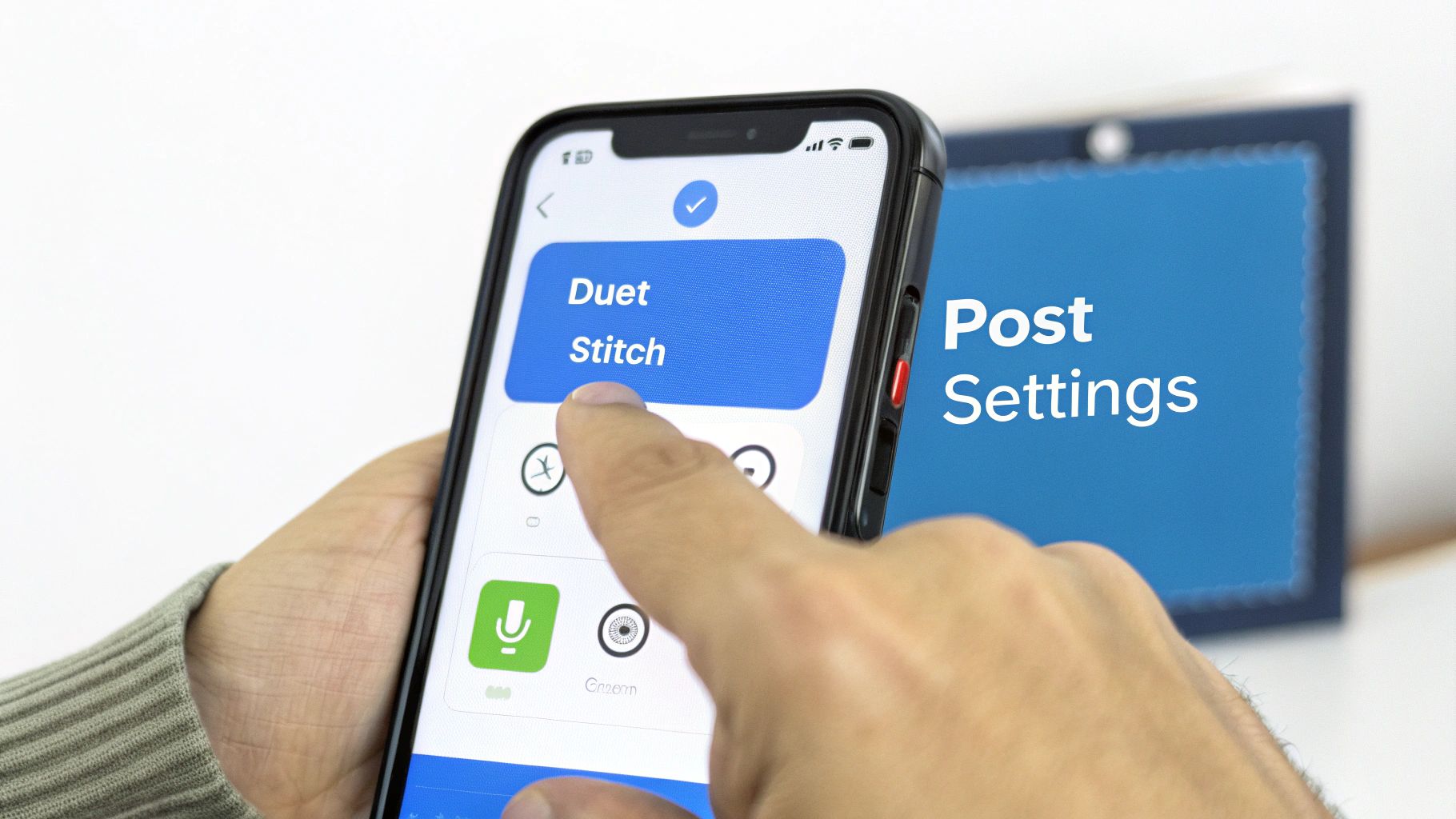
You’re almost there. That final screen before your video goes live is more than just a last step—it’s your control panel. Every toggle and option here directly impacts who sees your content and how they can interact with it. Don’t rush this part.
First up, the cover selection. This is the thumbnail people see when they land on your profile grid, and it’s a bigger deal than you think. Pick a dynamic, high-quality frame from your video that sparks curiosity. A blurry or boring cover is an instant turn-off and can stop people from ever seeing the great content you just made.
Deciding Who Can Interact With Your Video
This is where you invite the community to play. The interaction settings—specifically Allow Duet and Allow Stitch—are powerful, free tools for growth. When you enable them, you’re essentially giving other creators permission to use your content as a launchpad for their own.
- Duets: Let users create a split-screen video reacting to or playing alongside yours. This is gold for challenges, reaction-style videos, and collaborative trends.
- Stitches: Allow others to use the first 1-5 seconds of your video as an intro to their own. It’s perfect for answering questions you posed or continuing a story you started.
My advice? Leave these on. Turning your content from a monologue into a conversation starter is one of the fastest ways to broaden your reach organically.
Key Takeaway: Enabling Duets and Stitches is a zero-effort way to encourage user-generated content. Every time someone uses your video, they're introducing your profile to their own audience.
Setting Your Video's Privacy Level
Finally, you need to decide who gets to see your masterpiece. While "Everyone" is the default and absolutely necessary for growth, the other options have their place.
Setting a post to "Friends" can be a smart move for testing out a new content style with a smaller, more forgiving audience.
The "Private" option makes the video visible only to you. This is perfect for saving drafts that aren’t quite ready or for creating content you plan to download and use on another platform without ever publishing it to your TikTok profile.
Of course, all these settings mean nothing if you post when your audience is asleep. A critical part of optimizing your post is understanding the best time to post on social media to catch your followers when they’re most active. These final checks ensure your video has the best possible shot at success the moment you hit "Post."
Scheduling and Automating Your TikTok Workflow
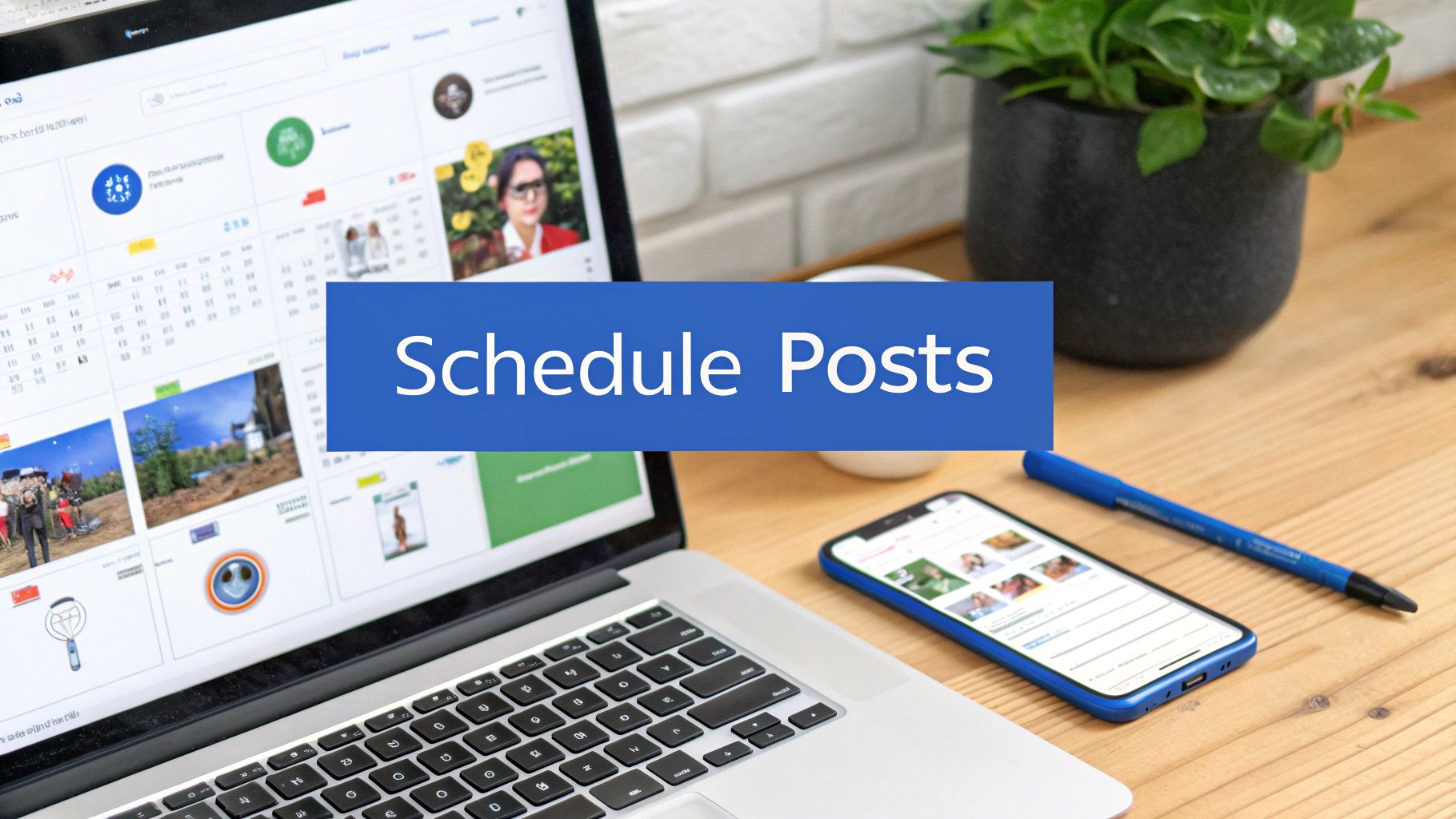
Trying to grow on TikTok feels like a sprint that never ends. The algorithm loves consistency, but the daily grind of creating, editing, and publishing can burn anyone out. This is your cue to stop working harder and start working smarter by building an automated content pipeline.
The first step to getting your time back is using a scheduling tool. Instead of being chained to your phone for peak posting times, you can batch-produce a week's worth of videos and schedule them to go live automatically. No more daily scramble.
The Power of Automation with ShortsNinja
Tools like ShortsNinja take things a giant leap further. It's not just about scheduling; it’s about helping you create the content itself. You can go from a simple idea to a finished video—complete with visuals and a voiceover—and schedule it to post, all in one place.
This completely flips your workflow from a reactive, day-to-day chore into a proactive, strategic operation. It frees up your mental space to focus on what actually moves the needle: brainstorming killer ideas and engaging with your community. Our deep dive into automated TikTok posting breaks down how this process can literally save you hours every single week.
Multi-Platform Distribution for Maximum Reach
Why post a great video to one platform and just let it sit there? The most efficient creators I know have a multi-platform strategy. You make one great video, and then let automation do the heavy lifting of repurposing and publishing it across TikTok, Instagram Reels, and YouTube Shorts.
This approach is a total game-changer for a few big reasons:
- Saves Time: You’re no longer manually uploading the same video to three different apps, each with its own quirks and formatting headaches.
- Expands Reach: You get your content in front of entirely different audiences on each platform, maximizing its potential to go viral.
- Diversifies Your Presence: You're not putting all your eggs in one basket. Building an audience on multiple platforms protects you when one algorithm inevitably changes.
Key Takeaway: Automation isn't about being lazy; it's about being strategic. By scheduling posts and distributing them across multiple platforms, you make your content work harder for you, ensuring every video delivers the greatest possible return on your creative investment.
This scaled approach is also how you get paid. With TikTok's ad reach hitting a staggering 1.59 billion users and its U.S. revenue projected to hit nearly $10 billion in 2024, the creators who can post consistently at scale are the ones landing brand deals and cashing in on creator funds. Operating in major markets like North America or Southeast Asia gives you a massive pool of potential viewers and partners, and automation is what unlocks that volume. You can find more insights on TikTok's growing user base and creator economy on backlinko.com.
Ultimately, scheduling and automation are no longer just "nice-to-have" features. For anyone serious about posting on TikTok, they're an essential part of a sustainable and successful content strategy.
Common Questions About Posting on TikTok
Look, even creators who've been on the app for years still wrestle with the same questions. Is there a "magic" time to post? How long is too long? And the most dreaded one of all: why is my video stuck at zero views?
Let's cut through the noise and get to some real answers. These aren't just theories; this is how the platform actually works. Getting a handle on these basics will help you build a smarter strategy and post with confidence.
What Is the Best Time and Frequency for Posting?
This is the million-dollar question, isn't it? While you'll see generic advice pointing to weekday afternoons, the real, honest-to-goodness answer is already in your pocket. The best time to post on TikTok is simply when your audience is scrolling.
To find your unique posting window, dive into your TikTok Analytics and hit the "Followers" tab. This screen is gold. It shows you a detailed breakdown of the exact hours and days your followers are most active. Make this your primary guide.
If you're just starting out and don't have much data, general analysis shows that Thursday mornings between 7 AM and 11 AM can be a high-engagement sweet spot.
As for how often to post, consistency will always beat volume. Aim for 1-3 high-quality videos daily. That’s a strong, sustainable goal for most people. Trust me, it's far better to publish one incredible, well-edited video than three rushed ones that nobody watches.
How Long Should My TikTok Videos Be?
TikTok might let you upload longer videos now, but shorter content almost always wins the day. Why? The algorithm is obsessed with one thing above all else: watch time percentage. Your main goal should be getting people to watch your entire video from the first second to the last.
The sweet spot for holding attention and even encouraging a few re-watches is typically between 15 and 30 seconds. A shorter video that gets watched all the way through sends a much stronger signal to the algorithm than a longer one that people swipe away from halfway through. Always prioritize getting your point across concisely.
Key Takeaway: Edit ruthlessly. If a clip doesn't add value or move the story forward, get rid of it. A tight, punchy video will outperform a long, rambling one nearly every time.
Why Are My TikToks Not Getting Views?
Ah, the dreaded "0 views" glitch. It's frustrating, but it happens to just about everyone at some point and is usually fixable. Before you hit the panic button, run through this quick mental checklist.
- Did you trip a wire? First, double-check that your video doesn't accidentally violate any of TikTok's community guidelines. Even a small, unintentional infraction can get your content suppressed before it ever gets a chance.
- Where's the hook? Do you have an undeniable hook in the first 1-3 seconds? If you don't immediately stop the scroll with a killer visual, a sharp question, or something totally unexpected, people are gone.
- Give it a minute. Sometimes, the algorithm just needs a few hours to figure out what your video is about and who to show it to. Don't delete a post just because it isn't an instant hit. Give it at least a day to find its footing.
Keep playing around with different hooks, sounds, and video ideas. Think of every post as a new piece of data that teaches you a little more about what your audience truly wants to see.
Ready to stop guessing and start growing? ShortsNinja uses AI to help you create and schedule a month's worth of high-quality, engaging videos in the time it takes to make a cup of coffee. Automate your workflow, multiply your content, and watch your channels grow hands-free. Start your journey at https://shortsninja.com.