
Video is king, but the production process has always been a major bottleneck for creators and marketers. The scripting, shooting, editing, and publishing cycle is a resource-intensive endeavor that traditionally limits content velocity. The good news? The game has fundamentally changed.
The rise of sophisticated AI video generation tools has compressed workflows that once took days into mere minutes. This shift empowers anyone to produce high-quality video content at scale without a film crew or complex software. The revolution witnessed in video production is a prime example of the broader impact of automated content creation, enabling businesses and creators to produce vast amounts of content efficiently.
Whether you're a YouTuber aiming for daily faceless shorts, a marketer creating dynamic product ads, or an educator developing training modules, these platforms offer a powerful new way to bring ideas to life. But with a rapidly growing market, choosing the right tool can be overwhelming. This guide is designed to cut through the noise and provide clarity.
We will dive deep into 12 of the best AI video generators available today, analyzing their unique strengths, practical use cases, pricing models, and hidden limitations. Each review includes direct links and screenshots to help you visualize the platform. We'll explore everything from all-in-one platforms like ShortsNinja to cutting-edge cinematic models like Runway and Luma AI’s Dream Machine, so you can find the perfect fit for your specific creative and business goals.
1. ShortsNinja
ShortsNinja has established itself as a premier solution among ai video generation tools, specifically engineered for creators and businesses focused on scaling short-form faceless content. It consolidates the entire production pipeline, from ideation and scripting to visual generation and publishing, into a remarkably efficient, five-minute workflow. This platform is not just a single tool but a sophisticated orchestration of best-in-class generative engines, including Flux, Kling, and RunwayML, ensuring high-quality visual outputs.

What truly sets ShortsNinja apart is its relentless focus on automation and scale. Its built-in scheduler and "Series" automation feature allow users to connect their TikTok and YouTube accounts for hands-free posting, complete with timezone support. This makes it an invaluable asset for agencies, educators, and content creators aiming to maintain a consistent posting cadence without the traditional time investment.
Key Features & Workflow
The platform's strength lies in its streamlined, three-step process: input an idea, refine the AI-generated script, and generate the video. Users gain access to over 200 realistic AI voices from industry leaders like ElevenLabs and Speechify, available in more than 50 languages. This global reach, combined with HD output and included background music, provides all the necessary components for producing professional-grade content.
Practical Tip: When using the "Series" feature, create a detailed prompt that outlines the theme and structure for the entire series. This ensures a cohesive set of videos is generated automatically over time, saving you from repetitive manual inputs.
Pricing and Accessibility
ShortsNinja offers a flexible, credit-based pricing model designed to accommodate various production volumes.
- Starter: $19/month for 12 videos.
- Pro: $39/month for 30 videos.
- Creator: $69/month for 60 videos.
- Influencer: $129/month for 120 videos.
Discounted annual plans and stackable one-time credit packs are also available. The platform provides strong safety nets, including a "first video free" trial and a three-day refund policy for unused credits, making it a low-risk option to test.
Pros:
- Massive Time Savings: Compresses the entire content creation workflow into minutes.
- High-Quality AI Stack: Integrates multiple top-tier video engines and 200+ realistic voices.
- Hands-Free Automation: Features built-in scheduling and series automation for TikTok and YouTube.
- Flexible Pricing: Offers multiple tiers and top-up credits to match production needs.
Cons:
- Limited Native Publishing: Auto-posting is currently focused on TikTok and YouTube.
- Credit-Based Costs: High-volume creation may become expensive, and videos often require minor manual tweaks to feel unique.
Website: https://shortsninja.com
2. Runway
Runway stands at the forefront of AI-native creative suites, offering some of the most advanced ai video generation tools available today. It is best known for its proprietary models like Gen-3 Alpha, which excel at creating short, high-fidelity video clips from text or image prompts. This platform is ideal for creators needing state-of-the-art motion quality for projects like cinematic B-roll, dynamic social media content, and conceptual pre-visualization.

Unlike many simpler tools, Runway provides granular controls and an integrated editor, allowing users to upscale footage, add audio, and string clips together without leaving the platform. Its credit-based system is transparent, clearly outlining the cost per second of generated video, which helps in managing project budgets effectively. For those just beginning their journey, we have a detailed guide on how to make AI videos that can help you master the fundamentals.
Key Strengths & Use Cases
Runway’s primary strength is the sheer quality and coherence of its video output. The motion is remarkably smooth, and the models demonstrate a strong adherence to complex prompts.
- Best For: Short-form content, surreal visuals, advertisements, and artistic experimentation.
- Not Ideal For: Generating long-form narrative content due to current clip length limitations.
- Pricing: Offers a free tier with limited credits. Paid plans start at $12/editor/month (Standard) and provide a monthly credit allowance, with options to purchase more.
- Pro Tip: Use the "Image to Video" feature with a highly detailed source image to guide the model for more consistent and predictable results.
While the credit costs can accumulate during heavy iteration, Runway's rapid model development and excellent documentation make it a top choice for professionals who require premium quality.
Visit Website: https://runwayml.com
3. Luma AI – Dream Machine
Luma AI's Dream Machine has quickly emerged as a major player among ai video generation tools, celebrated for its fluid, physics-aware motion and high-fidelity output. It excels at interpreting complex text and image prompts to produce coherent, five-second video clips that often rival more established models. This platform is particularly effective for creators aiming for cinematic quality and realistic character movement in short-form content, animated sequences, or conceptual storyboarding.

What sets Luma AI apart is its intuitive web interface and a transparent credit system that clearly defines the cost for different generation settings, including model choice and resolution. The "Modify" feature is a standout, allowing users to transform existing video footage by applying a text prompt, which is invaluable for reimagining scenes without costly reshoots. This blend of quality and innovative features makes it a powerful tool for both beginners and experienced professionals.
Key Strengths & Use Cases
Luma AI’s strength lies in its excellent understanding of physics and consistent character generation within a single clip. Its models create believable motion and detailed textures, making the output feel grounded and polished.
- Best For: Cinematic shorts, character animations, realistic motion, and transforming live-action footage.
- Not Ideal For: Videos longer than five to ten seconds per generation or projects requiring extensive post-production suites.
- Pricing: A free plan offers 30 generations per month. Paid plans start at $29.99/month for 2,000 credits, with higher-tier plans available for heavy users.
- Pro Tip: For maximum consistency, start with a detailed image prompt and then use text to guide the animation. This gives the model a strong visual anchor to work from.
While the clip length is currently limited, the sheer quality of the output and unique modification tools make Luma AI a go-to choice for creators focused on producing premium, short-form video content.
Visit Website: https://lumalabs.ai
4. Pika
Pika excels as a fast and creatively flexible platform, making it one of the most accessible ai video generation tools for social media creators and artists. It focuses on stylization, video-to-video transformations, and rapid ideation, allowing users to quickly generate eye-catching clips from text, images, or even existing videos. Its user-friendly interface is perfect for those who want to experiment with different aesthetics without a steep learning curve.
Unlike platforms geared toward cinematic realism, Pika champions playful and artistic transformations. Features like video-to-video "restyle" enable users to apply unique visual effects to their footage, transforming mundane clips into animated or surreal creations. The platform's credit system encourages low-resolution drafting before committing credits to a full-quality upscale, making it a cost-effective tool for iterative creative work and social content production.
Key Strengths & Use Cases
Pika's main advantage is its speed and ease of use for creating highly stylized, short-form video content that stands out on social feeds. The various models and modification tools provide a vast playground for creative expression.
- Best For: Animated social media content, music video snippets, artistic experimentation, and quick concept visualization.
- Not Ideal For: Photorealistic or long-form narrative content requiring high cinematic fidelity.
- Pricing: A free tier is available with initial credits. Paid plans start at $8/month (Standard) and offer a larger credit allowance and access to premium features.
- Pro Tip: Use the video-to-video feature with a simple, high-contrast source clip. This gives the AI a clear structure to follow while applying stylistic effects, yielding more coherent and impressive results.
While its pricing information can be sparse on its public site, the in-app details are clear. Pika is a top choice for creators prioritizing speed and unique visual flair.
Visit Website: https://pika.art
5. Synthesia
Synthesia has carved out a niche as the leading enterprise-grade platform for creating professional AI avatar videos. Unlike tools focused on cinematic or creative generation, Synthesia specializes in producing high-quality, talking-head-style content for corporate training, onboarding, and large-scale marketing campaigns. Its strength lies in transforming scripts into polished videos featuring lifelike avatars, making it one of the most practical ai video generation tools for business communication.
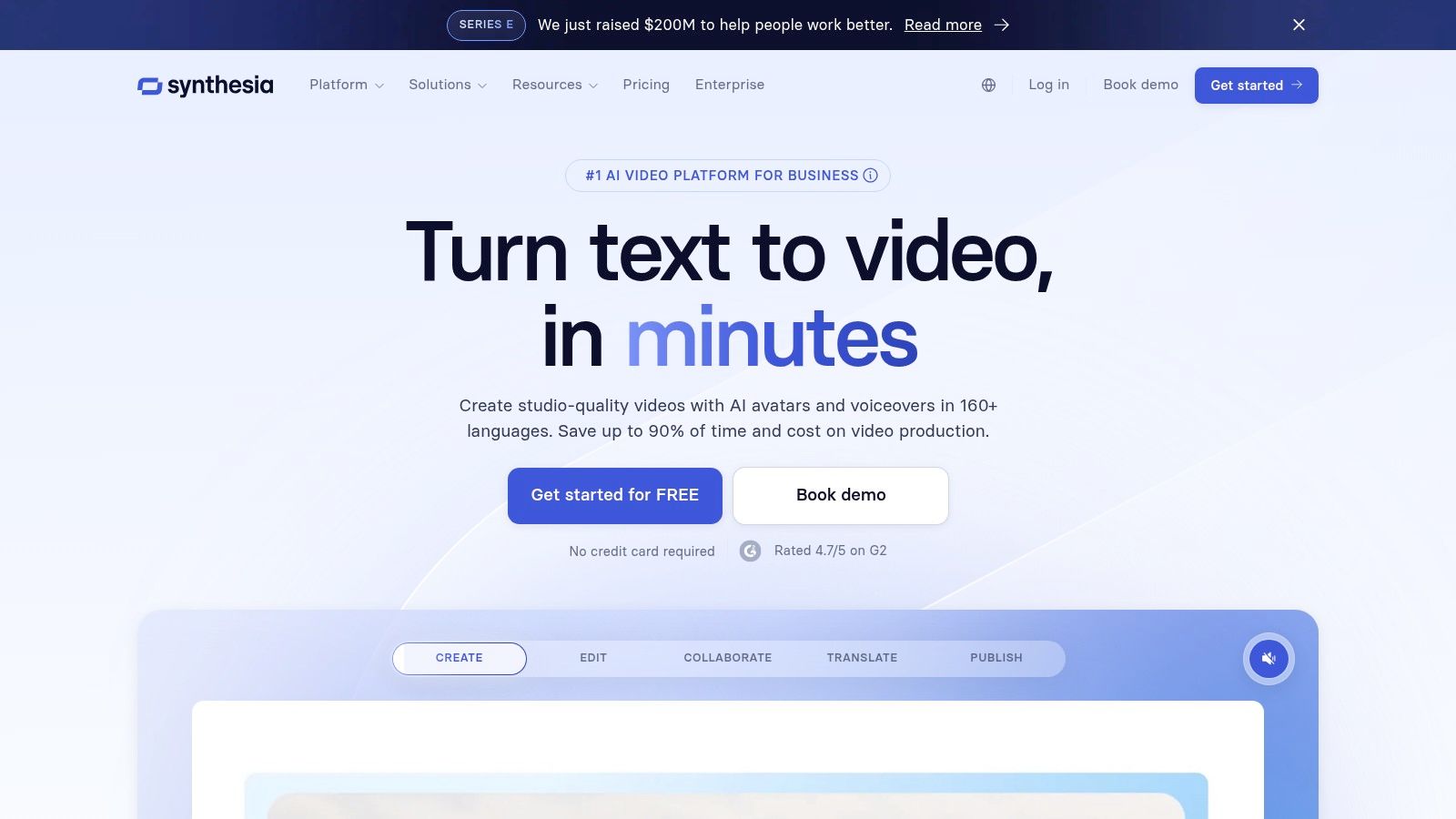
The platform offers a vast library of over 160 stock avatars and supports voice cloning in more than 130 languages, enabling rapid localization of training materials. Enterprise tiers offer custom avatars and a robust API for programmatic video creation, integrating directly into corporate workflows. This focus on scalable, consistent content makes it a powerful asset for internal communications and e-learning, distinguishing it from more general-purpose tools. To see how it compares to others, check out our list of the best AI video makers.
Key Strengths & Use Cases
Synthesia's primary advantage is its professional polish and features tailored for corporate environments, such as SCORM exports for learning management systems. The platform is mature, reliable, and built for scalable production.
- Best For: Corporate training, e-learning modules, product explainers, and internal communications.
- Not Ideal For: Creative, cinematic, or artistic video generation from text prompts.
- Pricing: The Personal plan is $22/month. Corporate plans are custom-priced based on specific business needs and feature requirements.
- Pro Tip: Use the "multi-avatar scene" feature to create dynamic, conversational-style videos for more engaging training content.
While it is not a tool for generating dynamic scenes from scratch, Synthesia’s reliability and focus on enterprise needs make it an invaluable resource for organizations looking to streamline video production.
Visit Website: https://www.synthesia.io
6. HeyGen
HeyGen specializes in avatar-based ai video generation tools, making it exceptionally easy to create professional-looking talking-head videos without a camera or microphone. The platform excels at producing content like corporate training modules, explainer videos, and social media updates, where a human presenter is key. Its standout feature is the advanced multilingual lip-sync and translation, allowing creators to repurpose a single video for global audiences with remarkable accuracy.
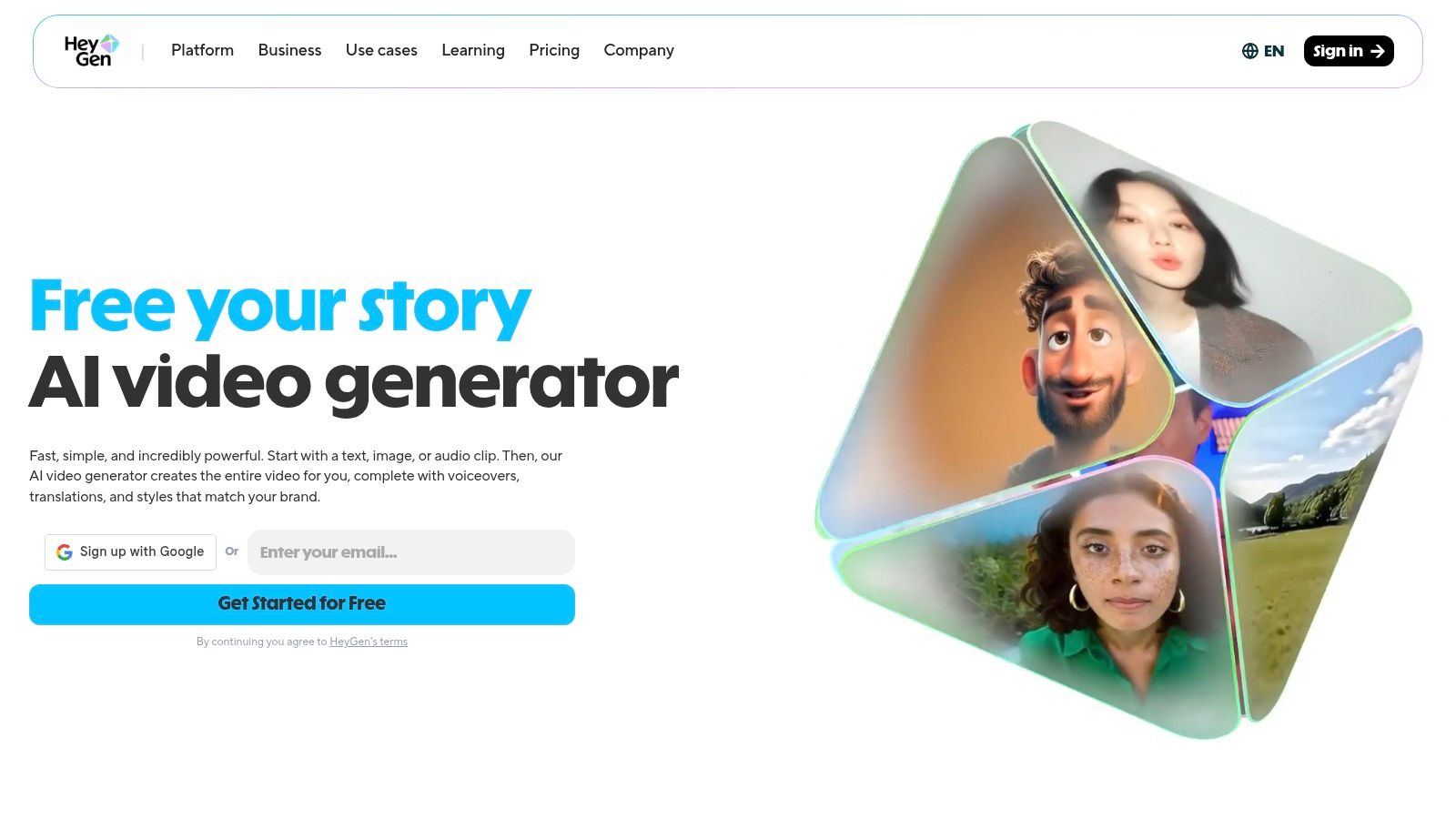
Unlike text-to-video generators focused on cinematic scenes, HeyGen’s workflow is centered on script-to-avatar performance. Users can choose from a library of stock avatars or create a custom one, clone their own voice, and generate videos in over 175 languages. The ability to export in 1080p or 4K on higher tiers ensures that the final output meets professional quality standards for any platform.
Key Strengths & Use Cases
HeyGen’s main advantage is its efficiency and scalability for creator-led content, especially for those looking to expand their reach internationally. The platform's generous "unlimited" avatar video creation on the Creator plan provides significant value for high-volume workflows.
- Best For: Educational tutorials, marketing videos, corporate communications, and multilingual social media content.
- Not Ideal For: Generating dynamic, non-narrative B-roll or cinematic scenes.
- Pricing: A free plan is available with strict limits (e.g., 3 videos/month). Paid plans like the Creator tier start at $24/month and offer more generous credit allowances and features.
- Pro Tip: For maximum realism, use the custom voice cloning feature. A high-quality audio sample of your own voice will create a much more convincing and personalized avatar performance.
While some premium features require separate credits even on paid plans, HeyGen remains a top choice for anyone needing to produce polished, avatar-driven video content at scale.
Visit Website: https://www.heygen.com
7. InVideo AI
InVideo AI excels as a script-to-video platform, streamlining the production of content for users who are not professional editors. Its core strength lies in its ability to take a simple prompt or script and instantly generate a complete video, leveraging a massive library of premium stock media from providers like iStock and Storyblocks. This makes it one of the most efficient ai video generation tools for creating social media shorts, marketing ads, and explainer videos with minimal hands-on effort.
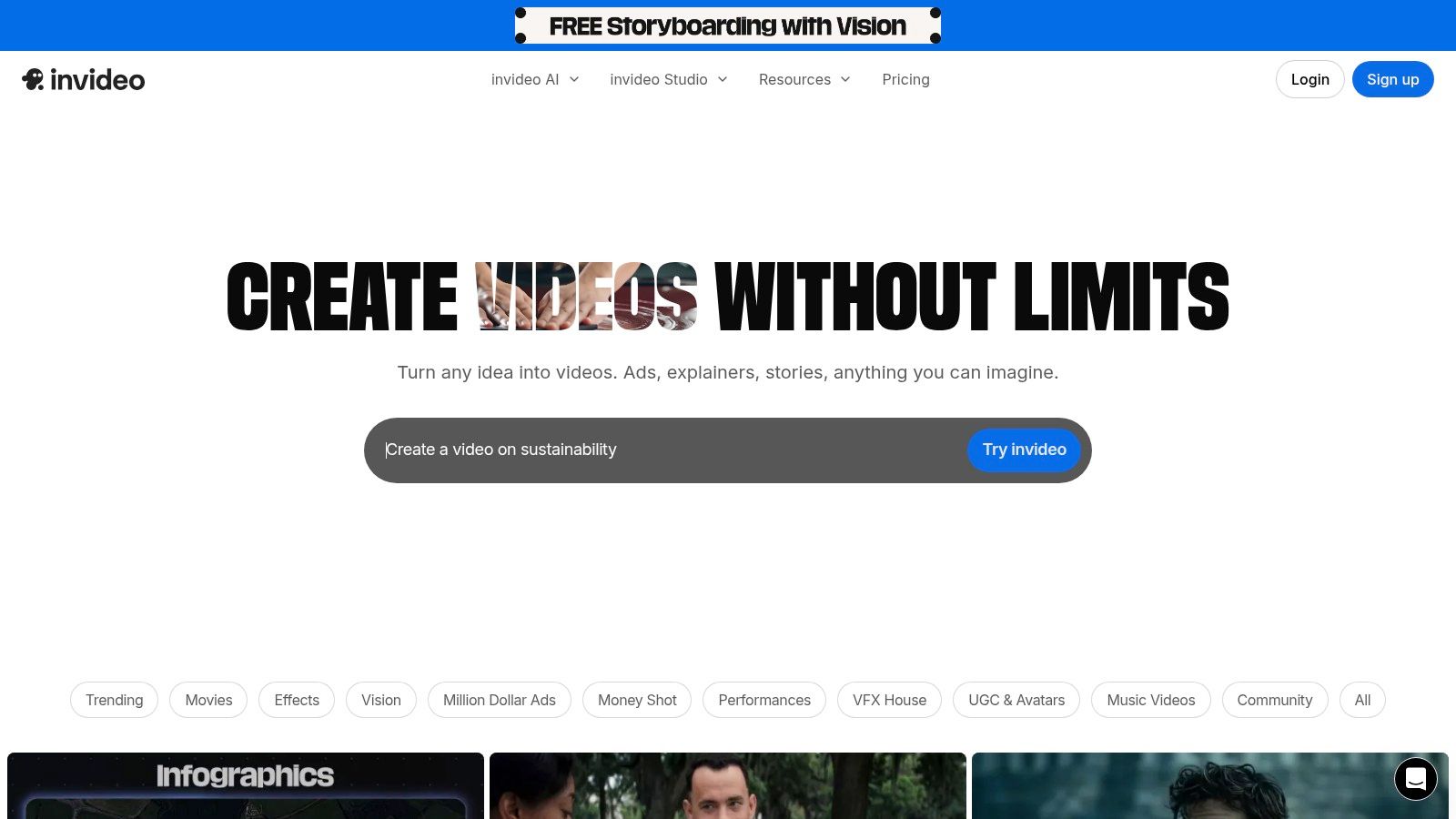
The platform is built around a guided workflow that allows for quick customization of AI-generated drafts. Users can easily swap media, edit the script, and add voiceovers using text-to-speech, voice cloning, or AI avatars directly within the editor. The pricing structure is transparent, clearly outlining the monthly allowance of AI generation minutes, stock media usage, and storage for each tier.
Key Strengths & Use Cases
InVideo AI’s main advantage is its speed and simplicity, making polished video creation accessible to anyone. The deep integration with high-quality stock footage libraries sets it apart from tools that rely solely on generative clips.
- Best For: Fast production of social media content, YouTube Shorts, template-driven ads, and corporate presentations.
- Not Ideal For: Users needing original, fully AI-generated visuals or advanced cinematic effects.
- Pricing: A free plan is available with a watermark and limited exports. Paid plans (Plus and Max) start at $20/month and offer more AI generation minutes and premium stock media access.
- Pro Tip: Start with a very detailed script or prompt. The more context you provide the AI, the more relevant the initial stock media selections will be, significantly reducing editing time.
While the credit system requires careful monitoring to stay within plan limits, InVideo AI is a powerful asset for marketers and creators focused on high-volume, template-based video production.
Visit Website: https://invideo.io
8. VEED.io
VEED.io positions itself as a comprehensive browser-based video editor that has deeply integrated ai video generation tools into its workflow. It’s designed for social media teams and creators who need to move quickly from an idea to a polished, ready-to-publish video without switching between multiple applications. The platform’s standout feature is its unified interface, where you can generate clips, add text-to-speech voiceovers, apply automated subtitles, and access a vast stock media library all in one place.
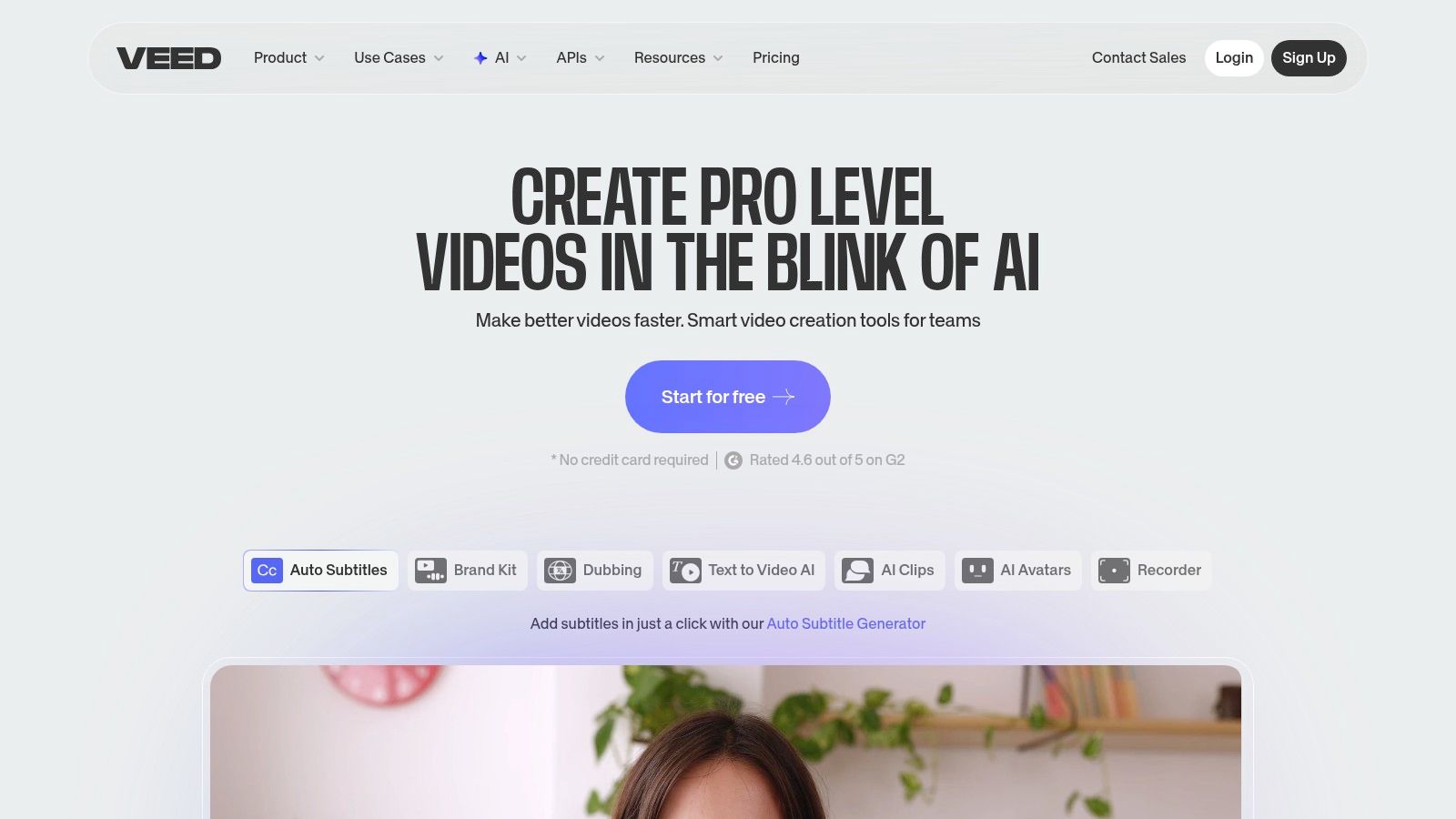
The platform includes several AI models, including "VEED Motion" for creating cinematic short clips from text prompts. Unlike standalone generators, VEED’s strength is its fusion of generation and post-production. This makes it an exceptional tool for content that relies heavily on text overlays, captions, and voiceovers. For those looking to streamline their entire creation process, our guide on AI video editing tools offers a broader look at platforms that combine these functionalities.
Key Strengths & Use Cases
VEED excels at creating complete, social-media-ready videos from start to finish. The seamless integration of its AI features into a user-friendly editor is its main competitive advantage.
- Best For: Social media content, marketing videos, educational tutorials, and corporate communications.
- Not Ideal For: Users seeking standalone, high-end cinematic AI generation without editing needs.
- Pricing: A free plan is available with watermarks and limitations. Paid plans start at $12/editor/month (Basic), with AI features and credits primarily available in the Pro ($24/editor/month) and Business plans.
- Pro Tip: Use the AI script generator to outline your video, then send it directly to the text-to-voice tool and editor to build a narrated video foundation in minutes.
While many of its most powerful AI features are gated behind paid tiers and credit systems, VEED.io provides immense value for users who prioritize an efficient, all-in-one content creation workflow.
Visit Website: https://www.veed.io
9. Kapwing
Kapwing positions itself as a collaborative online video editor supercharged with a suite of practical AI tools, making it more of an all-in-one content creation hub than a dedicated generator. It integrates ai video generation tools directly into a familiar editing timeline, allowing users to create video from text prompts, auto-generate subtitles, perform AI-powered edits, and dub audio seamlessly. This makes it a pragmatic choice for teams and creators focused on efficiently producing social media content.
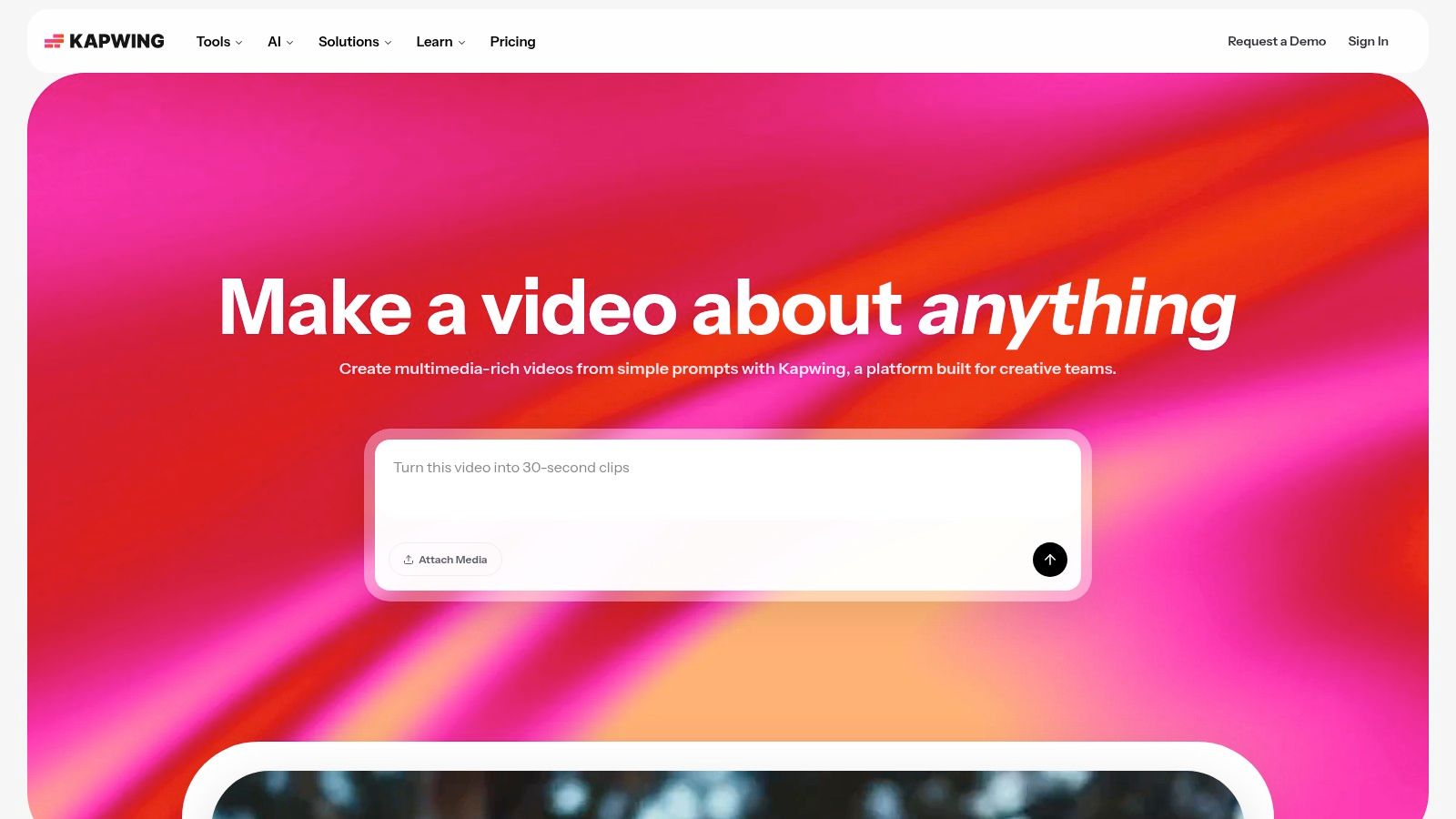
Unlike platforms that only generate clips, Kapwing’s strength is its workflow integration. Users can leverage AI to create a base clip, then immediately add stock media, text overlays, and transitions from within the same interface. Its transparent, seat-based pricing and clear credit system for AI features are particularly useful for small teams and solo creators managing a content budget, as it removes guesswork from the production process.
Key Strengths & Use Cases
Kapwing excels at streamlining the entire social media video production process, from initial concept to final export. Its collaborative features, like team workspaces and brand kits, are a significant advantage for content teams.
- Best For: Social media content teams, solo creators, and businesses needing an integrated editor with AI enhancements like auto-subtitling and text-to-video.
- Not Ideal For: Users seeking hyper-realistic, cinematic AI generations or advanced VFX capabilities.
- Pricing: A free plan is available with a watermark and export limitations. Paid plans start at $16/user/month (billed annually) and include more AI credits, 4K exports, and brand kit access.
- Pro Tip: Use the "Repurpose" AI tool to quickly resize a single video for multiple platforms (e.g., from a YouTube short to an Instagram Reel) while automatically reframing the key action.
While the free tier’s AI credit allowance is modest, Kapwing’s holistic approach makes it a powerful and efficient tool for those who prioritize workflow speed and collaboration over pure generative power.
Visit Website: https://www.kapwing.com
10. Canva (Magic Media)
Canva integrates accessible ai video generation tools directly into its popular design ecosystem through the "Magic Media" feature. This makes it an incredibly powerful option for marketers, social media managers, and small business owners who need to create visually appealing content quickly, without a steep learning curve. Instead of being a standalone generator, Magic Media works within the familiar Canva editor, allowing users to produce short video clips from text prompts and immediately drop them into branded templates.
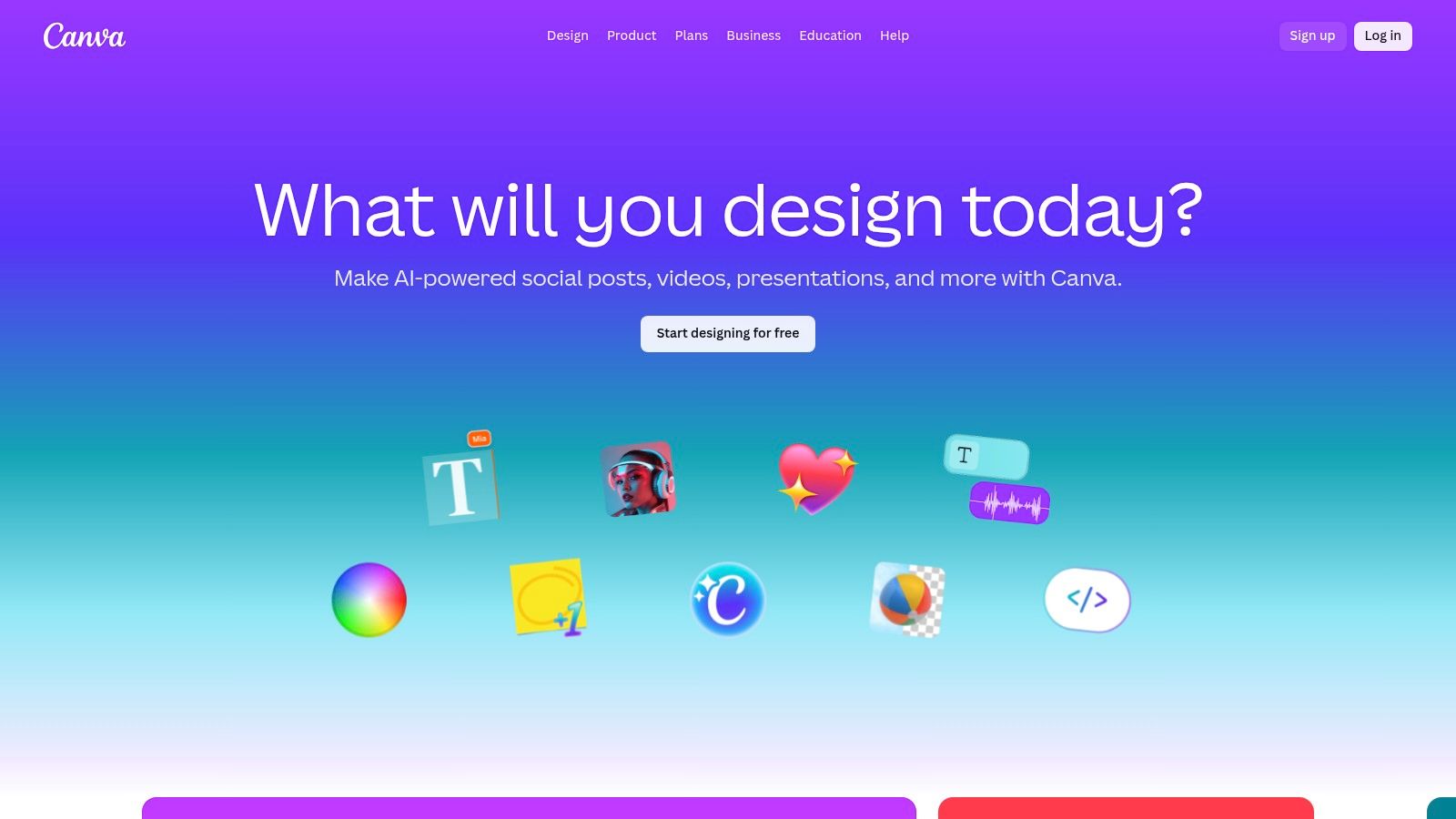
The platform’s strength lies in its all-in-one workflow. You can generate a custom video asset, add animated text with "Magic Animate," pull from a massive stock library, apply your brand kit, and export a finished social media post in minutes. This seamless integration removes the friction of using multiple applications, making it one of the most efficient tools for creating branded, AI-enhanced video content for platforms like Instagram Reels or TikTok.
Key Strengths & Use Cases
Canva’s primary advantage is its simplicity and integration, empowering non-editors to produce high-quality, branded social media assets effortlessly. It brings AI generation into a complete design suite.
- Best For: Social media content, marketing materials, storyboards, and quick video ads.
- Not Ideal For: High-fidelity cinematic clips or complex, long-form video projects.
- Pricing: Magic Media is available in both the free and paid Canva plans. Canva Pro starts at $14.99/month and offers higher usage limits and premium features.
- Pro Tip: Combine Magic Media’s video generation with Canva's "Magic Animate" feature to instantly apply dynamic animations to text and other elements in your design for a more engaging final video.
While the AI video quality may not match specialized generators, its convenience and unification with a full design platform make it an indispensable tool for rapid content creation.
Visit Website: https://www.canva.com
11. Adobe Firefly
Adobe Firefly brings the power of generative AI directly into the Creative Cloud ecosystem, offering a suite of ai video generation tools designed for seamless integration with professional workflows. Its major draw is the promise of commercially safe content, as Firefly models are trained on Adobe Stock's licensed library. This makes it an attractive option for businesses and creators concerned with copyright and compliance, especially for use in advertising and branded content.
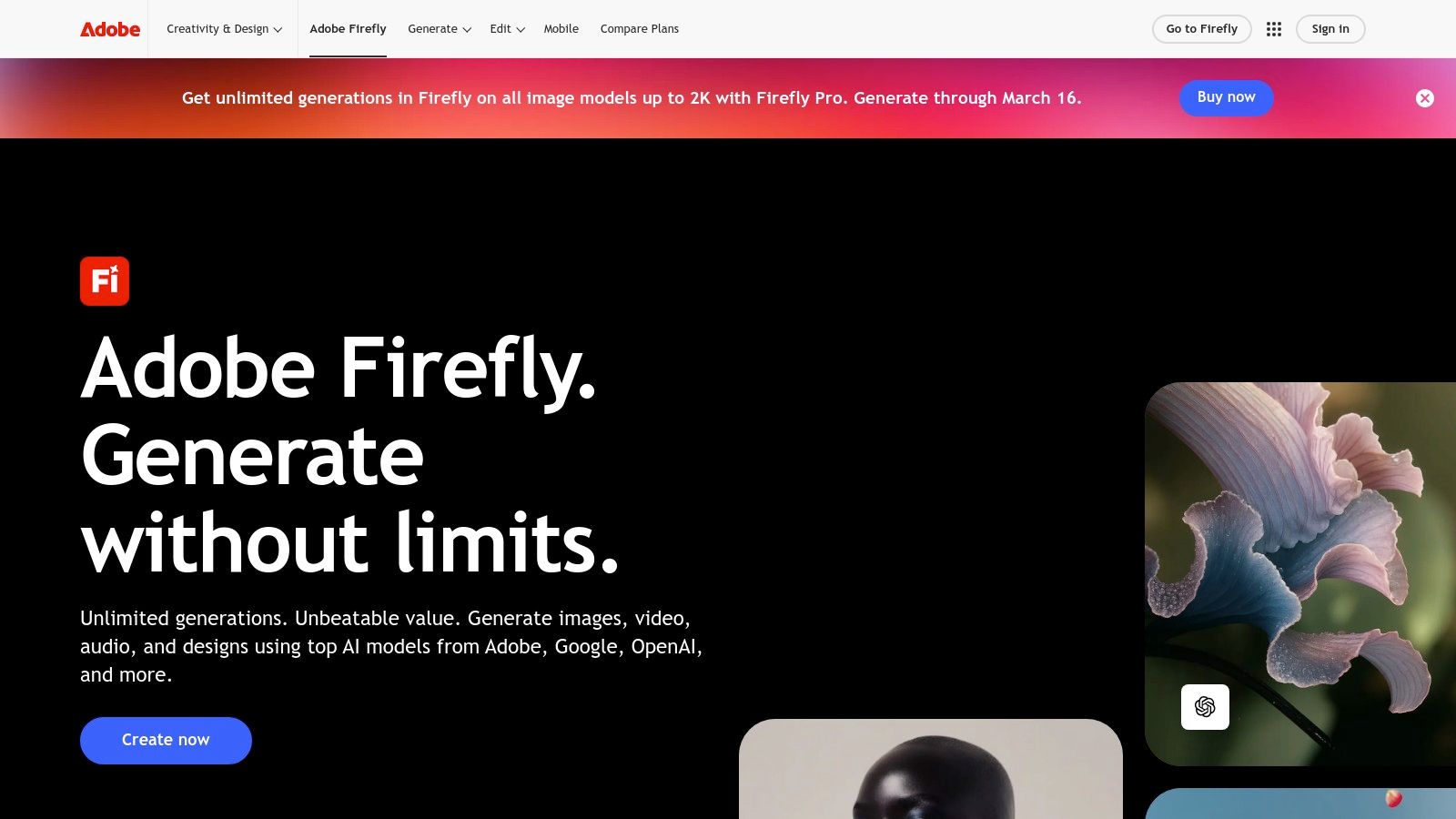
Currently in public beta, its Text to Video feature generates short clips (around 5 seconds) that can be immediately brought into Premiere Pro or After Effects for editing and post-production. The platform operates on a generative credit system, with various Creative Cloud plans offering a monthly allowance. This tight integration is Firefly's key differentiator, allowing creators to generate a clip and immediately start color grading, adding effects, or editing it into a larger sequence.
Key Strengths & Use Cases
Firefly’s main advantage is its deep connection to the Adobe software suite, creating a unified and efficient production pipeline from generation to final export. The focus on licensed training data provides a significant layer of security for commercial projects.
- Best For: Creative professionals, marketing teams, and agencies already invested in the Adobe ecosystem.
- Not Ideal For: Users needing long-form video generation or those who work outside of Adobe's software suite.
- Pricing: Included with various Adobe Creative Cloud subscriptions, which provide a monthly allotment of generative credits. Standalone Firefly Premium plans are also available.
- Pro Tip: Generate stylistic B-roll in Firefly and use Premiere Pro’s editing tools to time-remap the clips, extending their usefulness in longer video projects.
While its video capabilities are still developing and clip lengths are limited, Adobe's commitment to enterprise-grade AI and workflow integration makes Firefly a powerful tool to watch.
Visit Website: https://www.adobe.com/products/firefly
12. Replicate
Replicate is a powerful platform that serves as a marketplace and API for running a vast array of open-source ai video generation tools and other machine learning models. Instead of offering a single proprietary model, Replicate provides developers and technical creators with flexible, on-demand access to the latest innovations from the AI community. This makes it an ideal solution for those who want to integrate specific video models into their own applications, workflows, or experiments without managing complex infrastructure.
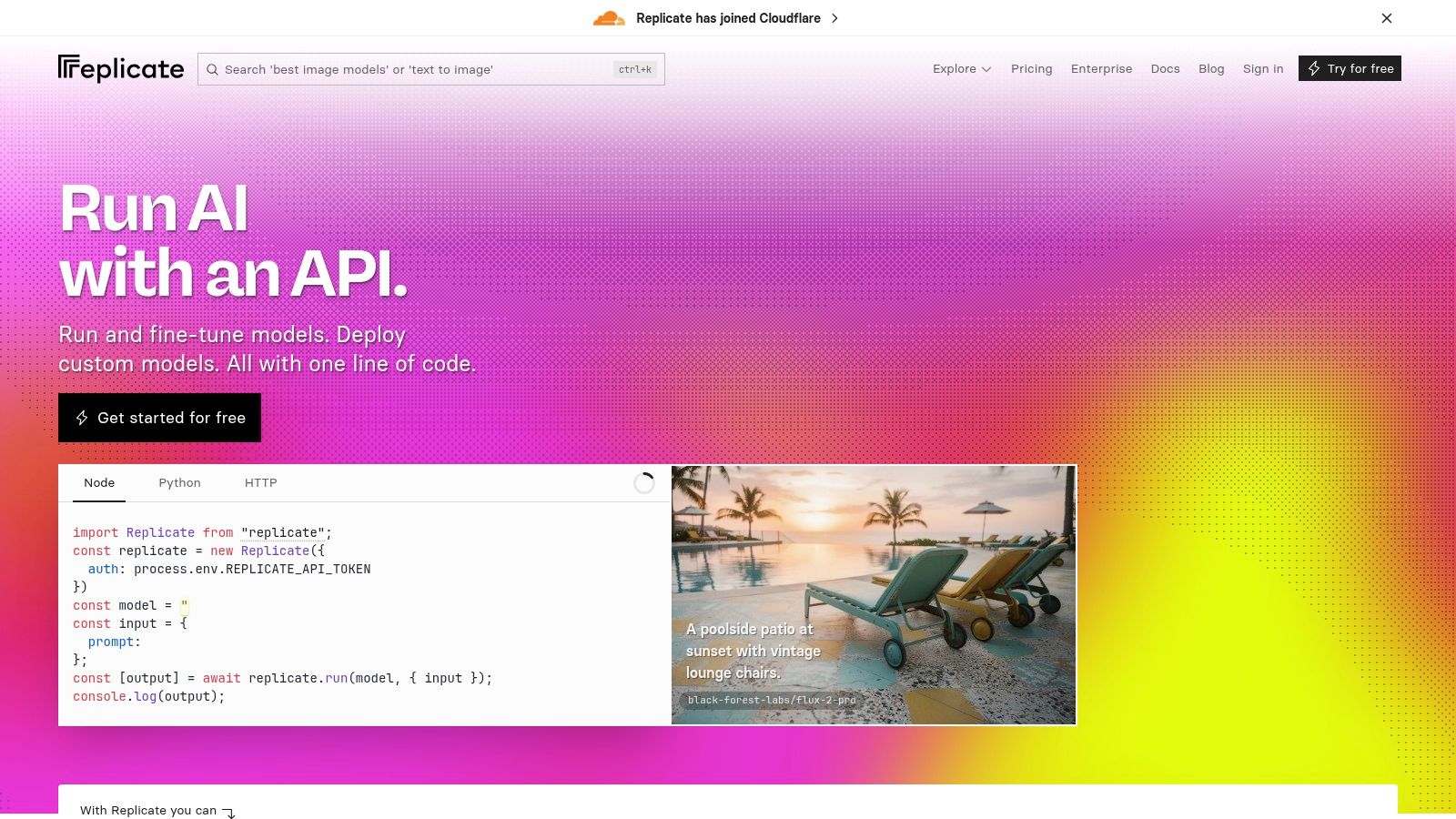
Unlike all-in-one creative suites, Replicate is developer-centric, focusing on API access and pay-as-you-go billing. You are charged by the second for the GPU time your model runs, offering transparent, granular control over costs. This model is perfect for teams building custom video generation pipelines or for creators who want to experiment with multiple state-of-the-art models without committing to a monthly subscription for each one.
Key Strengths & Use Cases
Replicate’s core strength is its flexibility and direct access to a wide variety of models. It empowers users to choose the exact tool for their specific needs and only pay for what they use.
- Best For: Developers, technical artists, and businesses integrating AI video into custom applications.
- Not Ideal For: Non-technical users seeking a simple, all-in-one video editor and generator.
- Pricing: Purely pay-as-you-go. Costs are calculated per second of GPU runtime, varying by hardware (e.g., T4, A100, H100).
- Pro Tip: Before committing to a model for a large project, run small test generations on several similar models to compare their output quality, speed, and cost-effectiveness for your specific prompts.
While it requires more technical know-how than other platforms, Replicate's model-agnostic approach and transparent pricing make it an essential resource for advanced video creation and automation.
Visit Website: https://replicate.com
Top 12 AI Video Generators — Feature Comparison
| Platform | Core features | Quality / UX (★) | Pricing & Value (💰) | Target audience (👥) | Unique selling points (✨) |
|---|---|---|---|---|---|
| 🏆 ShortsNinja | Idea→script→AI visuals→voice→edit→schedule; multi-engine (Flux, Runway, Luma…), 200+ voices, series automation | ★★★★★ — 5-min workflow, HD, Discord/email support | 💰 From $19/mo (12 vids) → $129/mo (120 vids); credits, free trial + NINJA30 | 👥 Busy creators, agencies, SMBs, educators scaling faceless shorts | ✨ Hands-free publishing & series automation; multi-engine & multi-language voices |
| Runway | Text→video (Gen-4.5/Gen-4), integrated editor, upscaling, audio tools | ★★★★ — state-of-the-art motion & prompt fidelity | 💰 Credit-per-second model; pay-per-use (can add up for long clips) | 👥 VFX artists, short-form creators, pre-viz teams | ✨ Cutting-edge motion models with built-in editor |
| Luma AI – Dream Machine | Ray2/Ray3 text/image→video; HDR/up-res; 'Modify' for live-action transforms | ★★★★ — high detail, physics-aware motion | 💰 Credits by resolution/duration; best results on paid tiers | 👥 Filmmakers, creators mixing live footage + AI | ✨ 'Modify' preserves performances when reimagining footage |
| Pika | Text-to-video, video-to-video restyle, effect modules (Pikadditions, swaps) | ★★★ — very fast, stylized social drafts | 💰 In-app credit/tier system; public pricing sparse | 👥 Social-first creatives, rapid ideation teams | ✨ Playful stylization modules for social-first effects |
| Synthesia | Avatar videos, dubbing/localization, API, enterprise features (SCORM) | ★★★★ — polished for training & localization | 💰 Enterprise/seat + minute-based credits | 👥 Enterprises, L&D, localization teams | ✨ Large avatar library, custom avatars & robust localization |
| HeyGen | Avatar videos, voice cloning, 175+ languages, lip-sync, 4K exports | ★★★★ — creator-friendly, strong lip-sync | 💰 Creator plans with "unlimited" avatar creation; premium credits for models | 👥 Creators, explainers, global repurposing | ✨ Generous avatar allowances + high-res exports |
| InVideo AI | Script-to-video templates, stock integrations (Shutterstock), dubbing | ★★★ — template-driven fast output for non-editors | 💰 Plus/Max/Team plans with minute/credit allowances; free tier w/ watermark | 👥 Marketers, small teams, non-editors | ✨ Deep stock media + templated ad workflows |
| VEED.io | Editor + text-to-video (VEED Motion), subtitling, TTS, Gen-AI Studio | ★★★★ — integrated gen + edit, strong captions | 💰 Pro+ unlocks more Gen-AI; some credit/daily caps on lower tiers | 👥 Social teams, editors wanting one UI | ✨ All-in-one generation + editing with robust subtitling |
| Kapwing | Online editor, auto-subtitles, TTS, collaborative workspaces, brand kits | ★★★ — easy collaboration, practical pricing | 💰 Seat-based plans with AI credits; free tier limited/watermark | 👥 Solo creators, small teams, educators | ✨ Team workspaces, brand kits & clear pricing |
| Canva (Magic Media) | Magic Media text→video/image, templates, brand kits, Magic Animate | ★★★ — super beginner-friendly, template-rich | 💰 Freemium; Pro/Teams for more assets & exports | 👥 Non-designers, social marketers, small teams | ✨ Familiar Canva flow + vast template/asset library |
| Adobe Firefly | Text-to-video (beta), image→video, Creative Cloud integration, credits | ★★★★ — short (~5s) beta outputs; strong CC pipeline | 💰 Credit tiers; integrates into Creative Cloud subscriptions | 👥 Adobe users, post-prod pros, enterprises | ✨ Deep Creative Cloud integration & licensed training data |
| Replicate | Model marketplace + API, pay-as-you-go GPU runtime, model-level pricing | ★★★ — developer-first, flexible but minimal UI | 💰 Pay-per-runtime (T4/L40S/H100/A100); no subscription | 👥 Developers, researchers, studios building custom pipelines | ✨ Model-agnostic access + transparent infra pricing |
Choosing the Right Tool: How to Match Your Workflow to the Platform
Navigating the expansive landscape of AI video generation tools can feel overwhelming. We've explored a dozen powerful platforms, from specialized cinematic generators like Runway and Luma AI to integrated editing suites like Kapwing and VEED.io. The single most important takeaway is this: the "best" tool does not exist in a vacuum. The ideal choice is entirely dependent on your unique goals, workflow, budget, and the specific type of content you aim to create. A filmmaker seeking to generate a single, breathtaking VFX shot has vastly different needs than a marketing agency tasked with producing 30 short-form videos per week.
The true challenge isn't just finding a tool that can generate video; it's about selecting a partner that integrates seamlessly into your existing process, amplifying your strengths and minimizing your bottlenecks. Making the right choice means moving beyond feature checklists and focusing on outcomes. Ask yourself critical questions: Is my primary goal speed and volume, or is it unparalleled artistic control? Do I need a realistic digital human for corporate training, or do I need an automated system to transform blog posts into engaging social clips? Answering these questions honestly is the first step toward unlocking the transformative potential of these technologies.
Matching the Platform to the Purpose
To distill our findings into actionable advice, let's categorize the top contenders based on their strongest use cases. This framework will help you quickly identify which platforms are worth exploring for your specific needs. Think of this as your strategic shortlist for finding the perfect fit among the leading AI video generation tools.
For High-Volume, Automated Social Media: If your core business relies on consistently publishing faceless short-form content for platforms like TikTok, YouTube Shorts, or Instagram Reels, an end-to-end automation platform is non-negotiable. For this, ShortsNinja stands in a category of its own. It is purpose-built to take an idea to a fully produced, scheduled video in minutes, handling scripting, voiceover, visuals, and captions in one streamlined workflow. It prioritizes efficiency and output above all else.
For Cinematic and Artistic Creation: When visual fidelity, creative expression, and granular control are the top priorities, you need a state-of-the-art model. Runway and Luma AI’s Dream Machine are the clear leaders here. These tools are for artists, filmmakers, and creators who want to generate specific, high-quality, and often surreal video clips with precise creative direction. They offer the most advanced controls for camera movement, character consistency, and overall aesthetic polish.
For Corporate, Educational, and Marketing Content: When you need to create professional, human-centric videos without the cost and logistics of a film crew, AI avatar platforms are the solution. Synthesia is the enterprise-grade choice, offering robust security, team collaboration, and a polished library of avatars for large-scale training modules. For more creative flexibility, HeyGen provides dynamic avatar creation, voice cloning, and fantastic multilingual support, making it ideal for marketing teams and individual creators.
For Integrated Editing and Hybrid Workflows: If you prefer to have generative AI features embedded within a familiar video editing environment, several platforms excel. InVideo AI, VEED.io, and Kapwing all combine traditional timeline editing with powerful text-to-video and AI-assisted tools. These are perfect for small teams that need a single, collaborative hub to manage the entire content lifecycle from creation to final polish.
Ultimately, the key to success is experimentation. Most of these platforms offer free trials or freemium tiers, allowing you to test their interfaces and evaluate the quality of their output firsthand. To help in making an informed decision for your workflow, a further comparison of the best AI video generation tools can be found here. By aligning a platform's strengths with your primary objective, whether it's speed, quality, or specialization, you can revolutionize your content creation process. The era of AI-powered video is here, offering unprecedented opportunities for creativity and efficiency to anyone willing to embrace it.
Ready to stop spending hours on a single short video? If your goal is to scale your social media presence with high-quality, engaging faceless content, then ShortsNinja was built for you. Experience the power of a fully automated workflow that takes you from idea to scheduled post in under 5 minutes by visiting ShortsNinja today.